MatchPlanner
Features · Players

The player app: your team is always in the picture

Your players see their schedule, confirm or decline with one tap and get push notifications on their phone – as an installable web app, without an app store and without costs.

100% free · Nothing to install · Servers in Germany

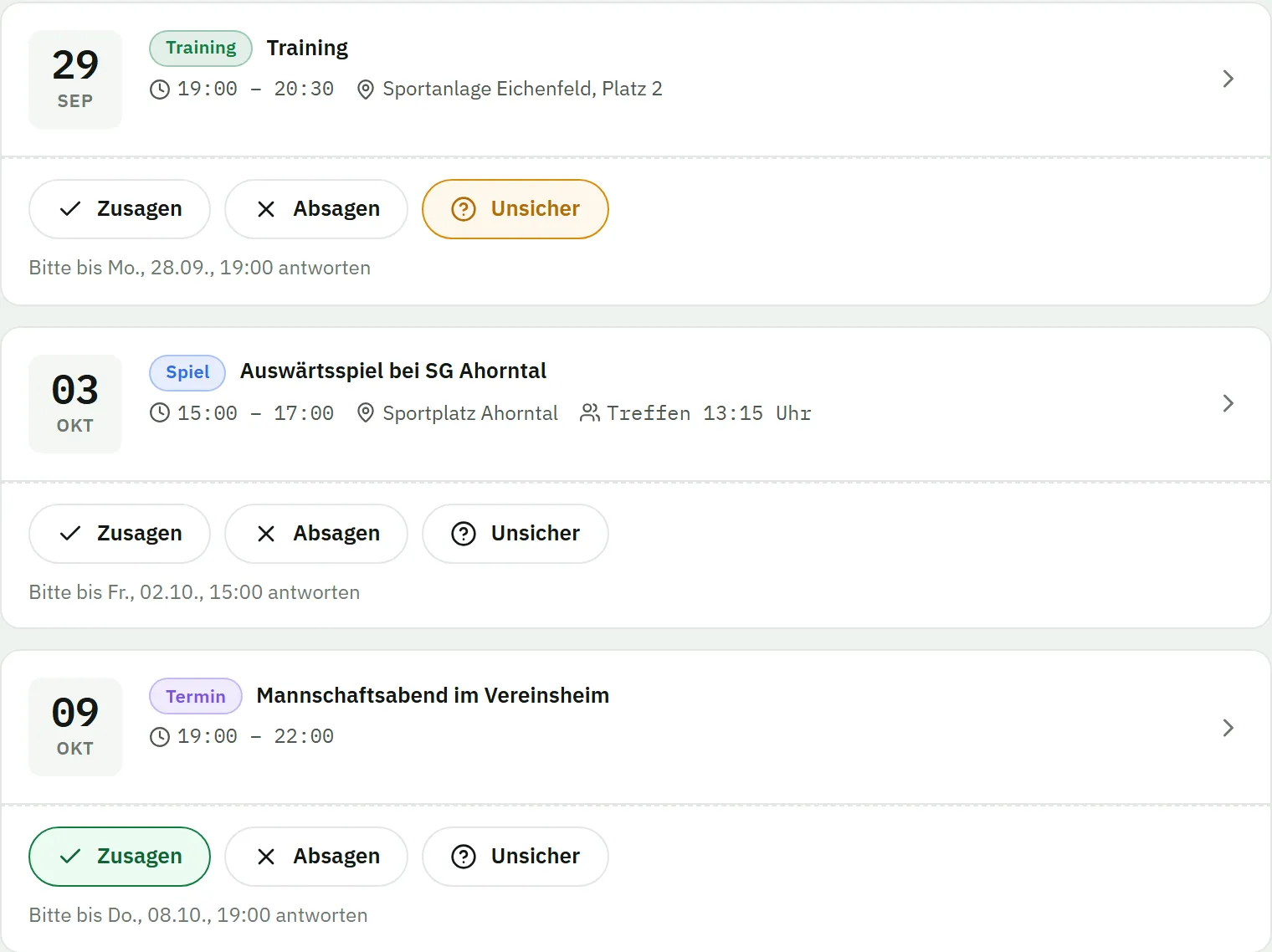
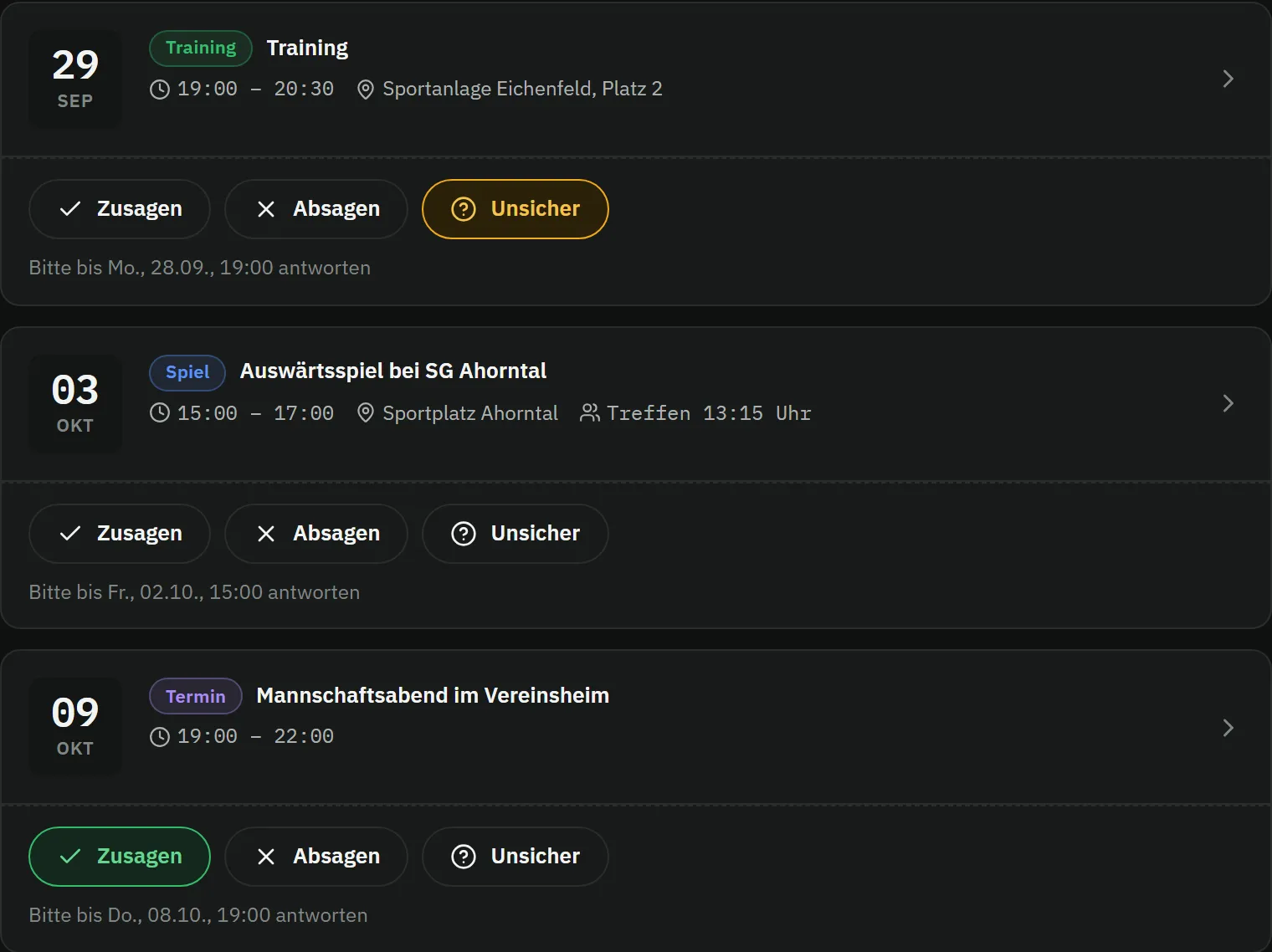
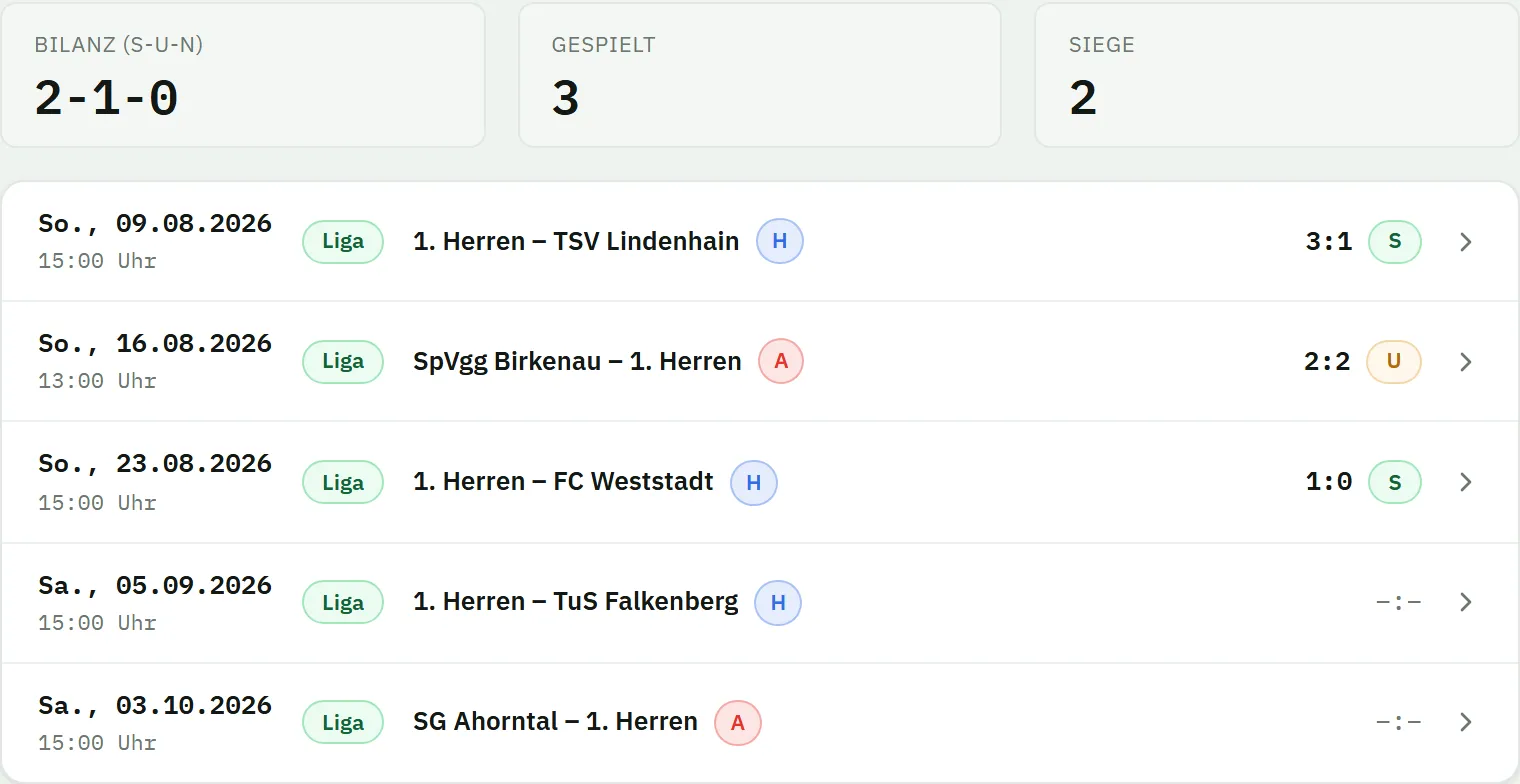
Player app on the phone: the “my schedule” list with two training sessions and the home match against TuS Falkenberg, each event with the buttons to confirm, decline or say “not sure” plus its response deadline, and a filter for unanswered events at the topPlayer app on the phone: the “my schedule” list with two training sessions and the home match against TuS Falkenberg, each event with the buttons to confirm, decline or say “not sure” plus its response deadline, and a filter for unanswered events at the top
Responses

Confirming? One tap is enough

Your players open their dates and answer in seconds: confirm, decline or “not sure” – with a short reason if they like. You instantly see who’s in at the weekend.

  • Confirm, decline or “not sure” – with an optional short reason
  • The response deadline always in view – MatchPlanner reminds automatically in good time
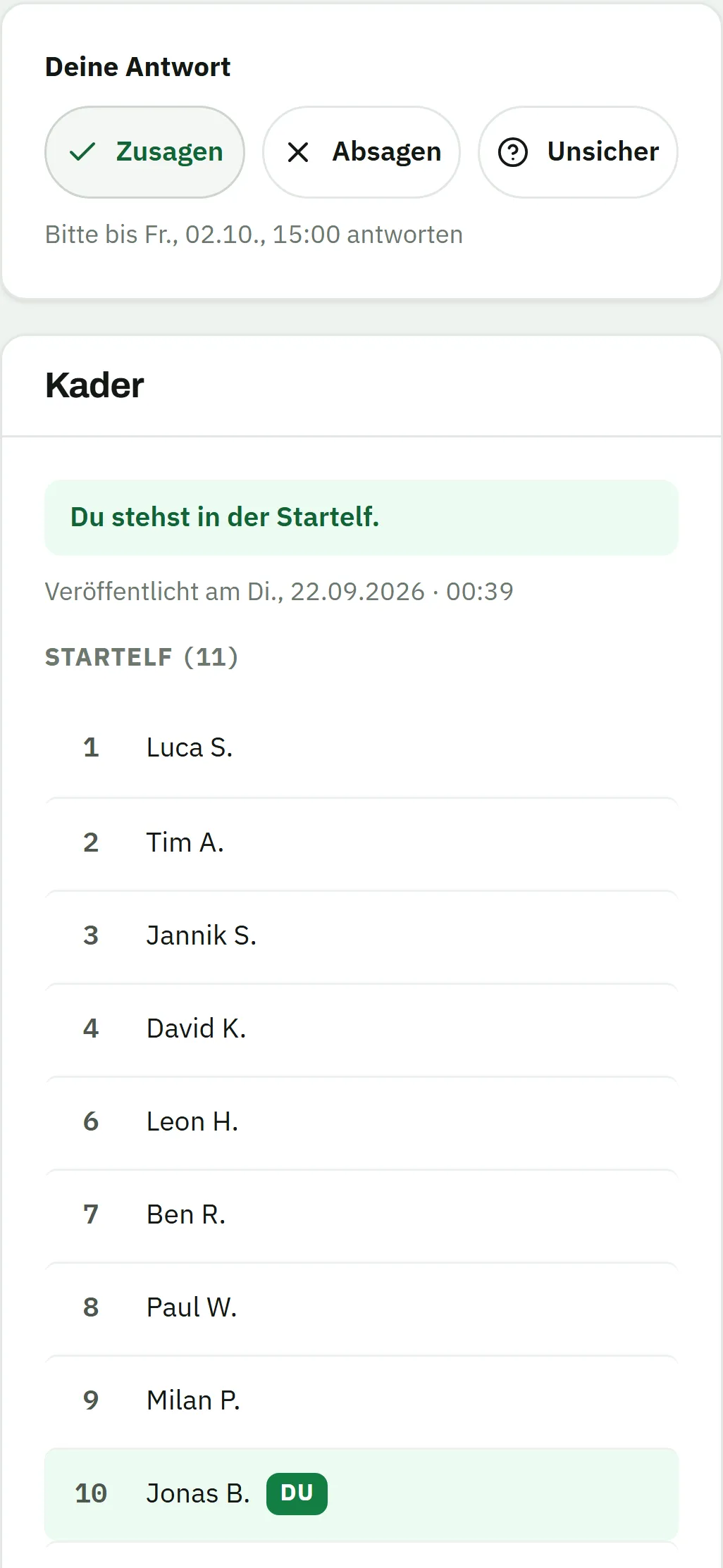
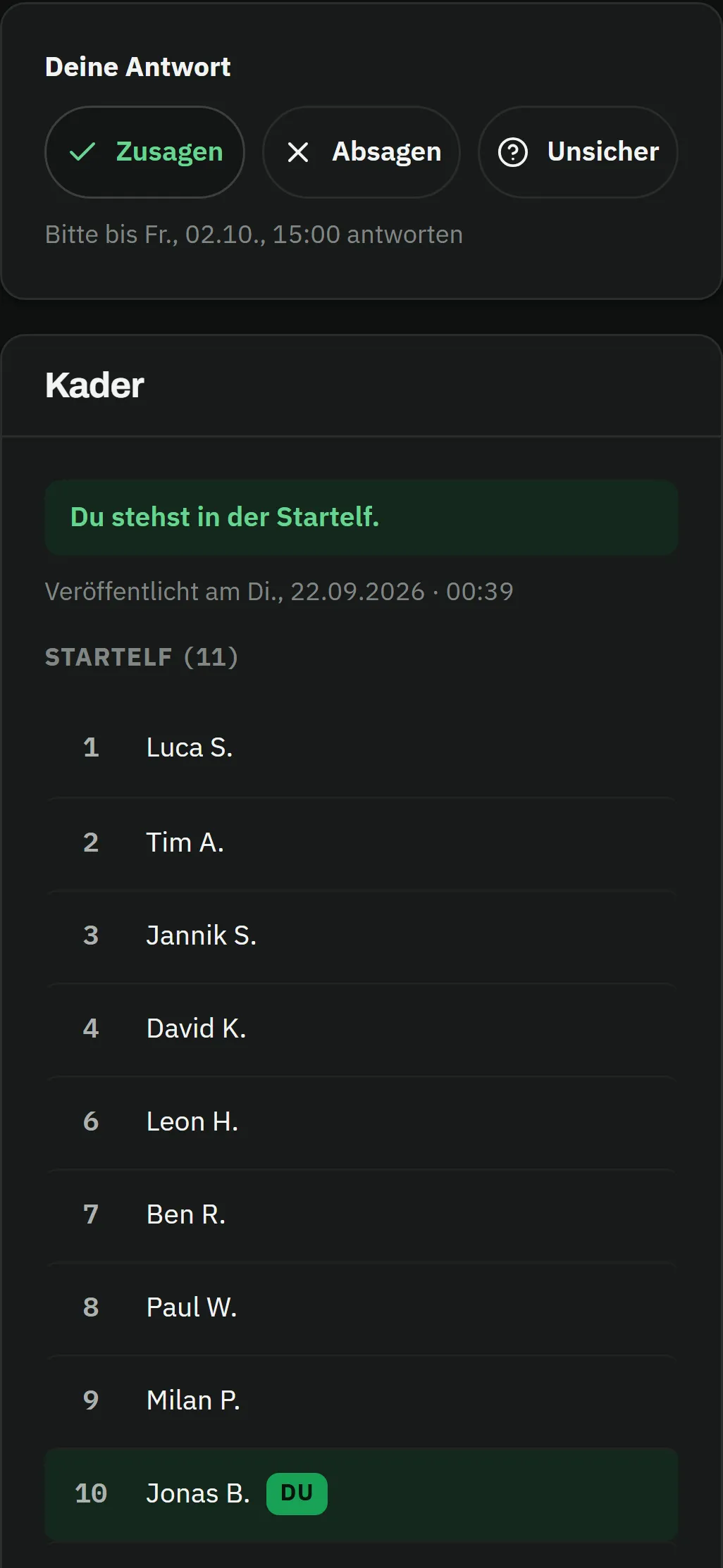
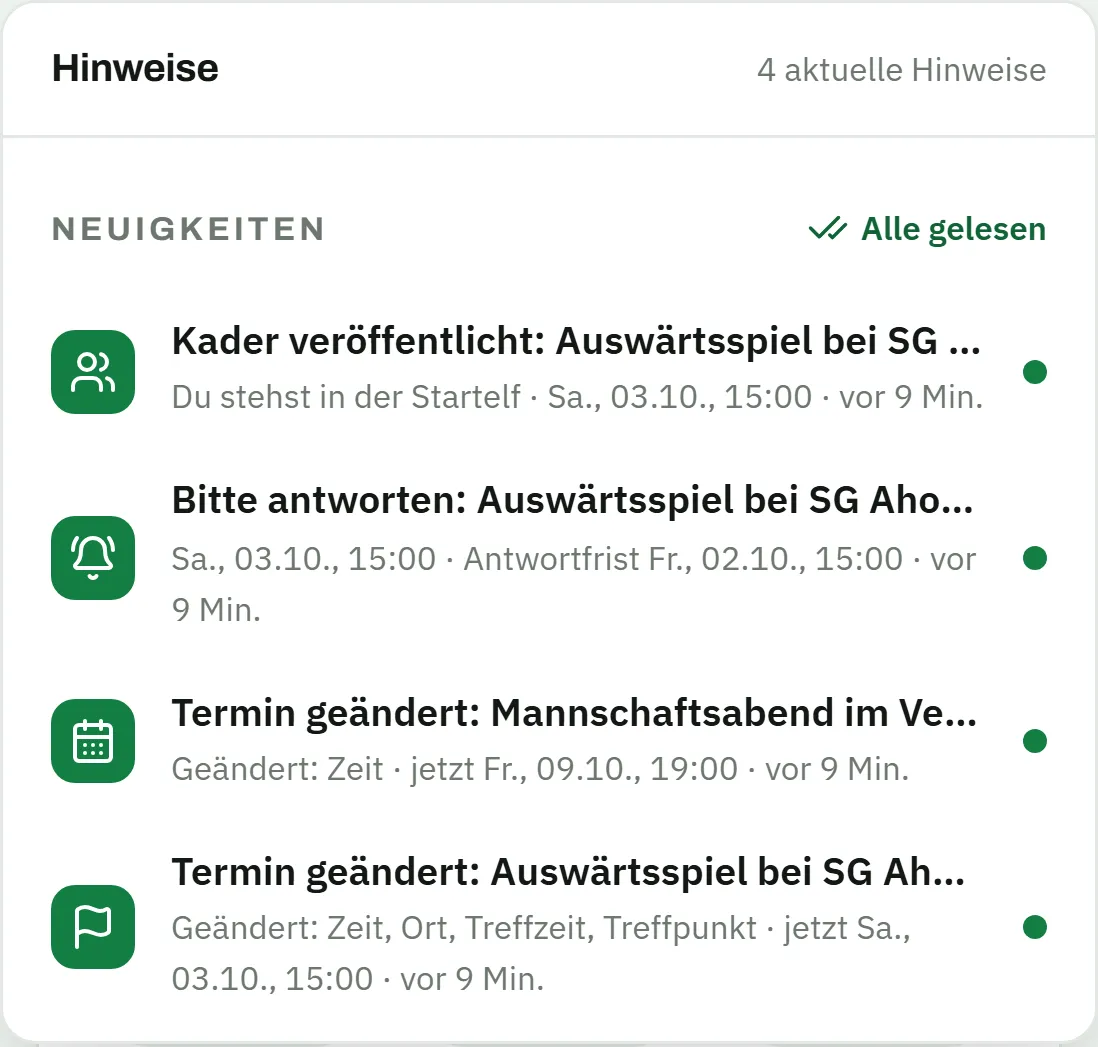
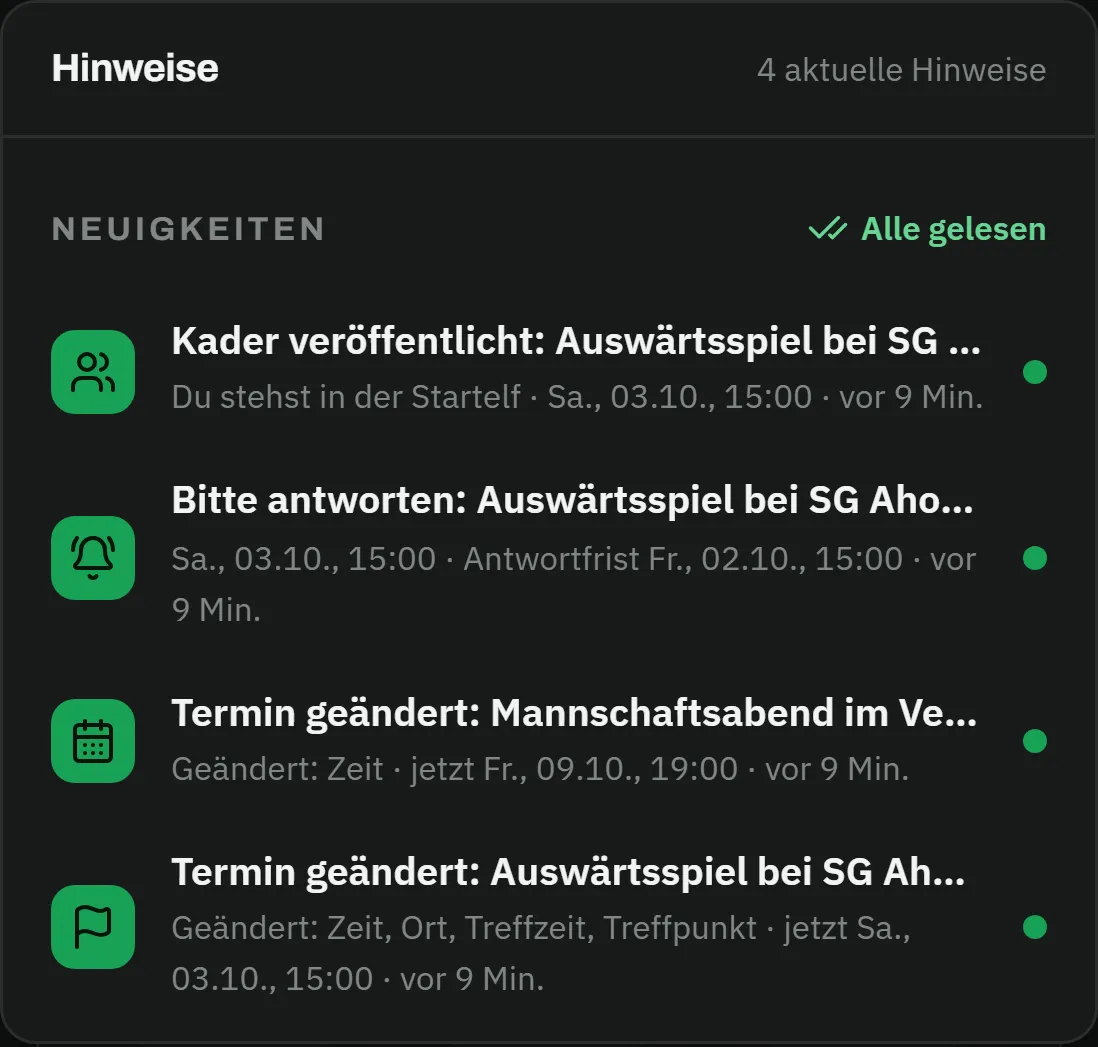
  • Dates, fixtures and the published matchday squad – all in the player view
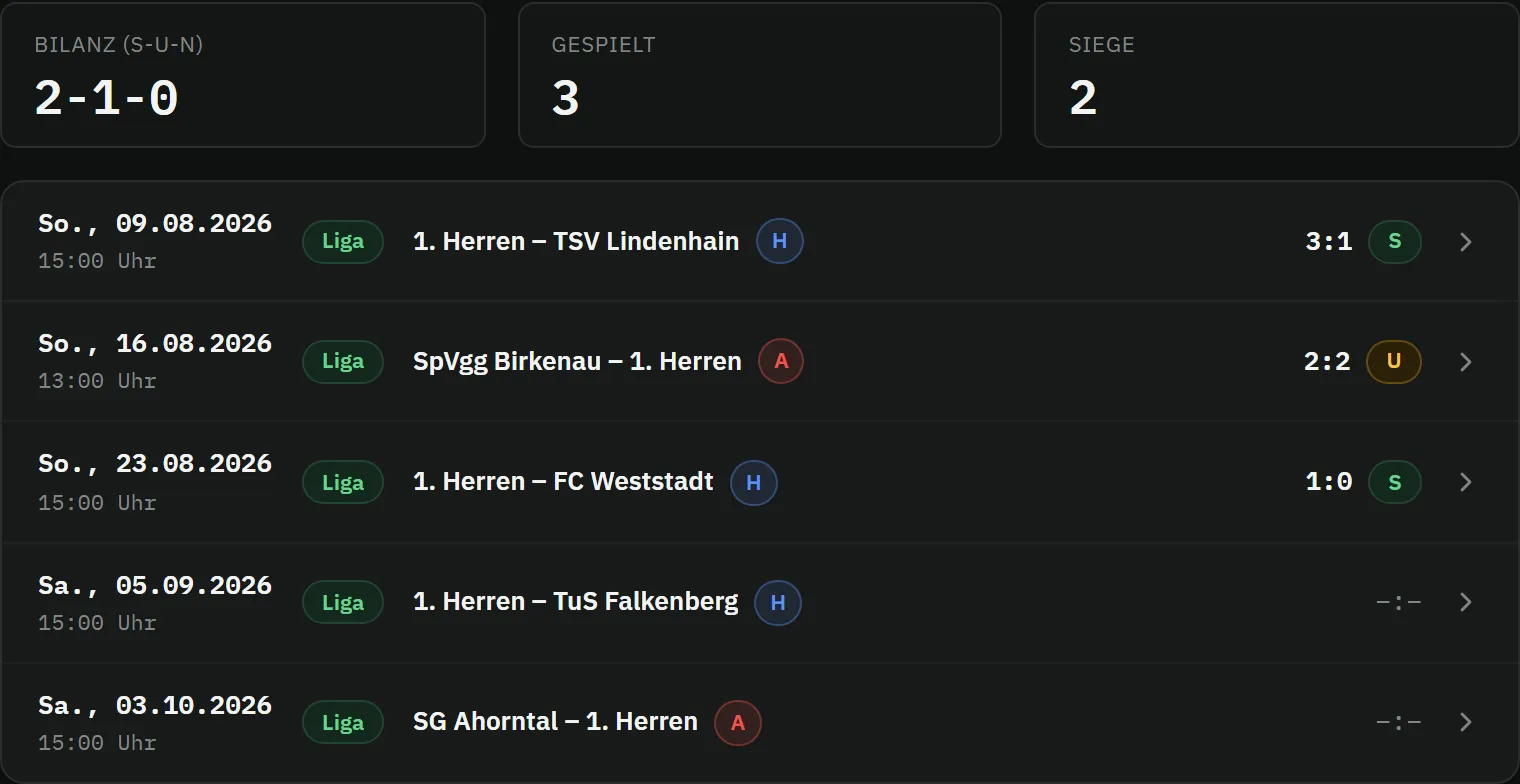
The schedule right after tapping “confirm”: the confirm button of Thursday’s training session is highlighted in green, below it the home match against TuS Falkenberg with meeting time and still-open response buttons, and another training sessionThe schedule right after tapping “confirm”: the confirm button of Thursday’s training session is highlighted in green, below it the home match against TuS Falkenberg with meeting time and still-open response buttons, and another training session
Always along

Installed in seconds, informed in real time

MatchPlanner is a web app: your players install it straight from the browser onto their home screen – no app store involved. Push notifications bring news and reminders to the phone, and the bell in the app collects everything in one place.

  • As a web app (PWA) straight onto the phone – on Android and iPhone
  • Push notifications per device – reminders arrive immediately
  • Emails the way they want them: immediately, as a daily digest or not at all
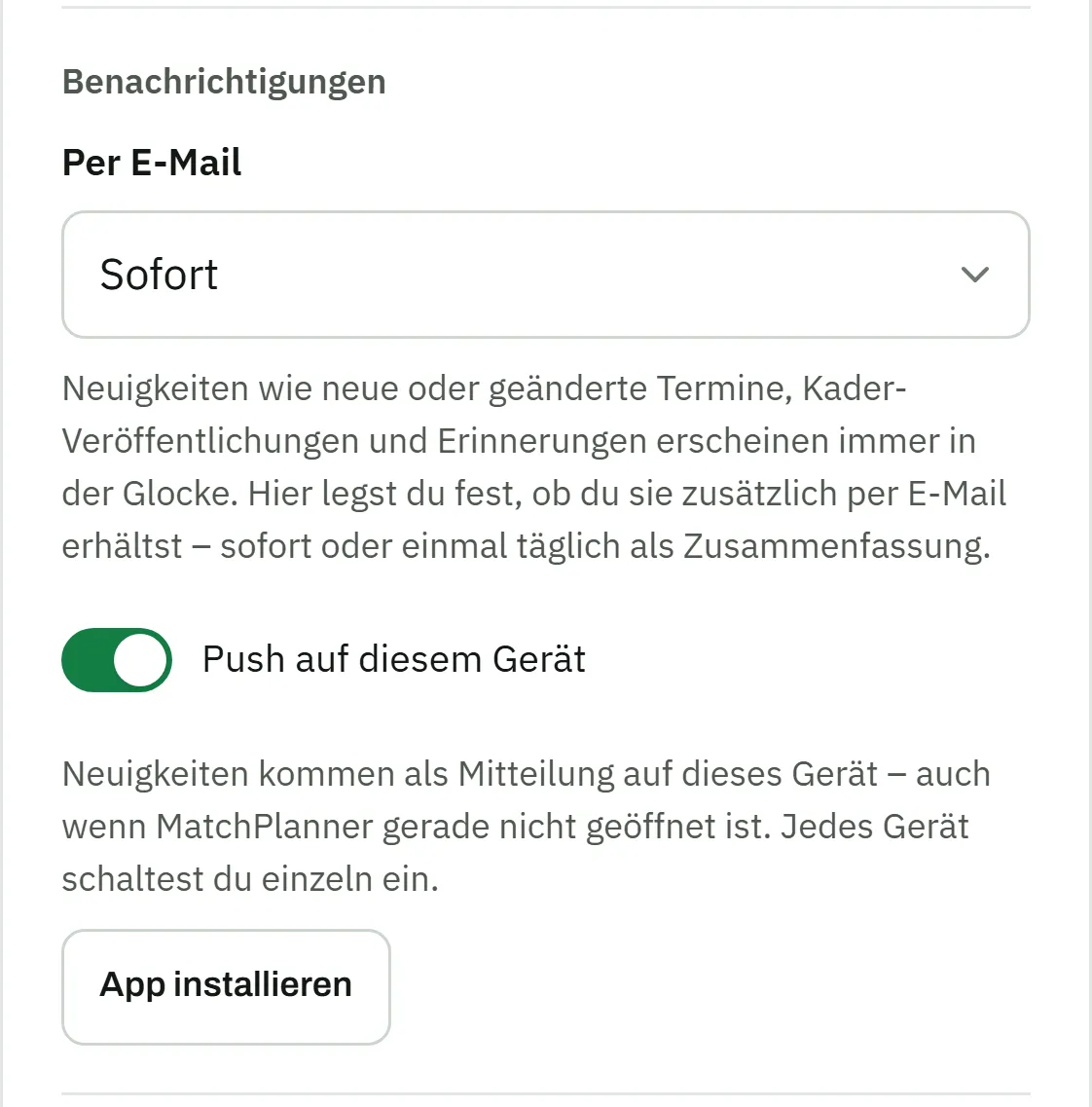
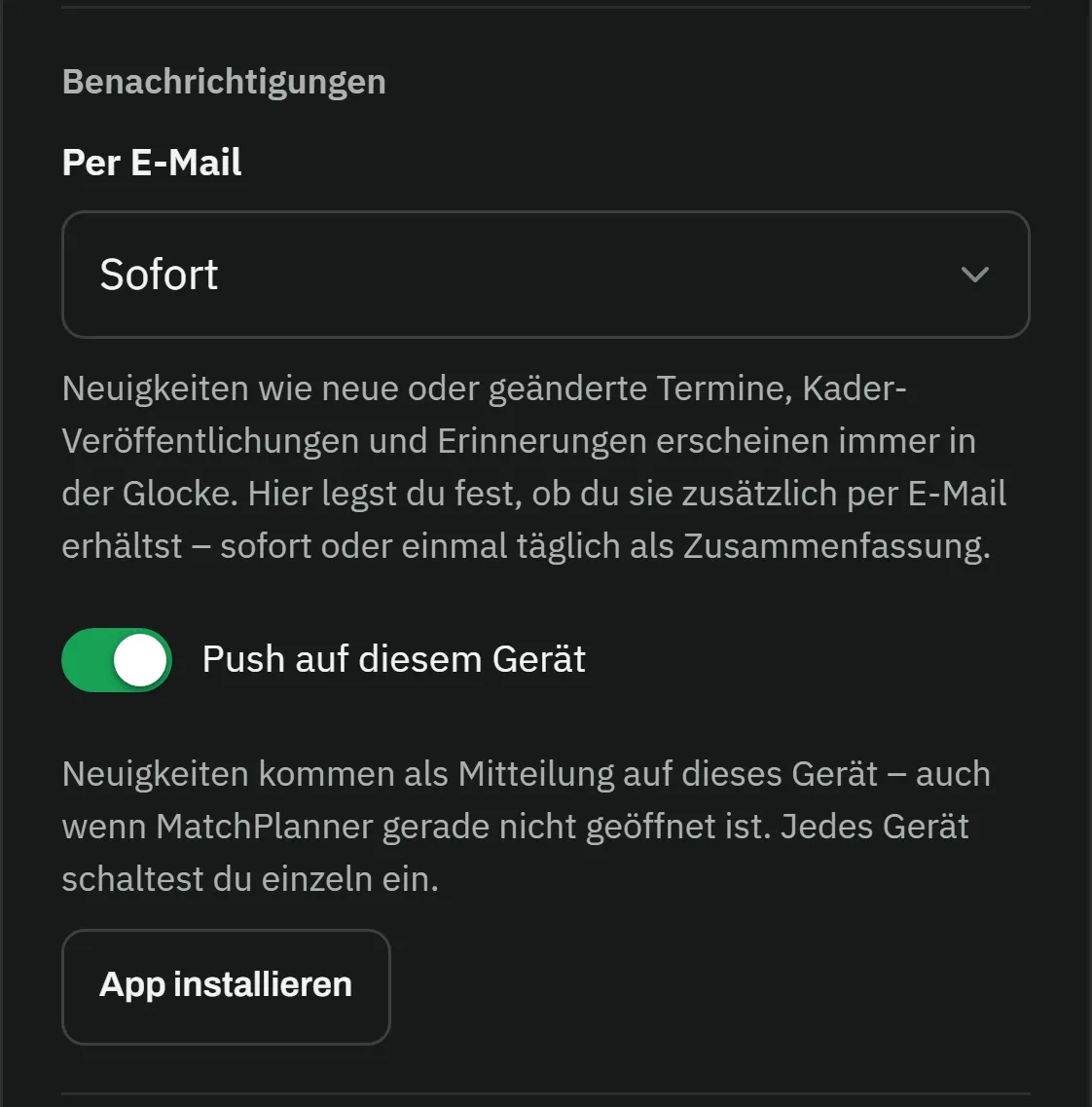
Profile in the player app: in the notifications section, e-mail delivery is set to “immediately”, the “push on this device” switch is turned on, and below it sits the “install app” buttonProfile in the player app: in the notifications section, e-mail delivery is set to “immediately”, the “push on this device” switch is turned on, and below it sits the “install app” button
Overview

Everything your players need

Every date in their pocket

Matches, training sessions and team events with venue and time – your players always see what’s next, with an optional feed for their personal calendar.

Answer with one tap

Confirm, decline or “not sure” with a short reason – the response deadline always in view. Whoever doesn’t answer is reminded automatically.

Push & email

Push notifications on the phone and emails the way they want them – immediately, as a daily digest or not at all. The bell in the app collects all the news.

Installable like an app

MatchPlanner runs in the browser and can be installed on the home screen as a web app (PWA) – no app store, no forced updates.

Parents on board

In youth football, parents use the access for their child: they see the dates and answer on their behalf – the response lands with the right player.

Clear boundaries

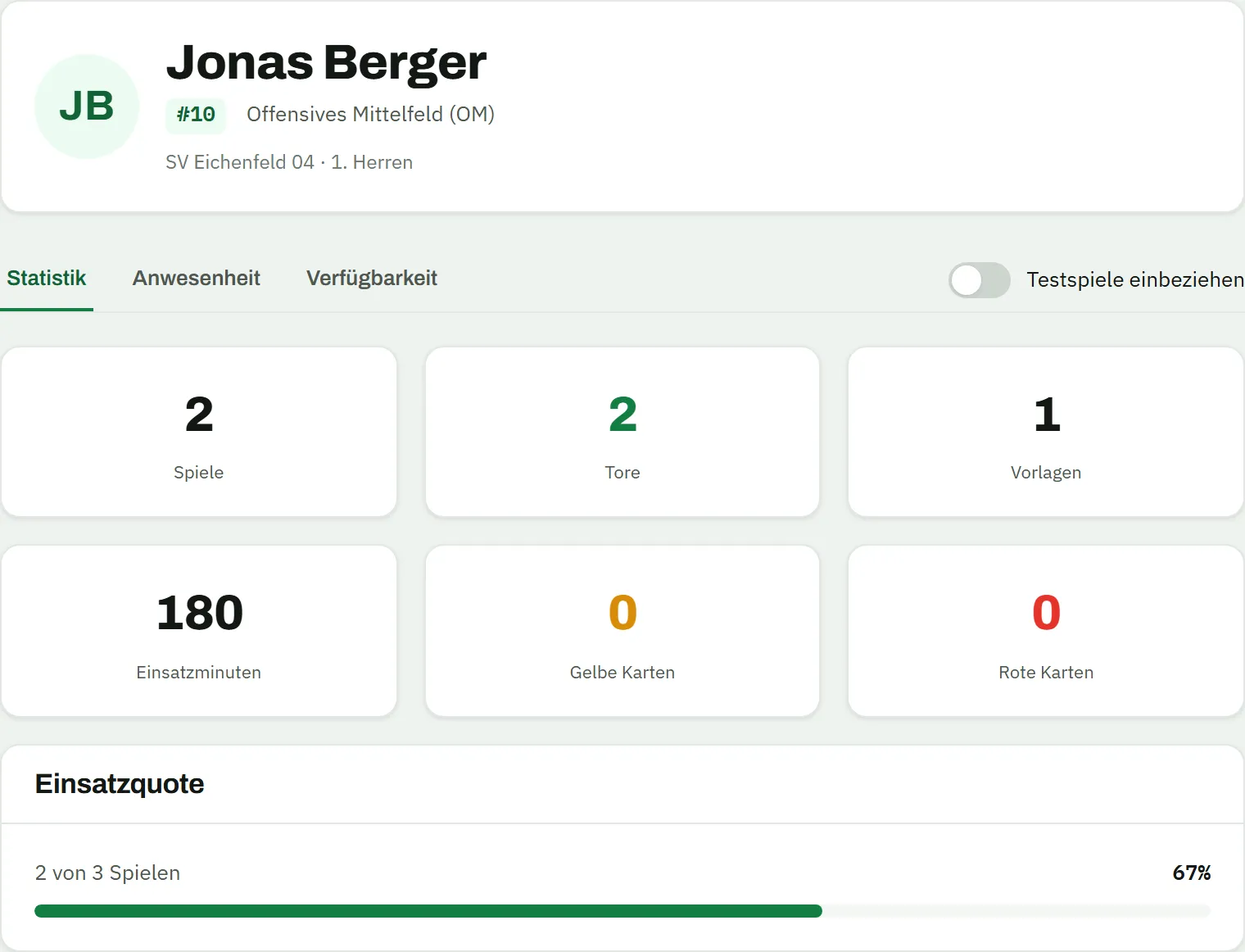
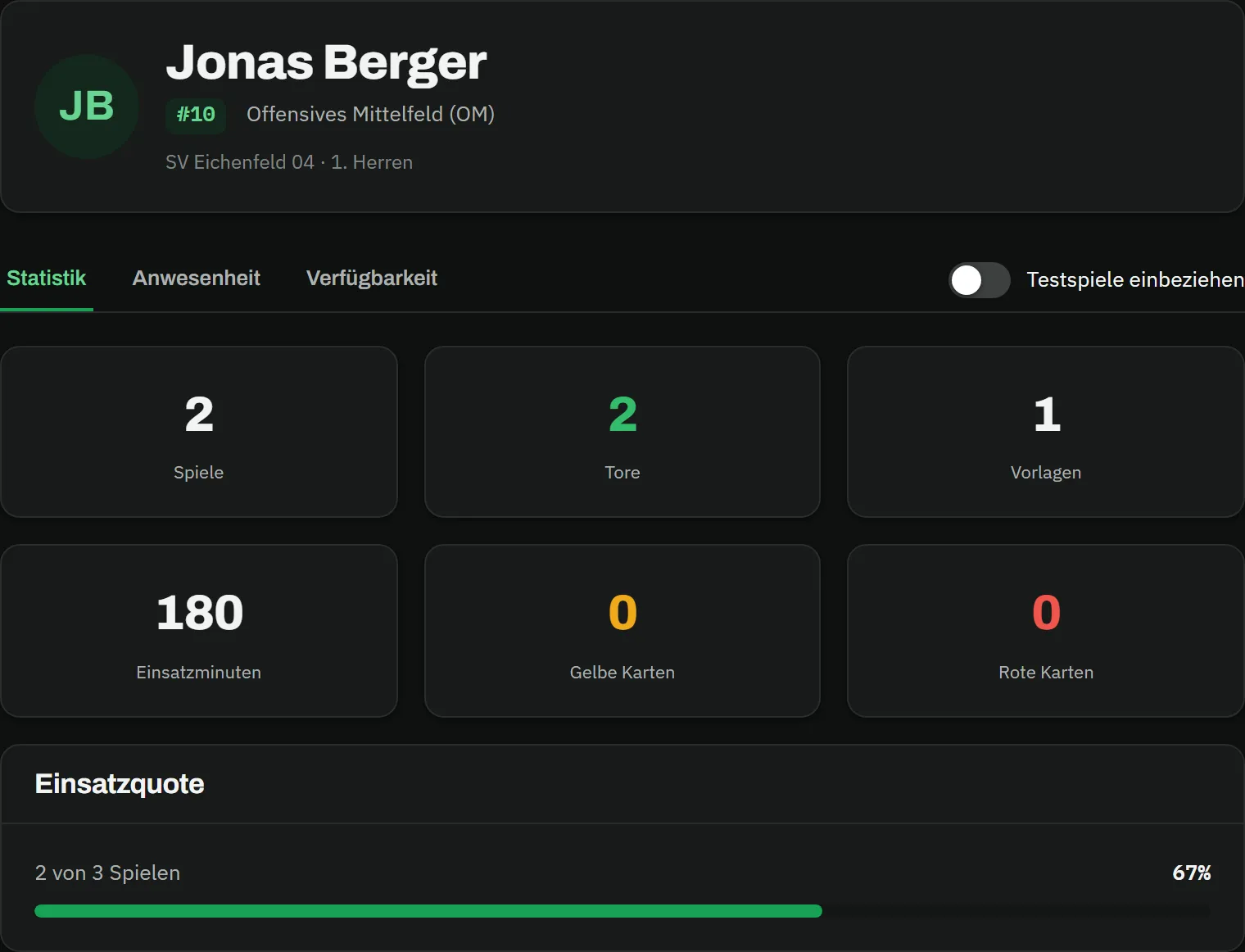
Players only see their own area: dates, fixtures and their own statistics. The squad list and the matchday squad only appear once you release them.

How it works

Your team is on board in three steps

  1. Step 01

    Invite your team

    Invite players individually with a link or share your team’s join link – you confirm every join with one click.

  2. Step 02

    App onto the phone

    Your players open MatchPlanner in the browser, install the web app on their home screen and enable push notifications.

  3. Step 03

    Responses flow in

    From now on your team confirms or declines with one tap – and whoever doesn’t answer is reminded automatically.

FAQ

Frequently asked questions about the player app

Do my players have to download an app from a store?

No. The player app is a web app (PWA): it runs in any browser and can be installed on the home screen from there – on Android just like on the iPhone. On the iPhone, push notifications are available from iOS 16.4 once the app is installed.

How do my players get into the app?

Either you invite individual players with a personal invitation link, or you share your team’s join link in the team group. When joining via the link, the player picks their name from the squad and you confirm the access with one click – so every response is clearly tied to one player.

Can parents answer for their kids?

Yes. In youth football, parents use the access for their child: they see the child’s dates and confirm or decline on their behalf. Nothing changes for you as the coach – the answer lands with the right player.

What do my players see – and what not?

Players only see their own area: the dates with their responses, the fixtures, their own statistics and attendance, and their absences. Whether they see the squad list or other players’ answers is up to you in the team settings – and the matchday squad only becomes visible once you publish it. The coaching area stays completely hidden.

Kick-off

Get your team into the app

Create your team and share the join link – the first responses come in within minutes. Free and without an app store.

100% free · Nothing to install · Servers in Germany