MatchPlanner
Features · Training

Training planning with a system: drills, sessions, sketches

Build your own exercise library, draw drill diagrams in the sketch editor and assemble complete training sessions by drag-and-drop – including a PDF for the dressing room.

100% free · Nothing to install · Servers in Germany

matchplanner.de/app/trainingszentrum/uebungen
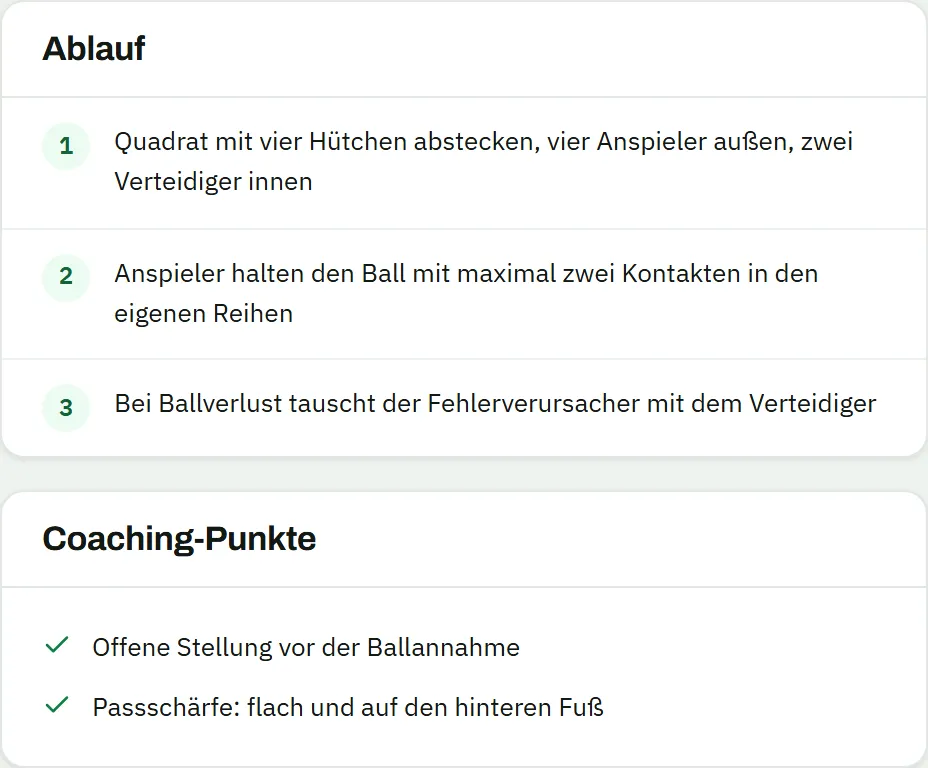
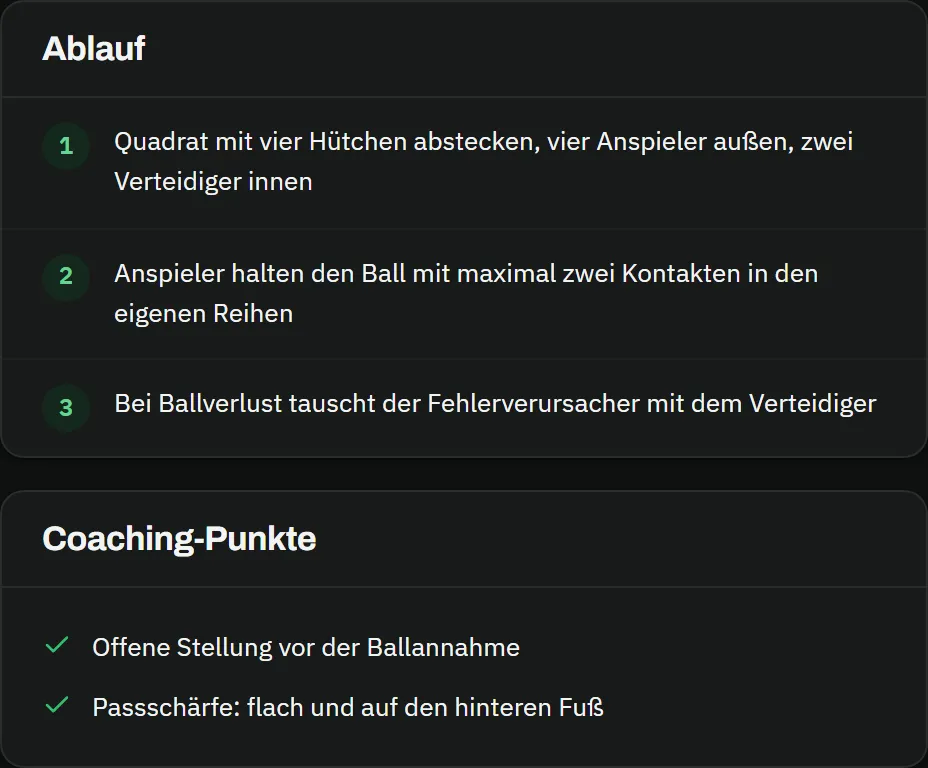
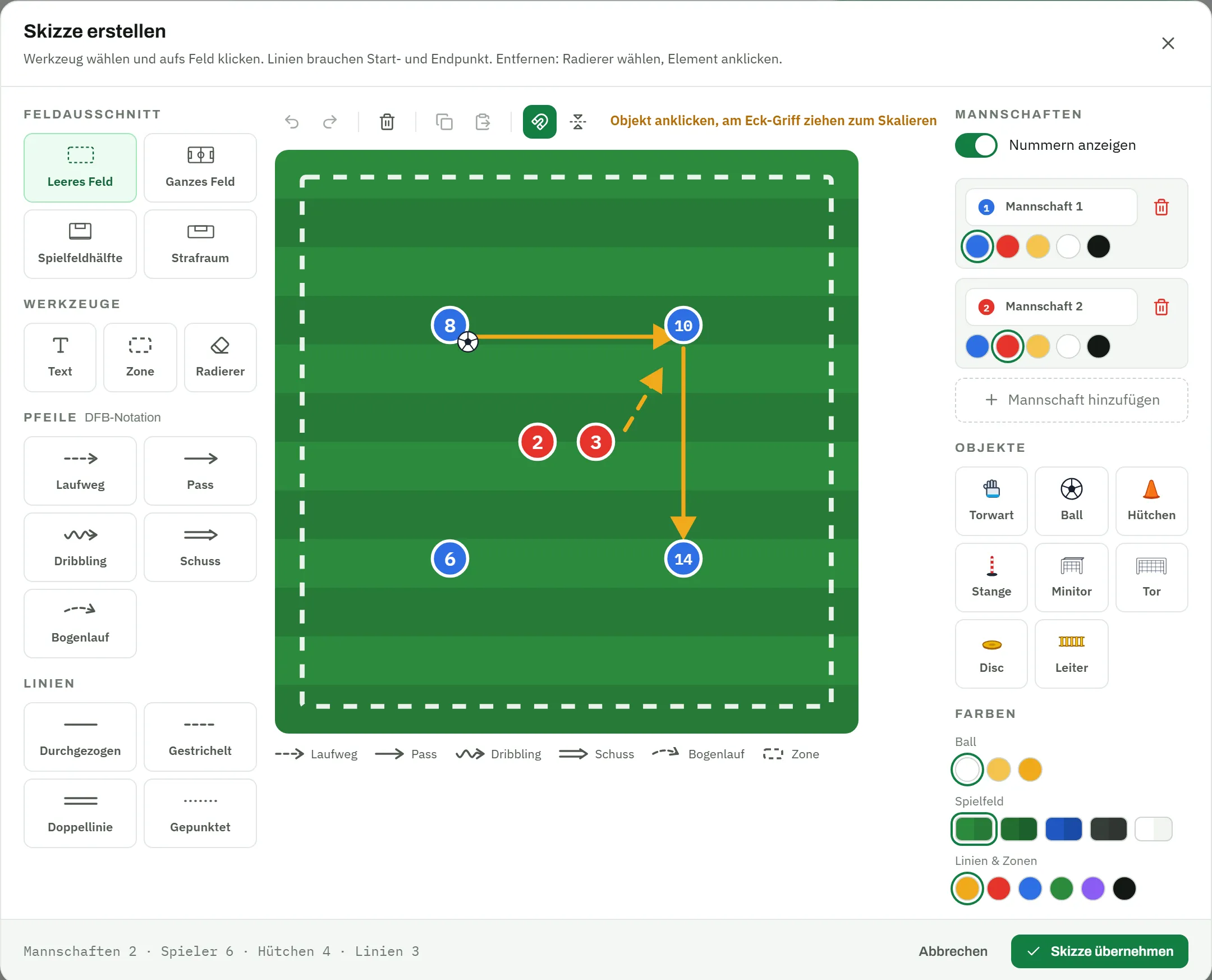
Drill detail “Passing triangle 4 v 2”: category technique, 15 minutes, 6–12 players, the procedure in three steps, coaching points and the sketch with four passers against two defendersDrill detail “Passing triangle 4 v 2”: category technique, 15 minutes, 6–12 players, the procedure in three steps, coaching points and the sketch with four passers against two defenders
Exercise library

Your drills, finally organised

No more scraps of paper, photos and scattered documents: in your exercise library every drill has a description, category, images and a sketch – and is found again in seconds.

  • Categories like warm-up, technique, tactics and fitness
  • Up to ten images per drill – plus your own sketches from the editor
  • Import from Word and PDF with preview and corrections
matchplanner.de/app/trainingszentrum/uebungen
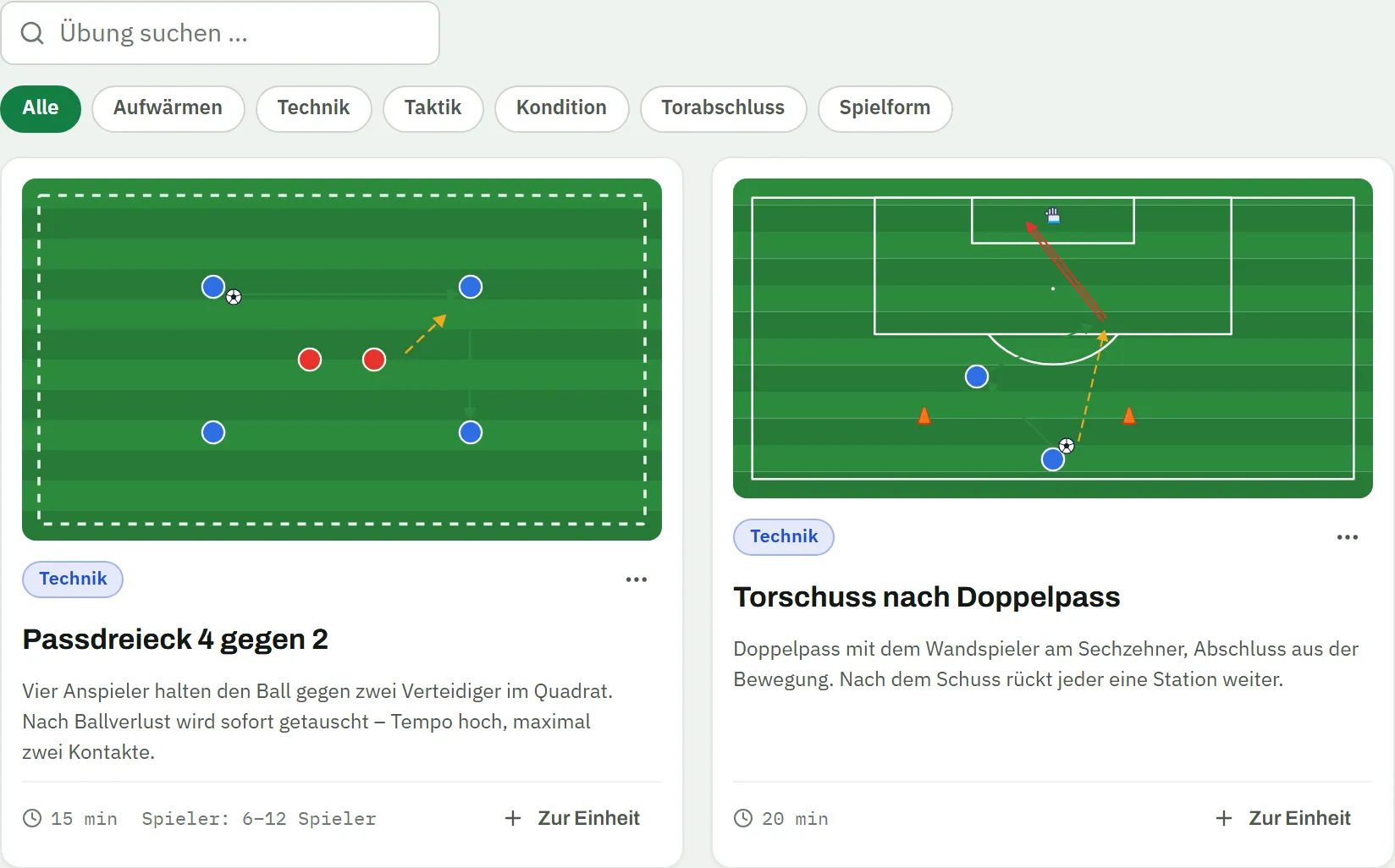
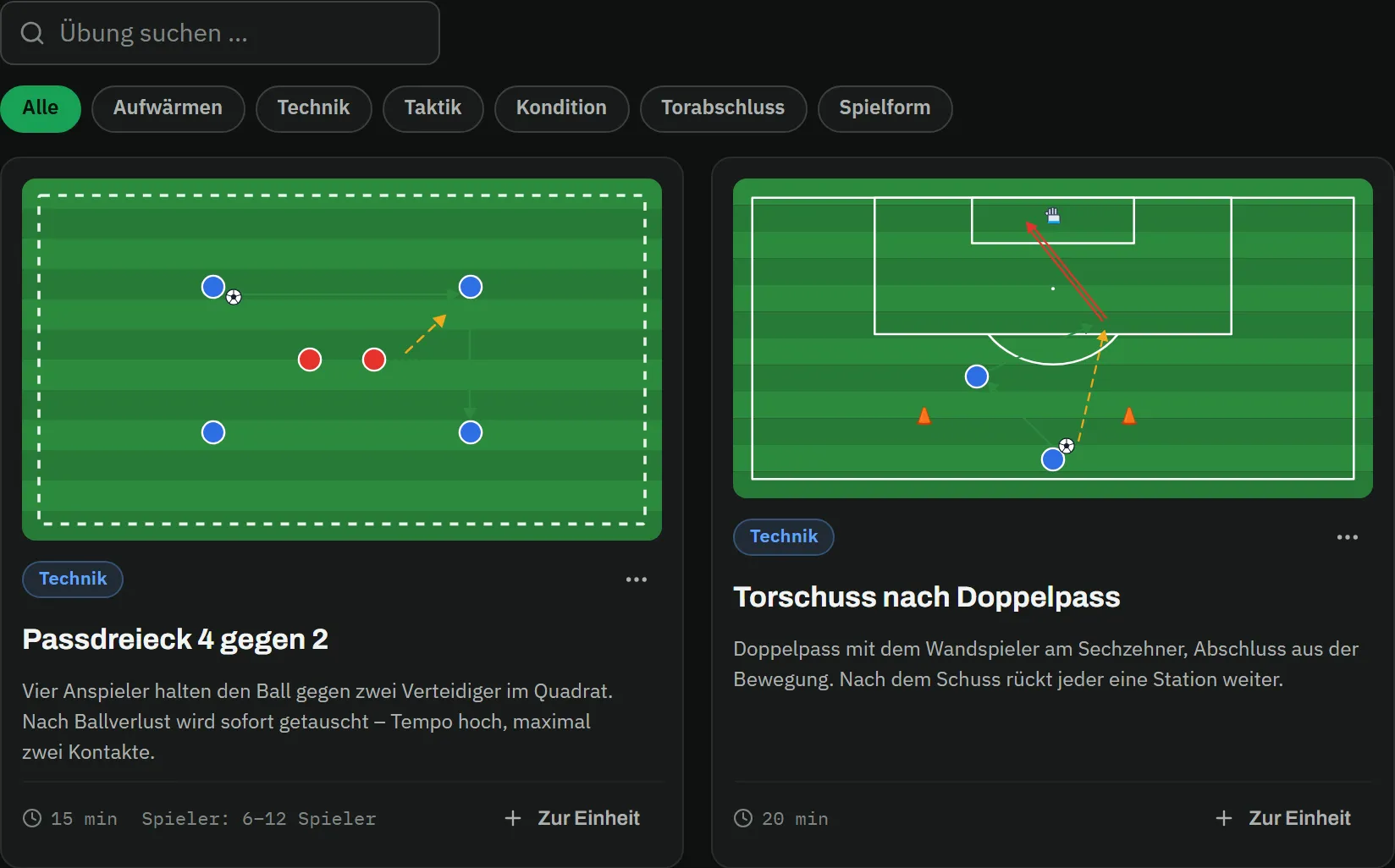
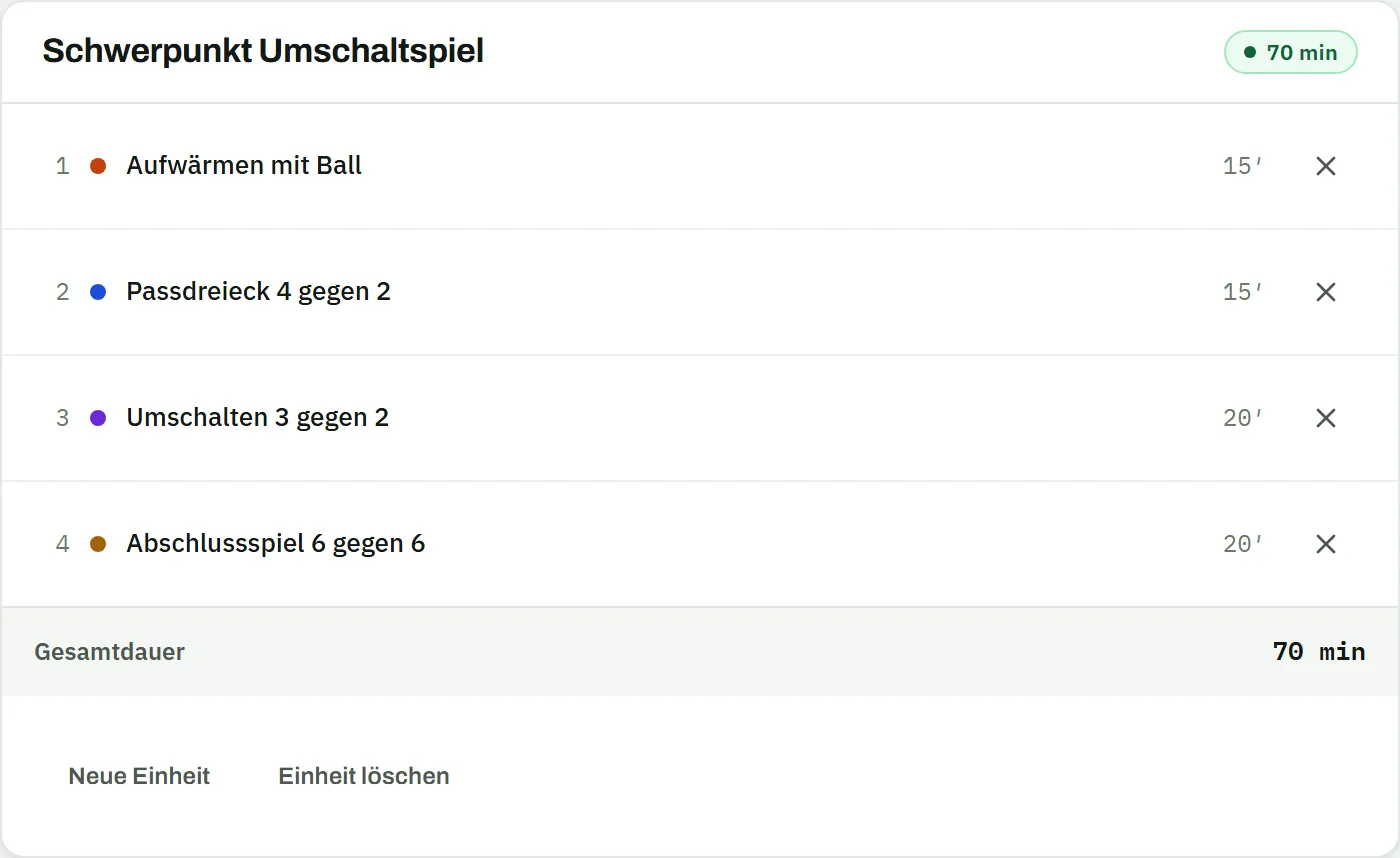
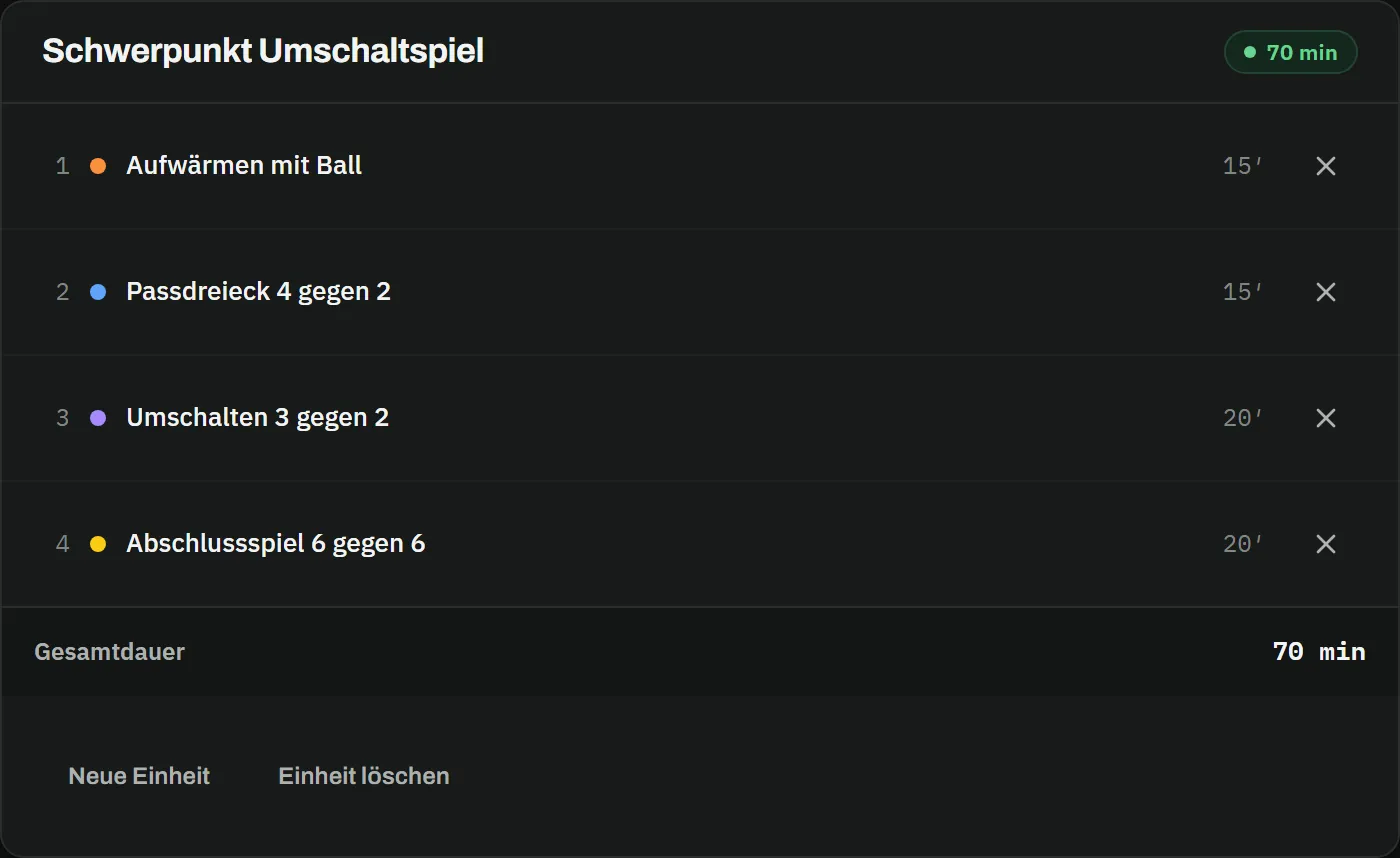
Exercise library “My training drills”: search, category filters from warm-up to game form, drill cards with sketch and duration, and on the right the session “Focus on transition play” with four drills and 70 minutes in totalExercise library “My training drills”: search, category filters from warm-up to game form, drill cards with sketch and duration, and on the right the session “Focus on transition play” with four drills and 70 minutes in total
Training sessions

From single drill to finished session

Warm-up, main part, finish: drag your drills into the session, put them in the right order – and take the finished plan to the pitch as a PDF.

  • Assemble sessions from your library by drag-and-drop
  • Training schedule with regular times – sessions land in the calendar automatically
  • PDF export for the dressing room, the pitch and assistant coaches
matchplanner.de/app/team/trainingsplan
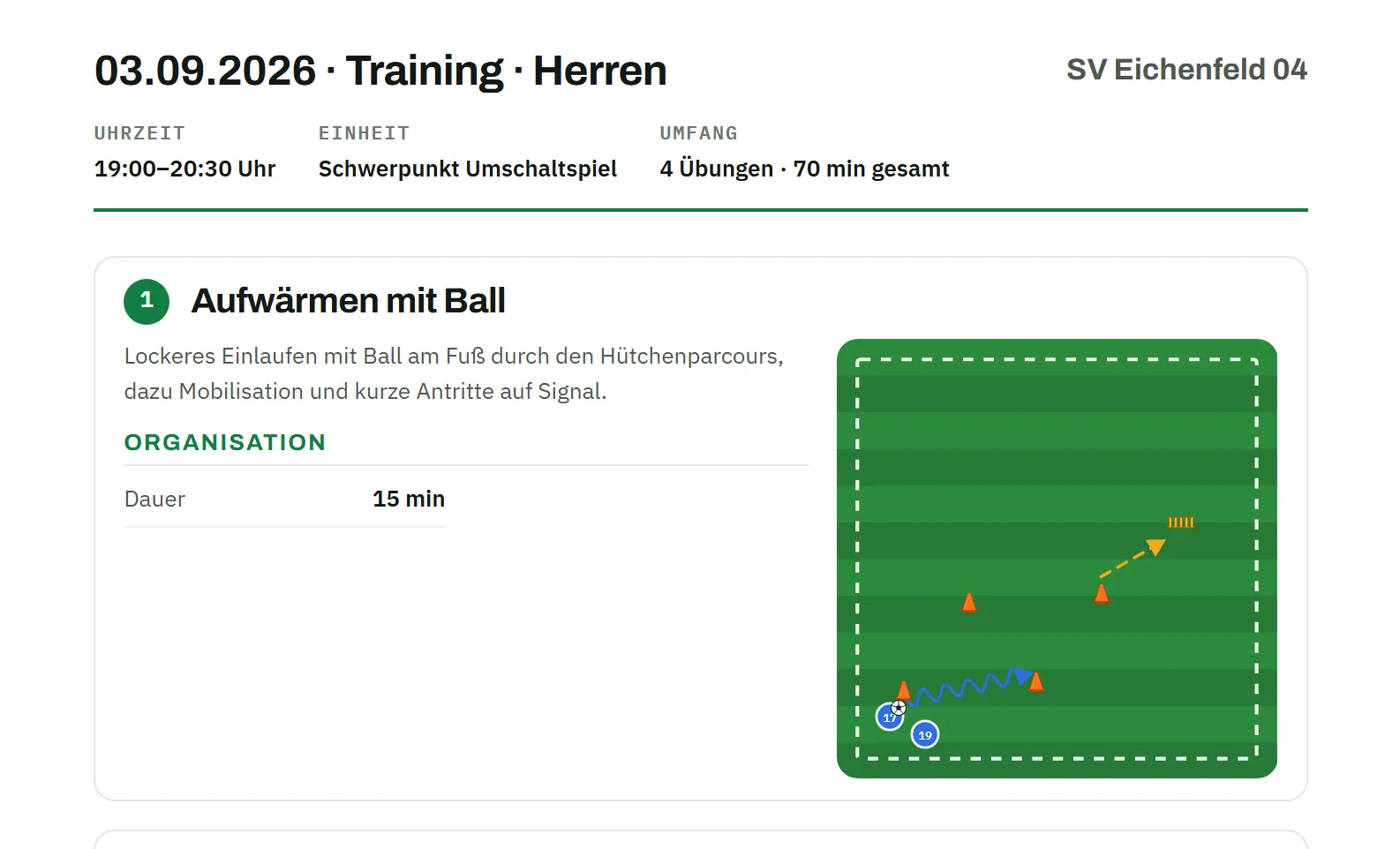
Training event with a linked session, tab “Drills · 4”: 70 minutes in total, the drills warm-up with ball, passing triangle 4 v 2 and transition 3 v 2 with sketch, category and duration – the Export button at the topTraining event with a linked session, tab “Drills · 4”: 70 minutes in total, the drills warm-up with ball, passing triangle 4 v 2 and transition 3 v 2 with sketch, category and duration – the Export button at the top
Overview

Everything for your training

Exercise library

Your own drills with description, category and up to ten images – searchable and always at hand.

Sketch editor

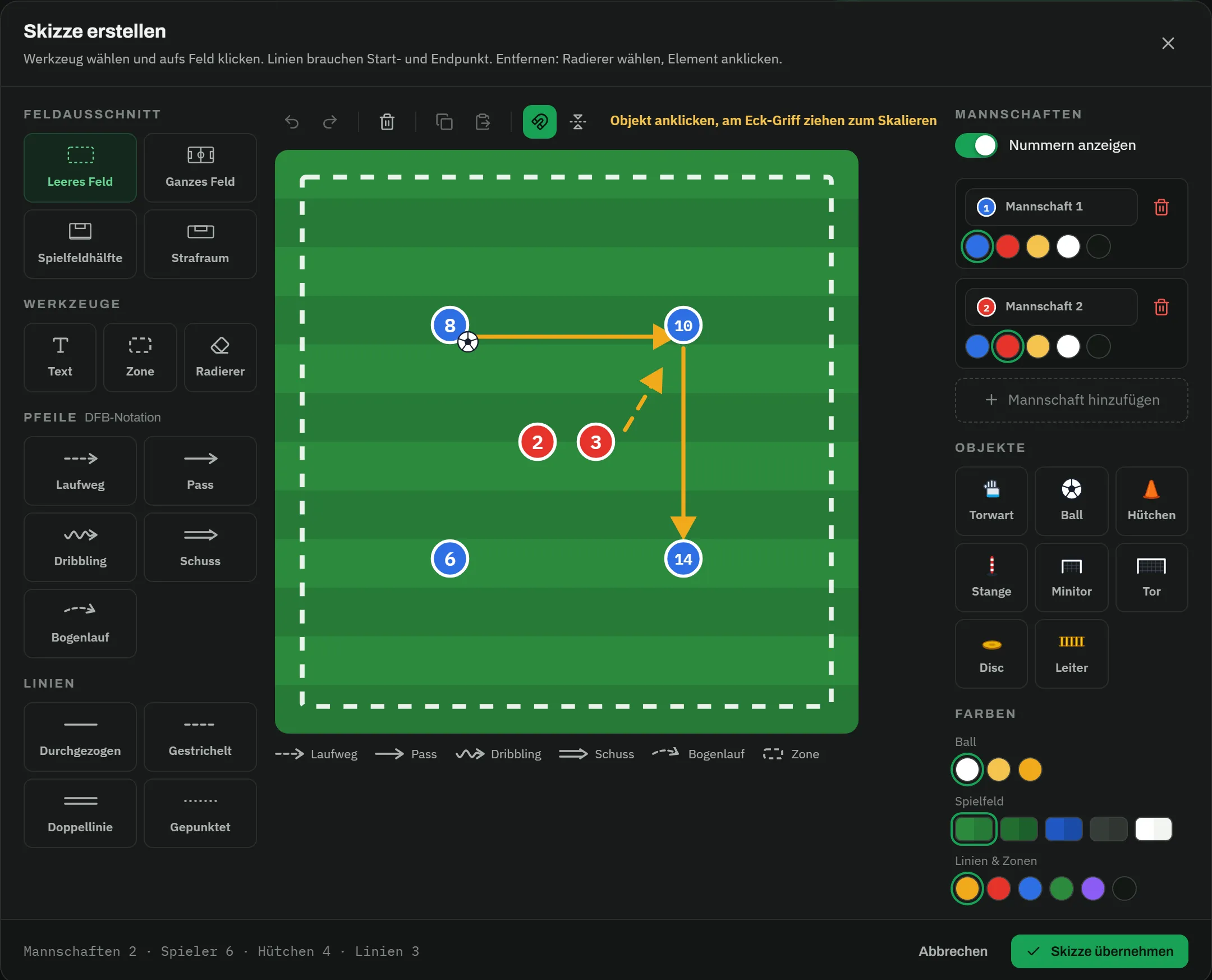
Drill diagrams in proper football notation: runs, passes, zones and magnets – with your own drill image as a template if you like.

Session builder

Assemble complete training sessions from your drills by drag-and-drop – from the warm-up to the final game.

PDF export

Export the finished session as a PDF – to print for the dressing room or to pass on to your assistant coaches.

Drill import

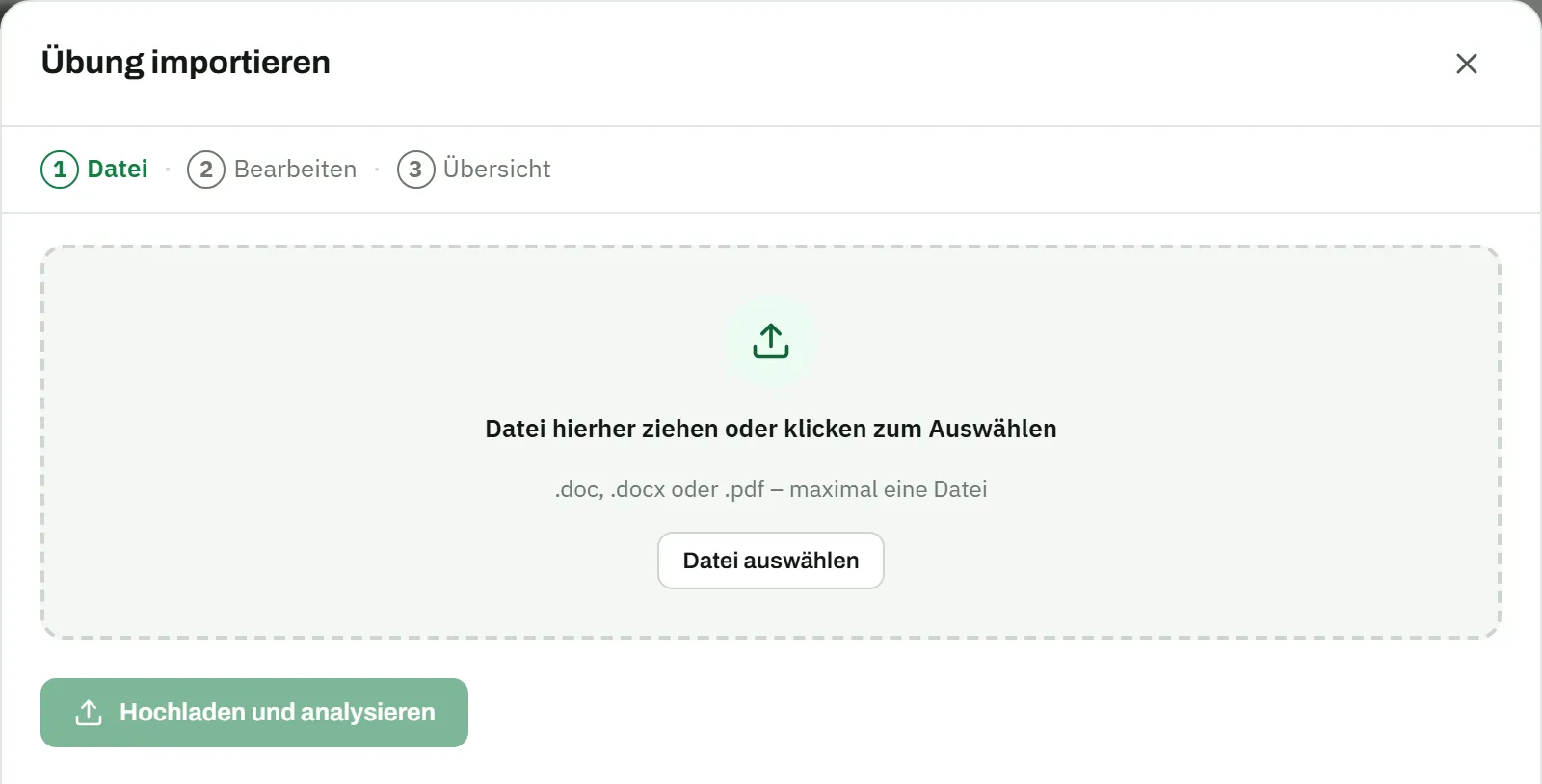
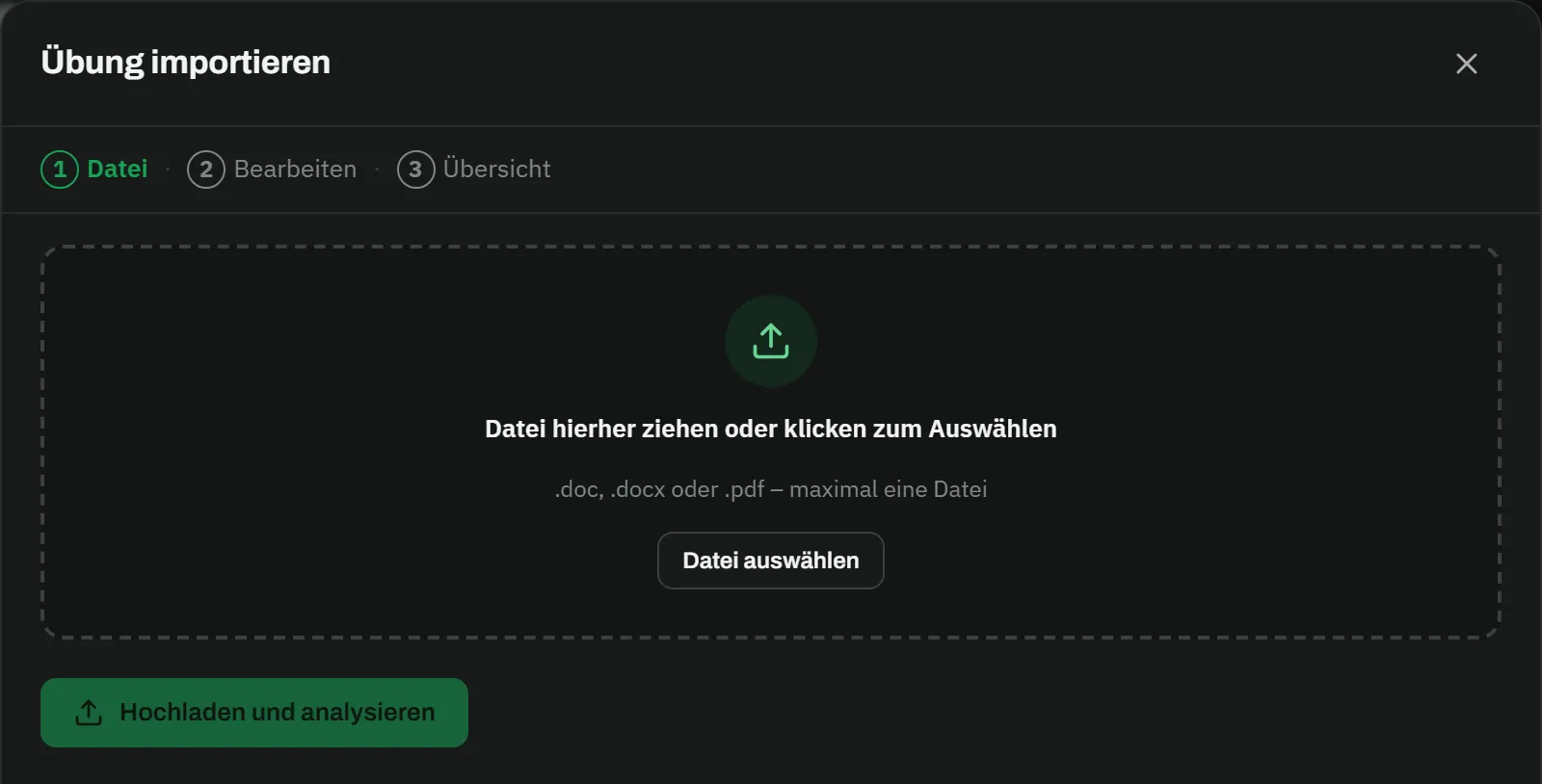
Bring your existing collection with you: upload Word and PDF files, check the preview, take over the drills.
Training schedule & events

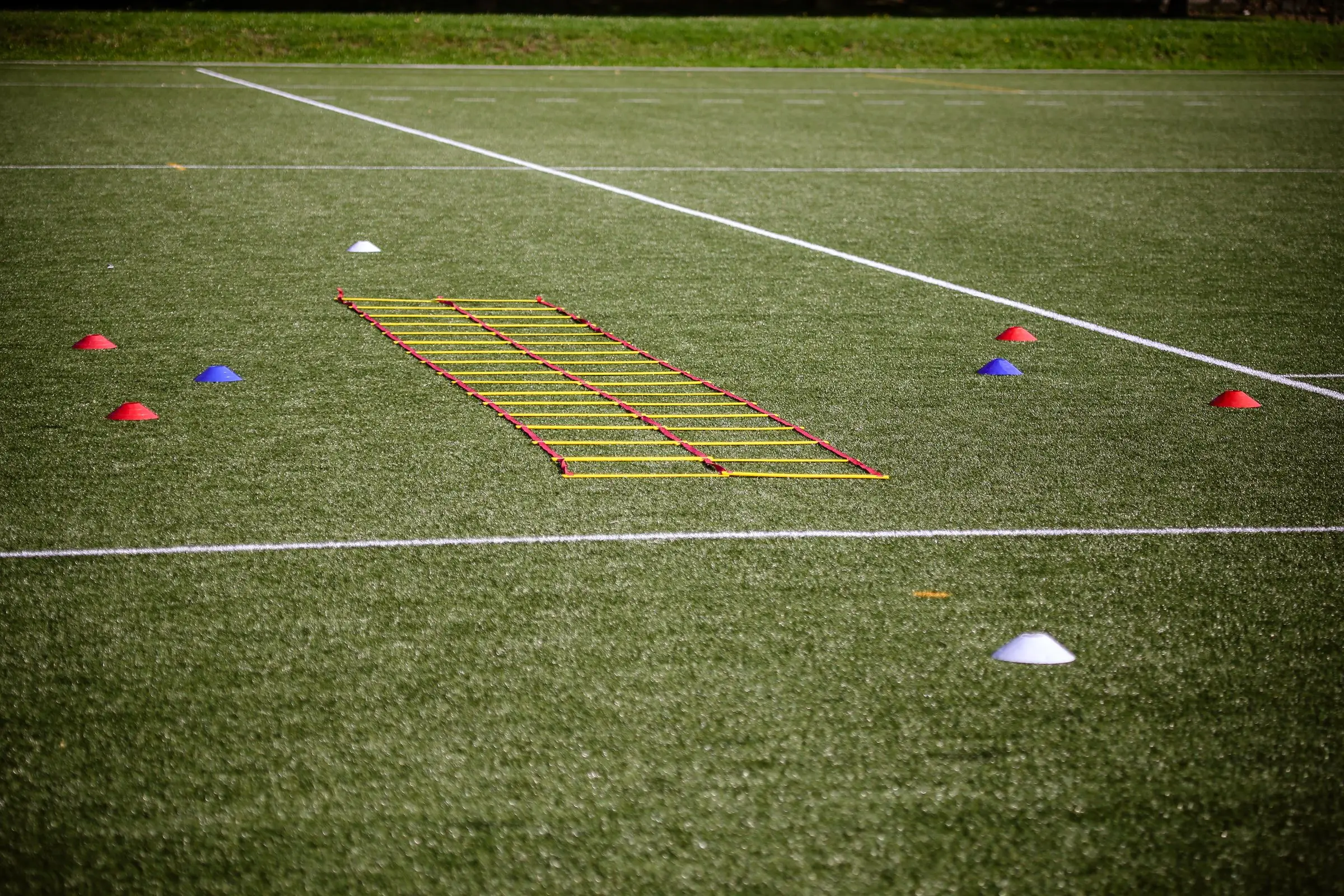
Regular training times as a schedule – every session lands in the team calendar automatically, and you record attendance right there.

Training evening

A finished training in three steps

  1. Step 01

    Collect your drills

    Create your drills with a sketch and images – or import your existing collection from Word and PDF.

  2. Step 02

    Build the session

    Drag the right drills into your session – and the plan for the training evening is done.

  3. Step 03

    Run the training

    Take the session to the pitch as a PDF and record attendance right at the event.

FAQ

Frequently asked questions about training planning

Can I import my existing drill collection?

Yes. Upload Word files (.doc/.docx) or PDFs – MatchPlanner detects the individual drills, shows you a preview for corrections and only then takes them into your library.

How do I create my own drill diagrams?

With the built-in sketch editor: place magnets, draw runs (dashed) and passes (solid), mark zones. You can put an existing drill image behind the canvas as a template and comfortably trace it.

Can I print training sessions?

Yes, every session can be exported as a PDF – to print for the dressing room, as a crib sheet on the pitch or to pass on to assistant coaches.

Do my players see the training content?

Your drills and sessions stay in the coaching area. In the player app, players see the training dates, confirm or decline and get reminders – the content of the training stays in your hands.

Kick-off

Your next training gets planned here

Create your first drills or import your collection – free, in the browser and with nothing to install.

100% free · Nothing to install · Servers in Germany