MatchPlanner
Features · Schedule

Scheduling: the calendar for your whole team

Matches, training sessions and team events in one place – with your players’ availability responses, automatic reminders and a calendar your team actually uses.

100% free · Nothing to install · Servers in Germany

matchplanner.de/app/kalender
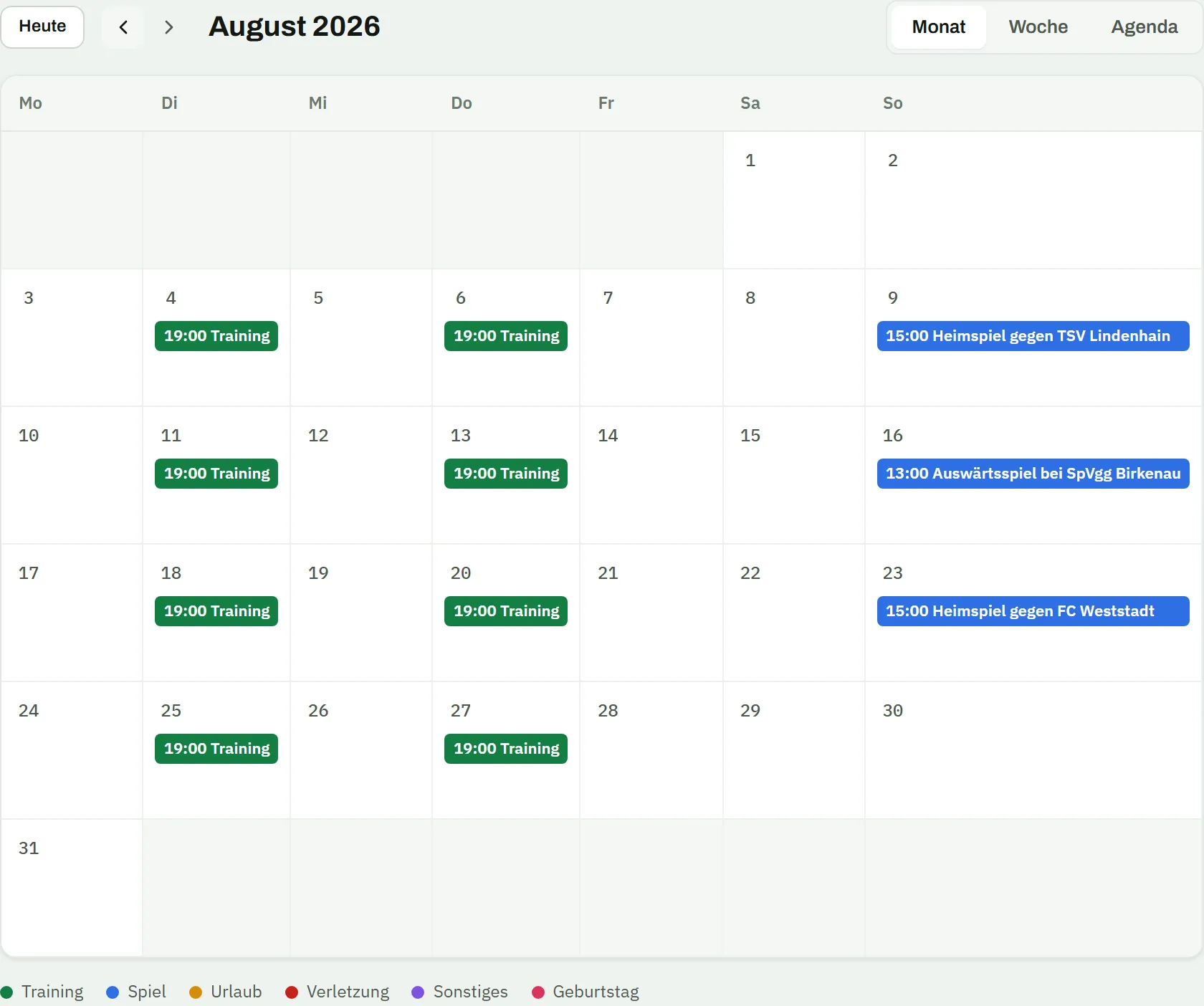
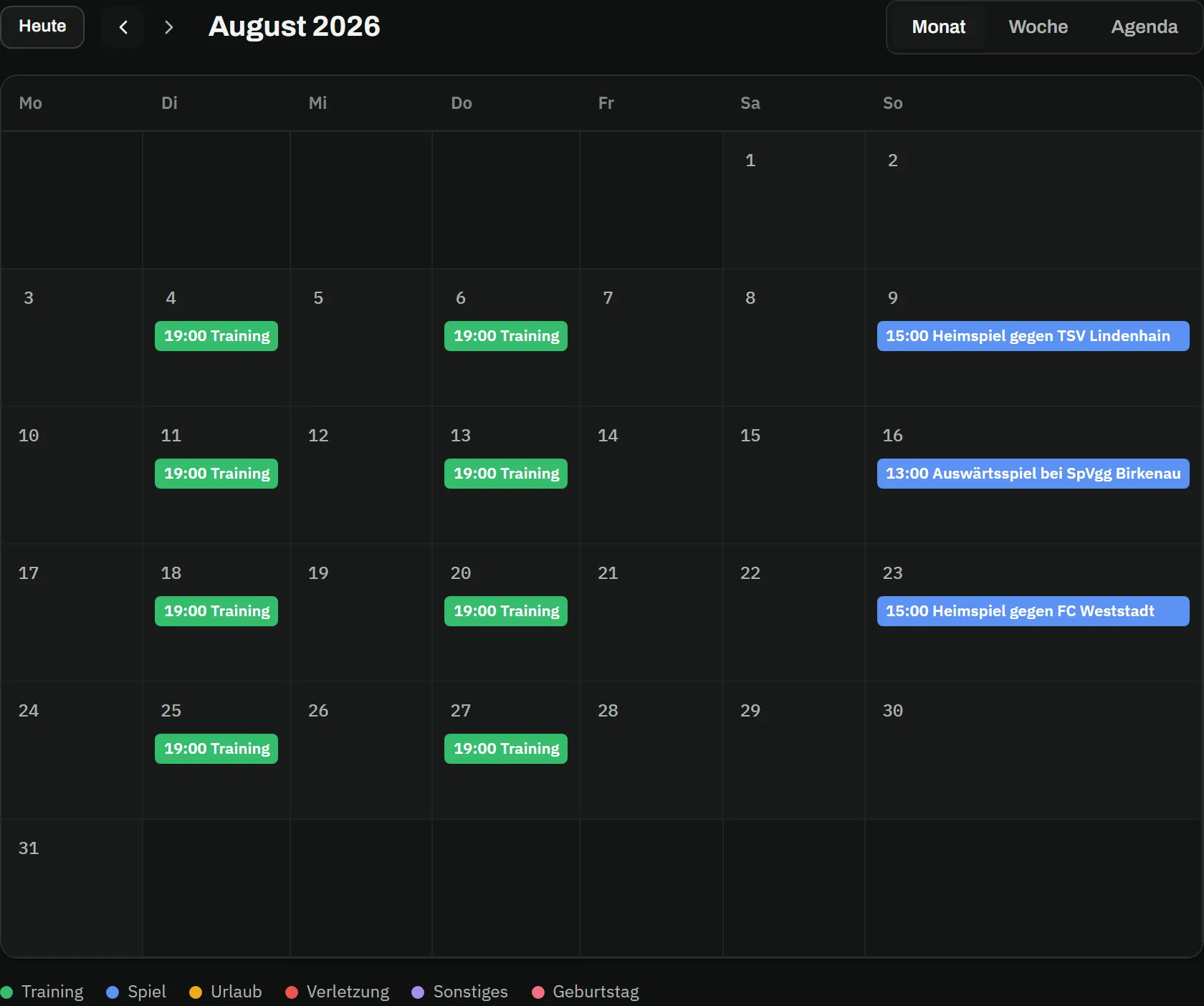
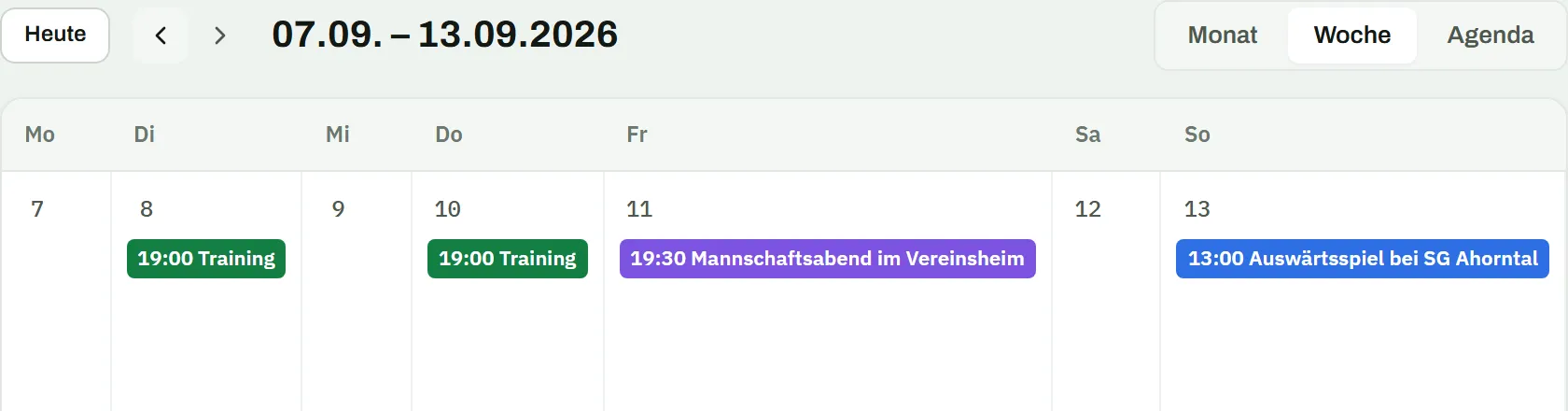
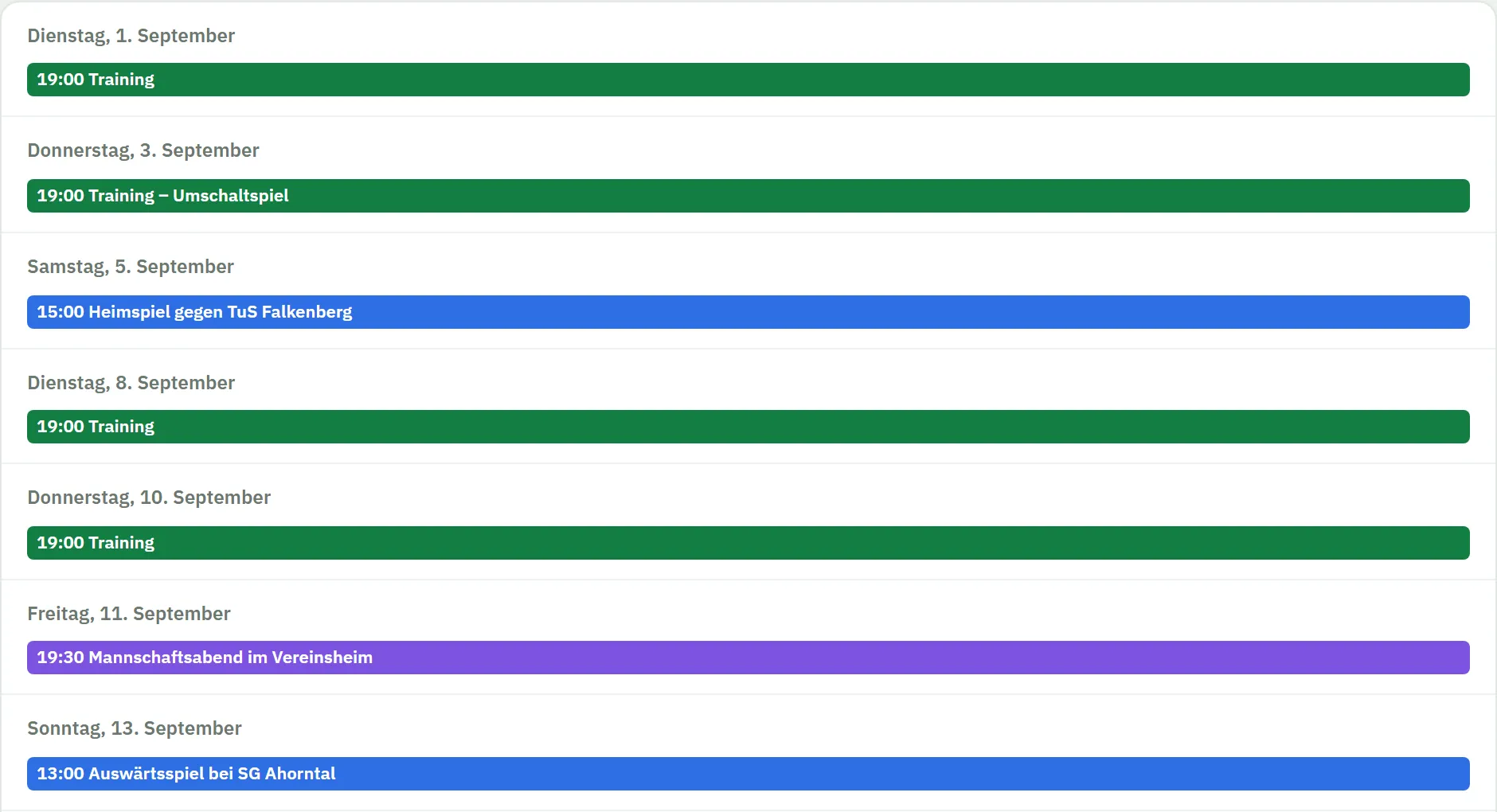
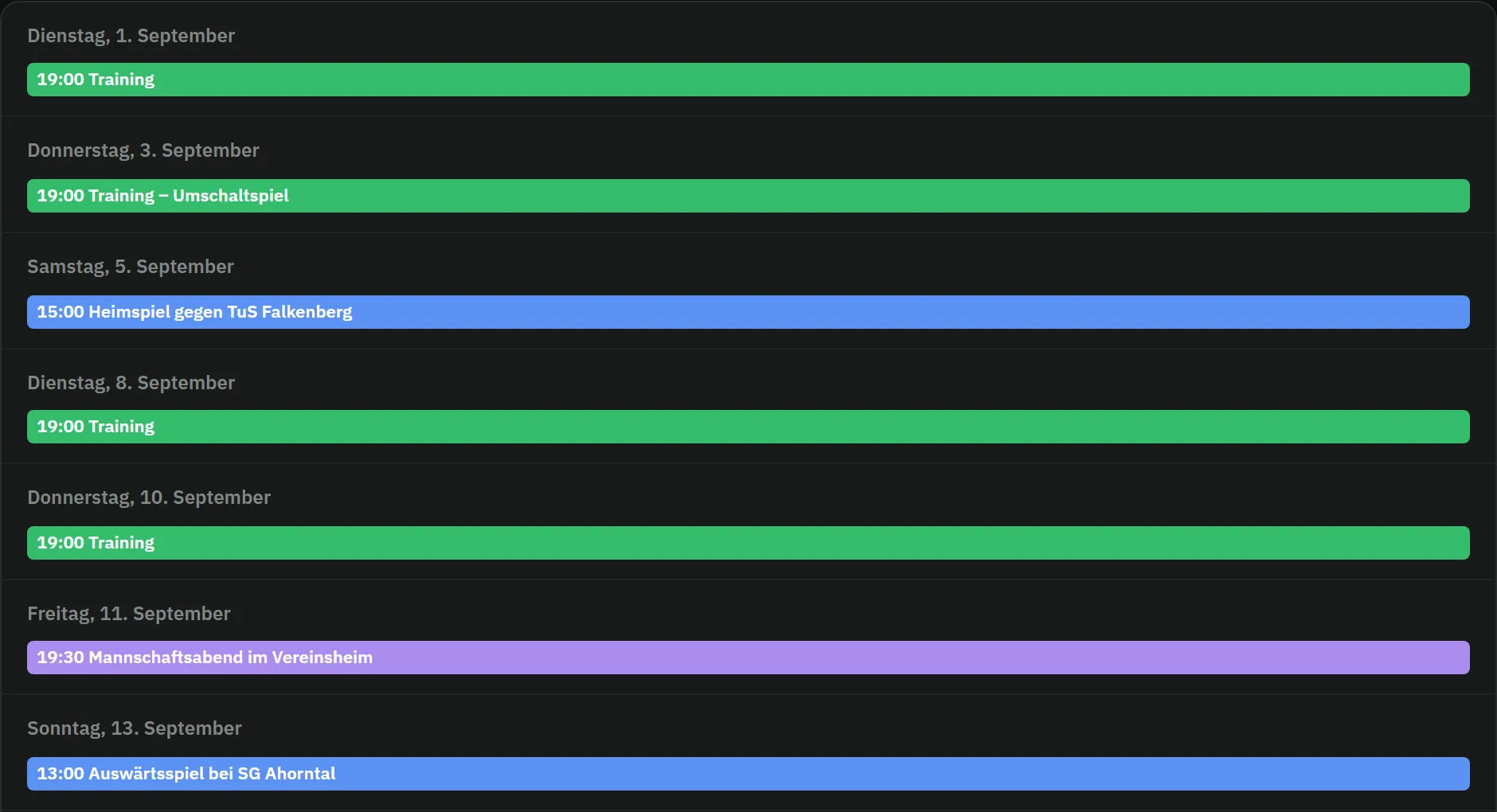
Team calendar in August: training on Tuesdays and Thursdays at 19:00, three matches at the weekend and the colour-coded legend of event typesTeam calendar in August: training on Tuesdays and Thursdays at 19:00, three matches at the weekend and the colour-coded legend of event types
Responses

Who’s coming on Thursday? You know in advance

No more polling the group chat: every event collects your players’ responses in one place – with a deadline, a reason, and the option to enter phone cancellations yourself.

  • Confirm, decline or “not sure” with a reason – per player and event
  • A response deadline you set in the team settings – after that, the planning stands
  • Coaches enter answers on a player’s behalf – say, after a phone call
matchplanner.de/app/team/trainingsplan
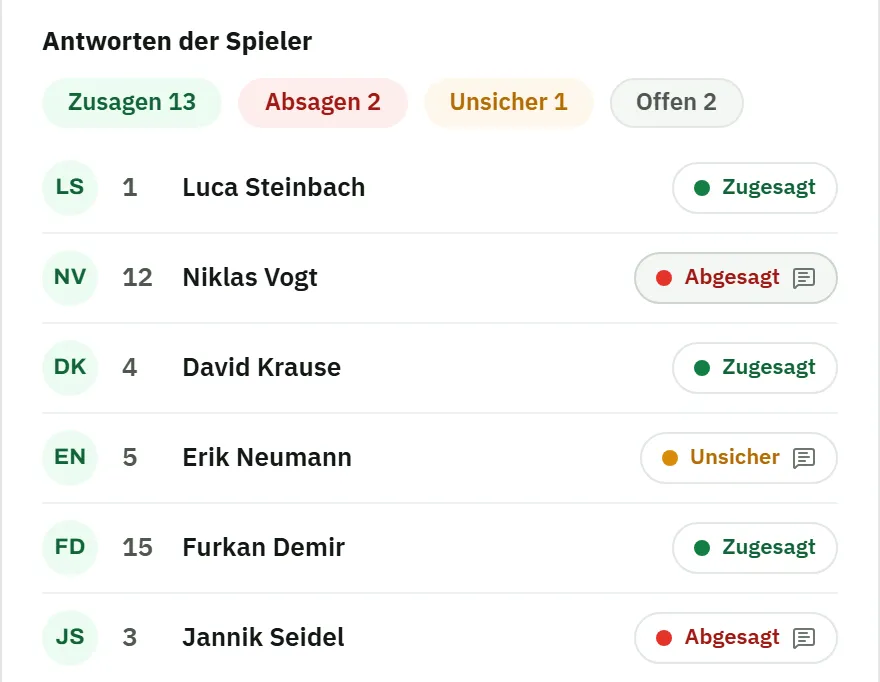
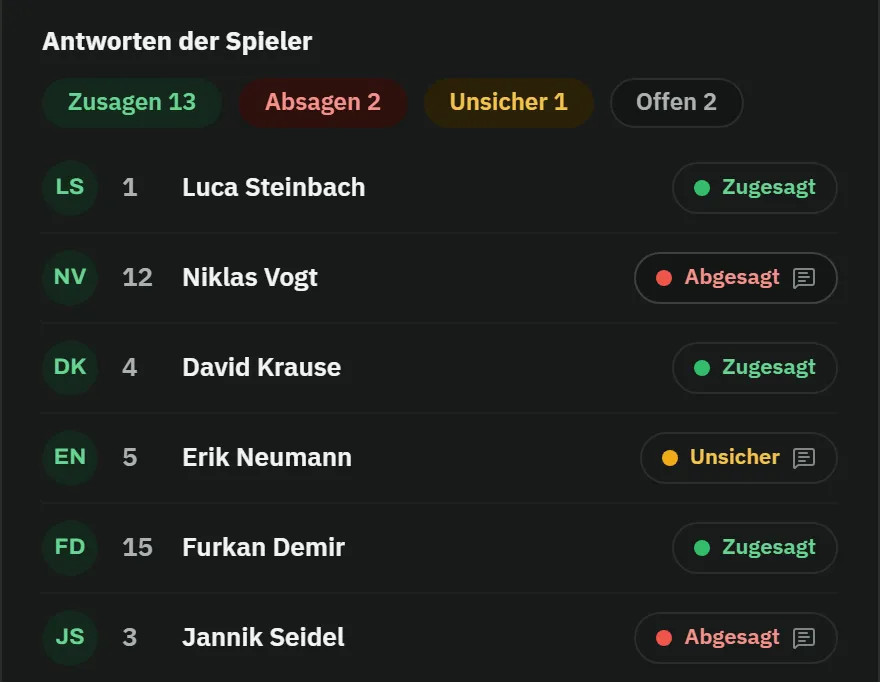
Training session, attendance tab: player list with the response chips accepted, declined with a reason and unsure, plus the A/E/G attendance controlsTraining session, attendance tab: player list with the response chips accepted, declined with a reason and unsure, plus the A/E/G attendance controls
Automation

From now on, MatchPlanner does the reminding

You don’t have to chase anyone any more: before the response deadline runs out, MatchPlanner automatically reminds every player without an answer – and your personal calendar stays up to date via subscription.

  • Automatic reminders by push notification and email – only to players without an answer
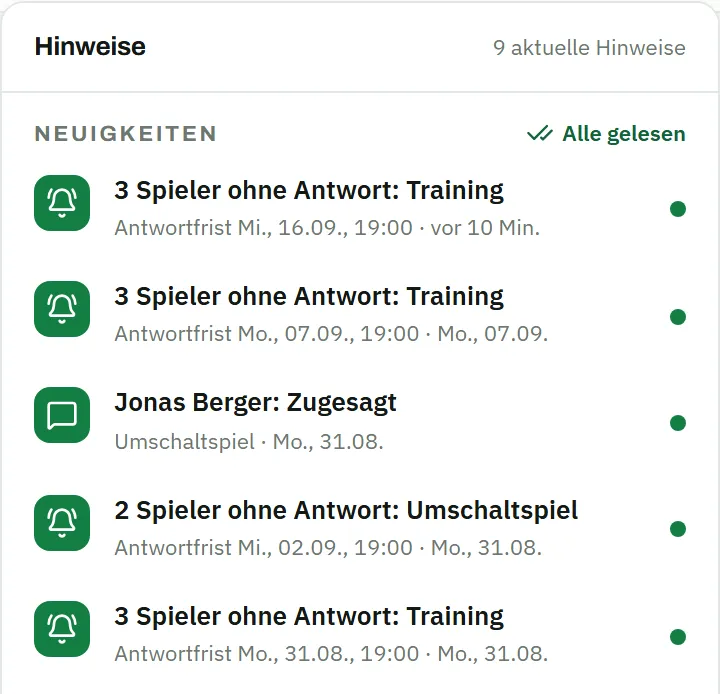
  • A summary for you as the coach: how many answers are still open
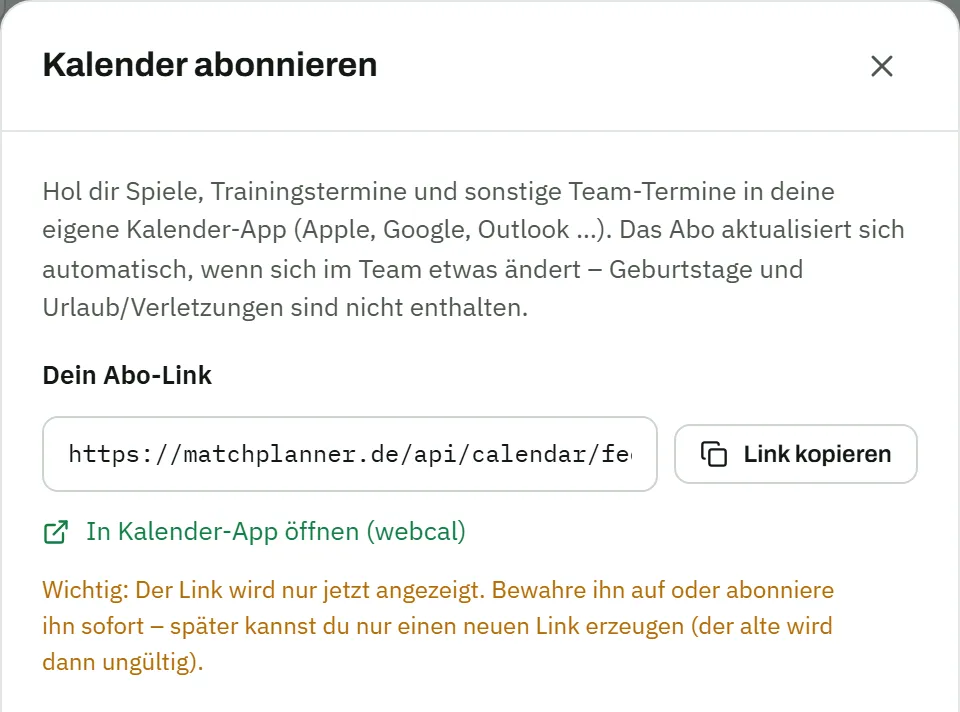
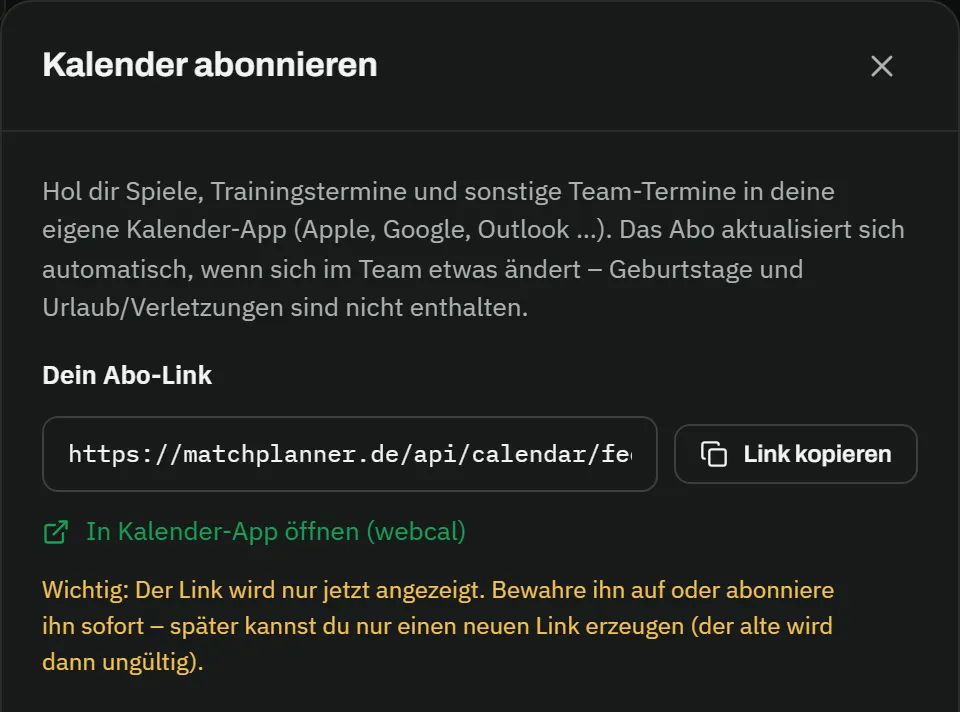
  • Calendar subscription (iCal) for Apple, Google and Outlook – always current, cancel any time
Player app on the phone: notification “Please respond: Training” with the response deadline, below it the events with the buttons accept, decline and unsurePlayer app on the phone: notification “Please respond: Training” with the response deadline, below it the events with the buttons accept, decline and unsure
Overview

Scheduling without the chasing

Everything in one calendar

Matches and training sessions land in the calendar automatically from your fixtures and training schedule – team events like a squad night or the end-of-season party take minutes to add.

Month, week or list

Three views with colour-coded event types and a filterable legend – on the phone the clear list view opens automatically.

Responses with a deadline

Your players answer with one tap – up to the response deadline you set in the team settings. Verbal cancellations you simply enter yourself.

Automatic reminders

Before the deadline runs out, MatchPlanner reminds everyone who hasn’t answered yet – by push notification and email. You get the summary of who is still open.

Calendar subscription (iCal)

Subscribe to the team schedule in your personal calendar – via a personal iCal link for Apple Calendar, Google Calendar and Outlook, renewable at any time.

Absences in view

Your players’ holidays and injuries automatically appear as their own entries in the calendar – just like your squad’s birthdays.

How it works

Reliable planning in three steps

  1. Step 01

    Add your events

    Maintain your fixtures and training schedule or add team events – everything lands in the shared team calendar automatically.

  2. Step 02

    The team responds

    Your players confirm or decline in the player app with one tap – and whoever doesn’t answer is reminded automatically before the deadline.

  3. Step 03

    Keep the overview

    For every event you instantly see who’s in – in the calendar, in matchday planning and, if you like, in your personal calendar subscription.

FAQ

Frequently asked questions about scheduling

Which events end up in the team calendar?

Matches and training sessions are taken over automatically from your fixtures and training schedule. On top of that come team events you create yourself – from squad nights to the Christmas party – plus, automatically, your players’ birthdays and recorded absences such as holidays or injuries.

Can my players confirm or decline directly?

Yes. Players answer in the player app with confirm, decline or “not sure” plus a short reason – up to a response deadline you set in the team settings. Team events can carry a response request too, and as a coach you can enter answers on someone’s behalf at any time.

How do the reminders work?

In good time before the response deadline, MatchPlanner automatically reminds every player who hasn’t answered yet – by push notification and email; you choose the timing. You yourself get a summary of how many answers are still open.

Can I add the schedule to my personal calendar?

Yes, via calendar subscription (iCal): you generate a personal subscription link and add it to Apple Calendar, Google Calendar or Outlook. The subscription keeps itself up to date – new or rescheduled events appear automatically – and can be renewed or cancelled at any time.

Kick-off

No more date ping-pong in the group chat

Enter your fixtures and invite your team – MatchPlanner takes over the reminders. Free and with nothing to install.

100% free · Nothing to install · Servers in Germany