MatchPlanner
Features · Tactics

Tactics board: the whiteboard in your browser

Draw plays in proper football notation, capture formations and set pieces and play back entire scenes as an animation – right in the browser on desktop, tablet and phone.

100% free · Nothing to install · Servers in Germany

matchplanner.de/app/labor/taktiken
Tactics editor with the scene “Short corner – right-side variant”: the tools for run, pass, dribble, shot and curved run on the left, the half pitch in the middle with the short corner, the red cross into the target zone at the far post and the runs, name, type and colours on the right, the animation with three frames belowTactics editor with the scene “Short corner – right-side variant”: the tools for run, pass, dribble, shot and curved run on the left, the half pitch in the middle with the short corner, the red cross into the target zone at the far post and the runs, name, type and colours on the right, the animation with three frames below
Notation

Draw like on the whiteboard – only more precise

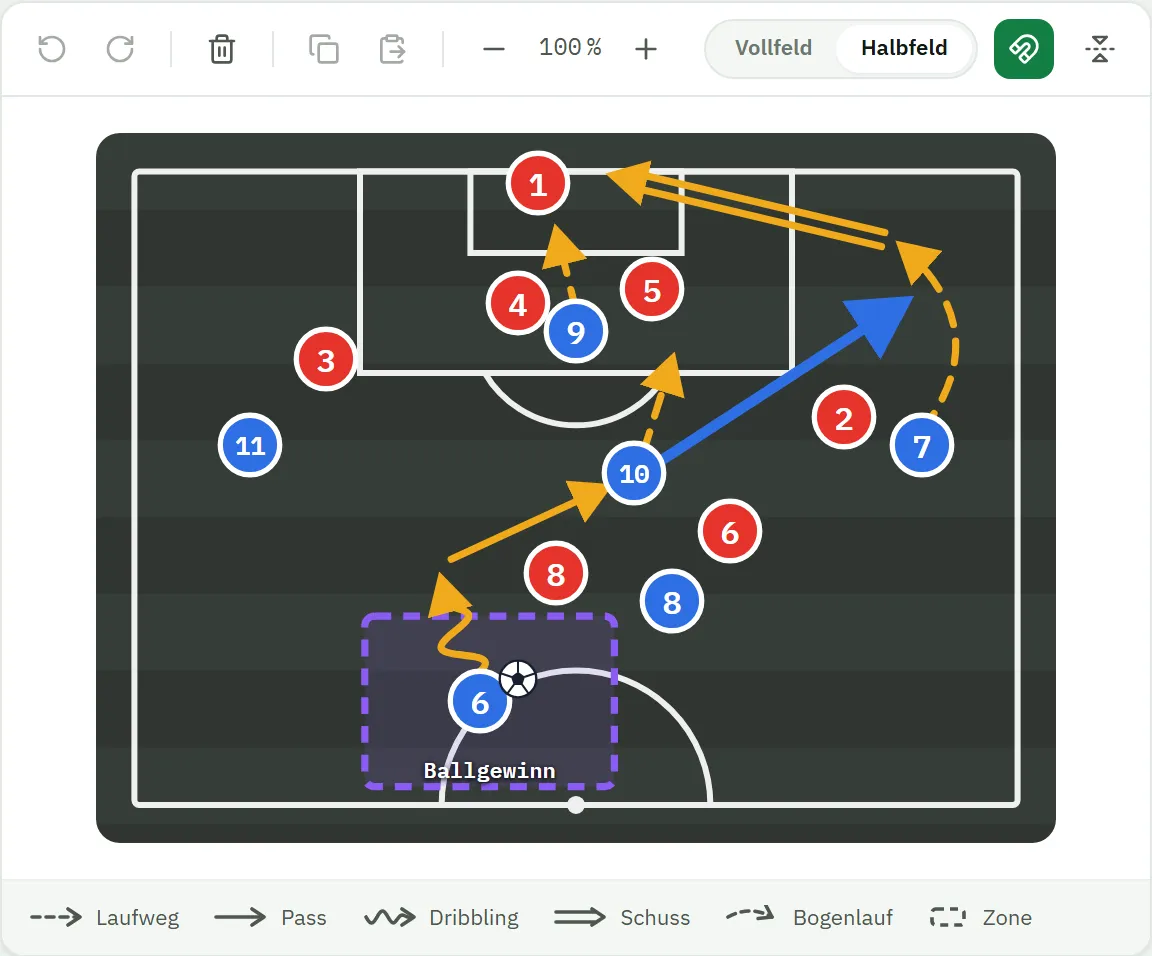
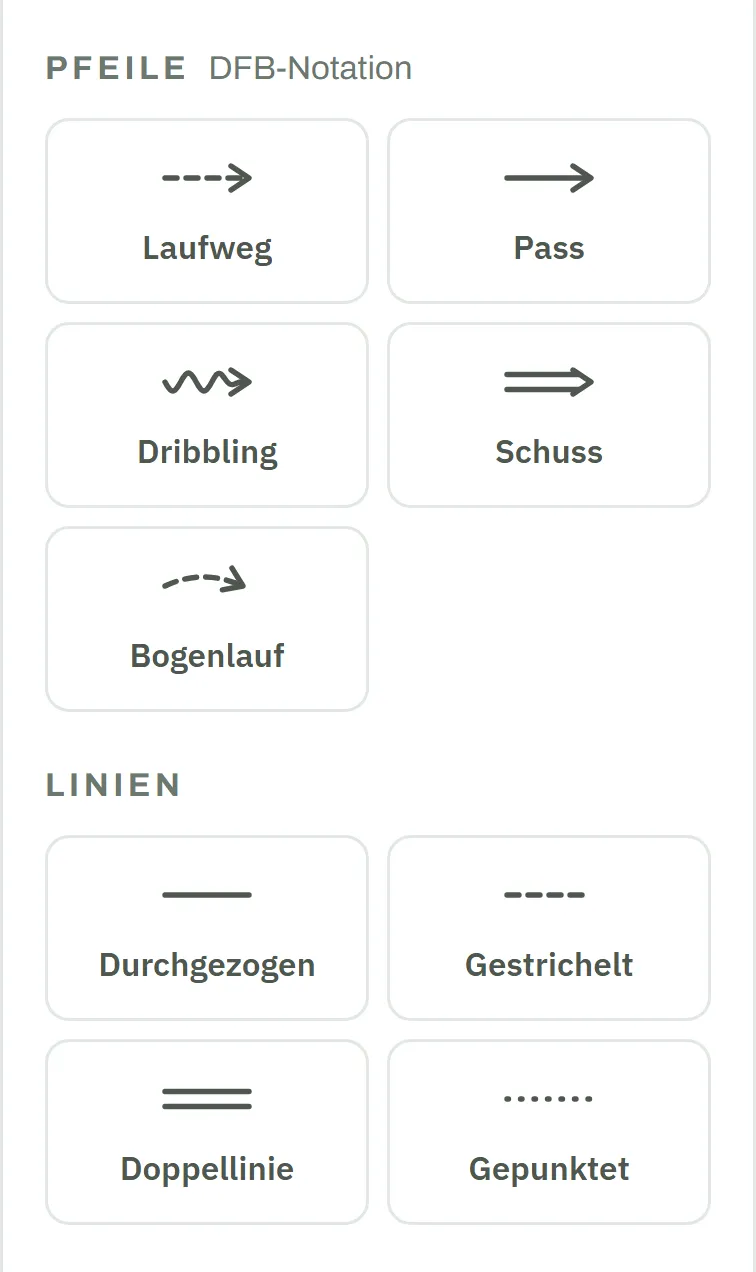
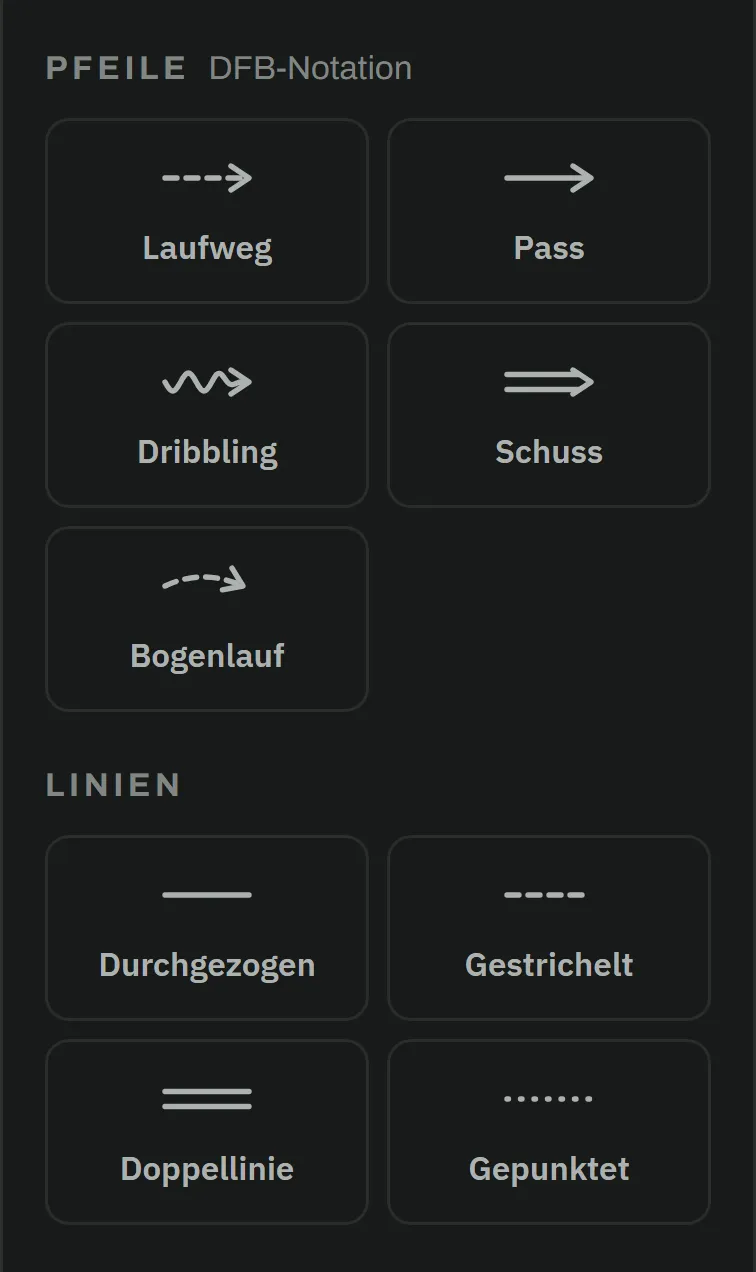
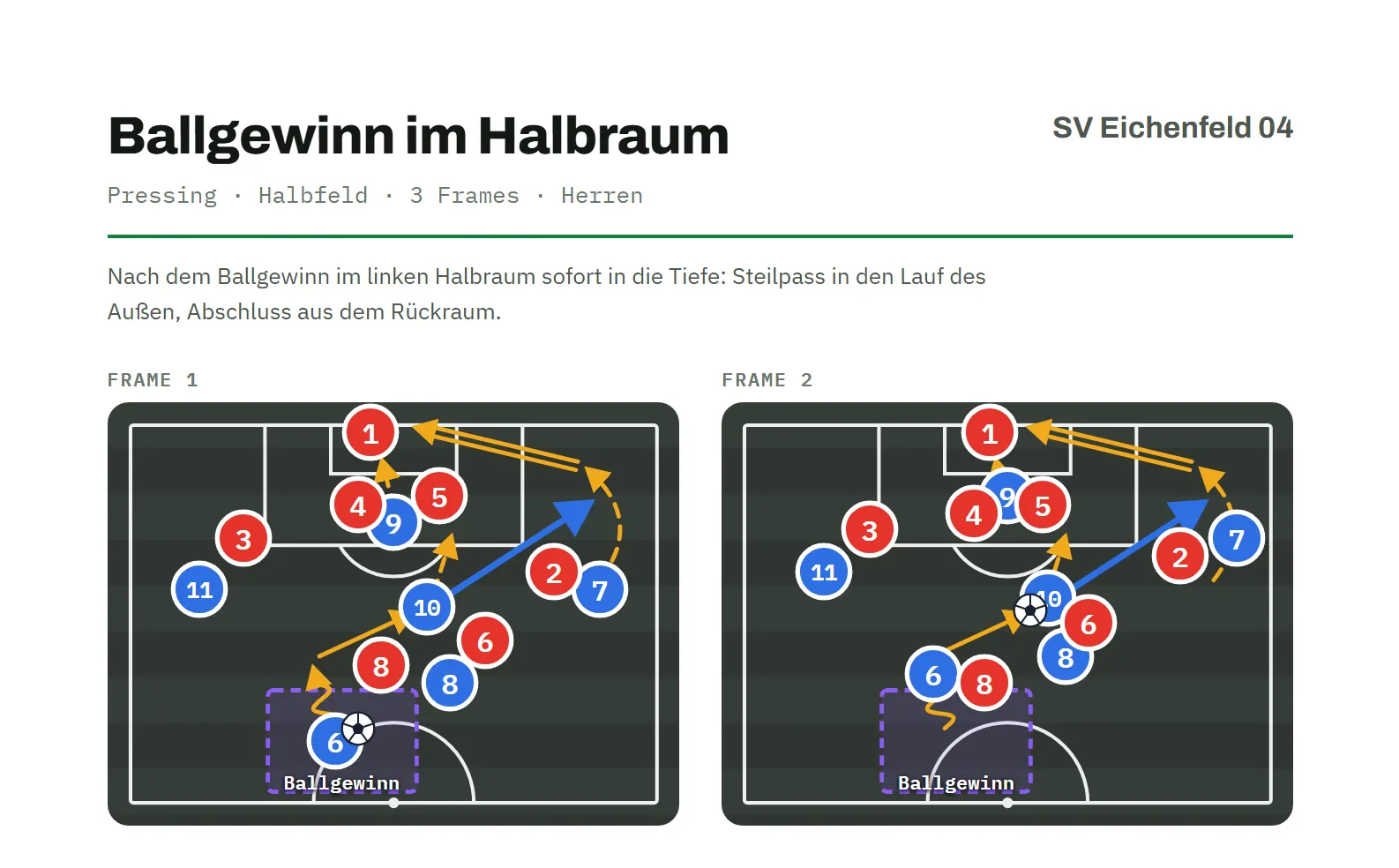
Magnets onto the pitch, draw the movements, done: the tactics board uses the notation from coaching courses – passes solid, runs dashed, dribbles as a wave – and keeps your diagrams tidy automatically.

  • Passes, runs, dribbles, curved runs, lines and zones
  • Colours and line widths so every message lands instantly
  • A 15-degree grid, alignment guides and multi-select for clean diagrams
matchplanner.de/app/labor/taktiken
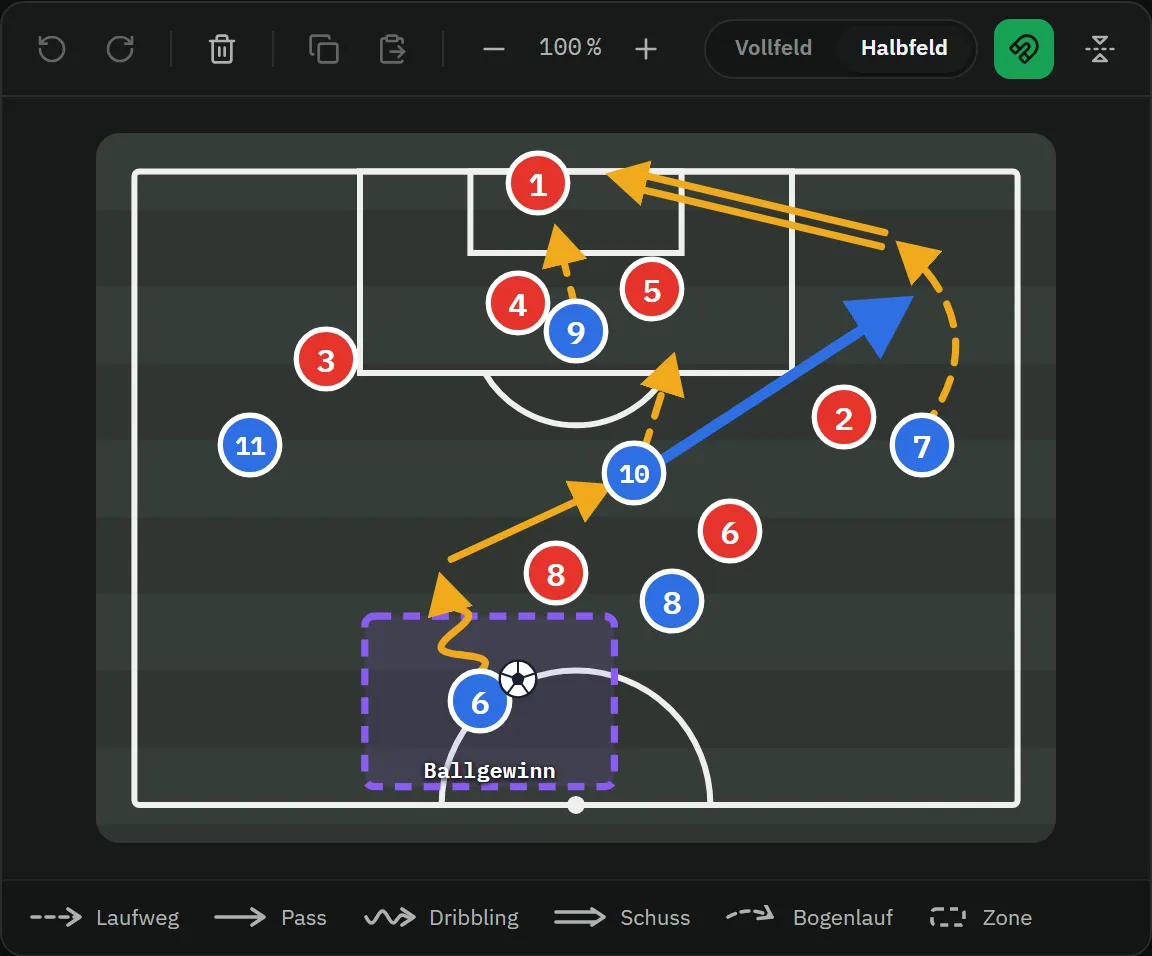
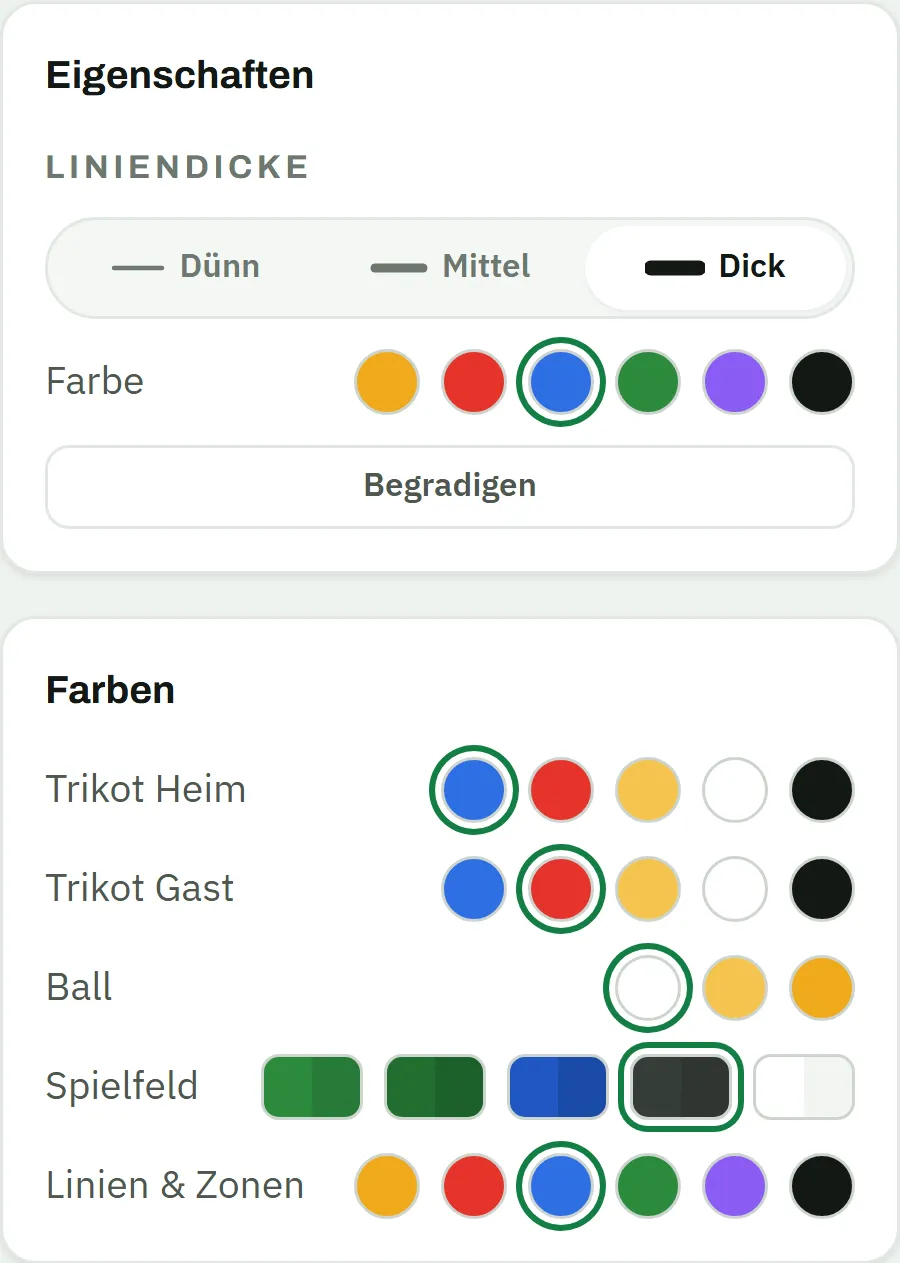
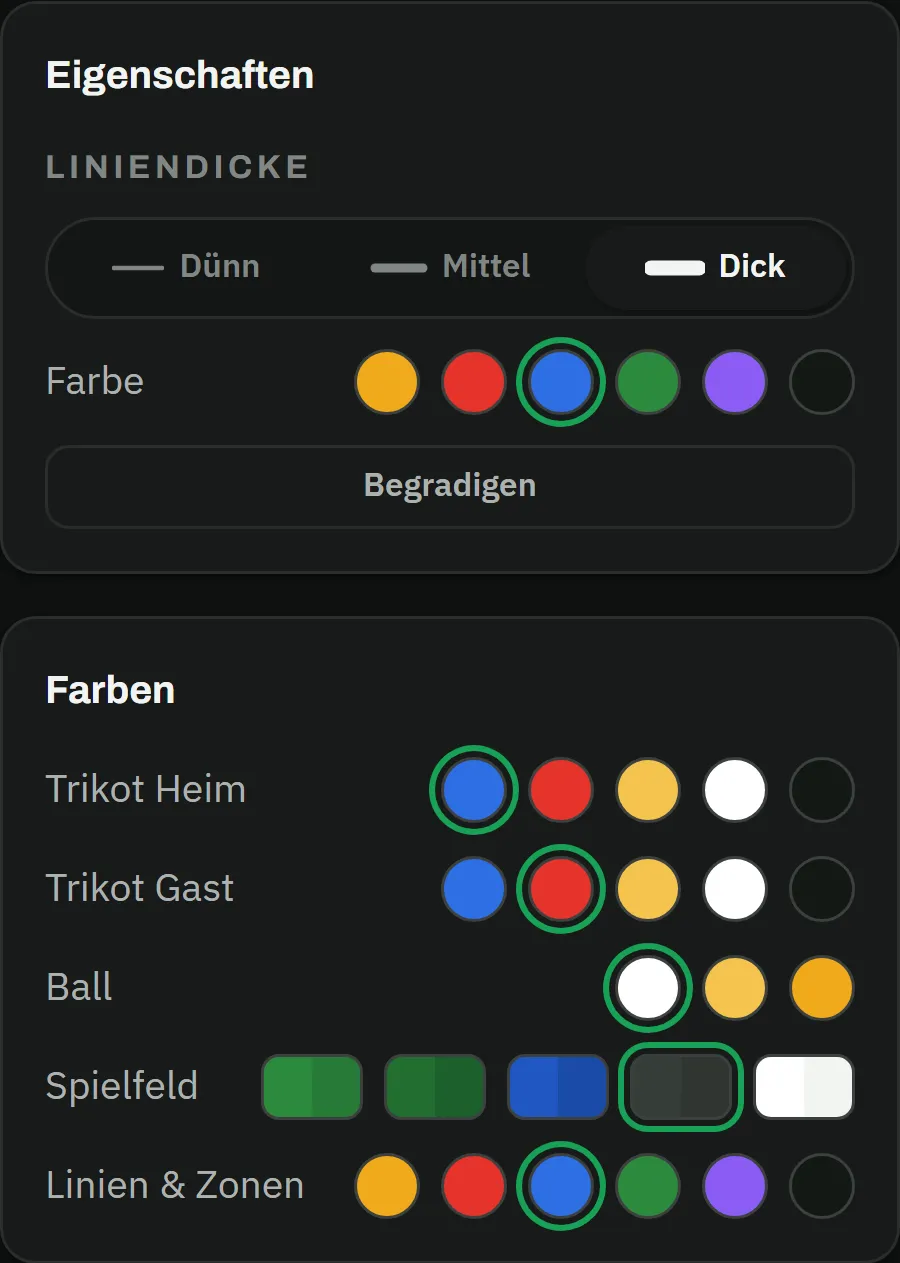
Editor with the scene “Winning the ball in the half-space” on a dark tactics board: purple ball-winning zone with a label, dribble, passes, runs, curved run and shot – the blue through ball is selected, on the right the properties with line width thin, medium and thick, the colour picker and StraightenEditor with the scene “Winning the ball in the half-space” on a dark tactics board: purple ball-winning zone with a label, dribble, passes, runs, curved run and shot – the blue through ball is selected, on the right the properties with line width thin, medium and thick, the colour picker and Straighten
Animation

From still image to running play

A play is more than a picture: capture it in several scenes and let your magnets move. That way every player understands not just where to go – but also when, and in what order.

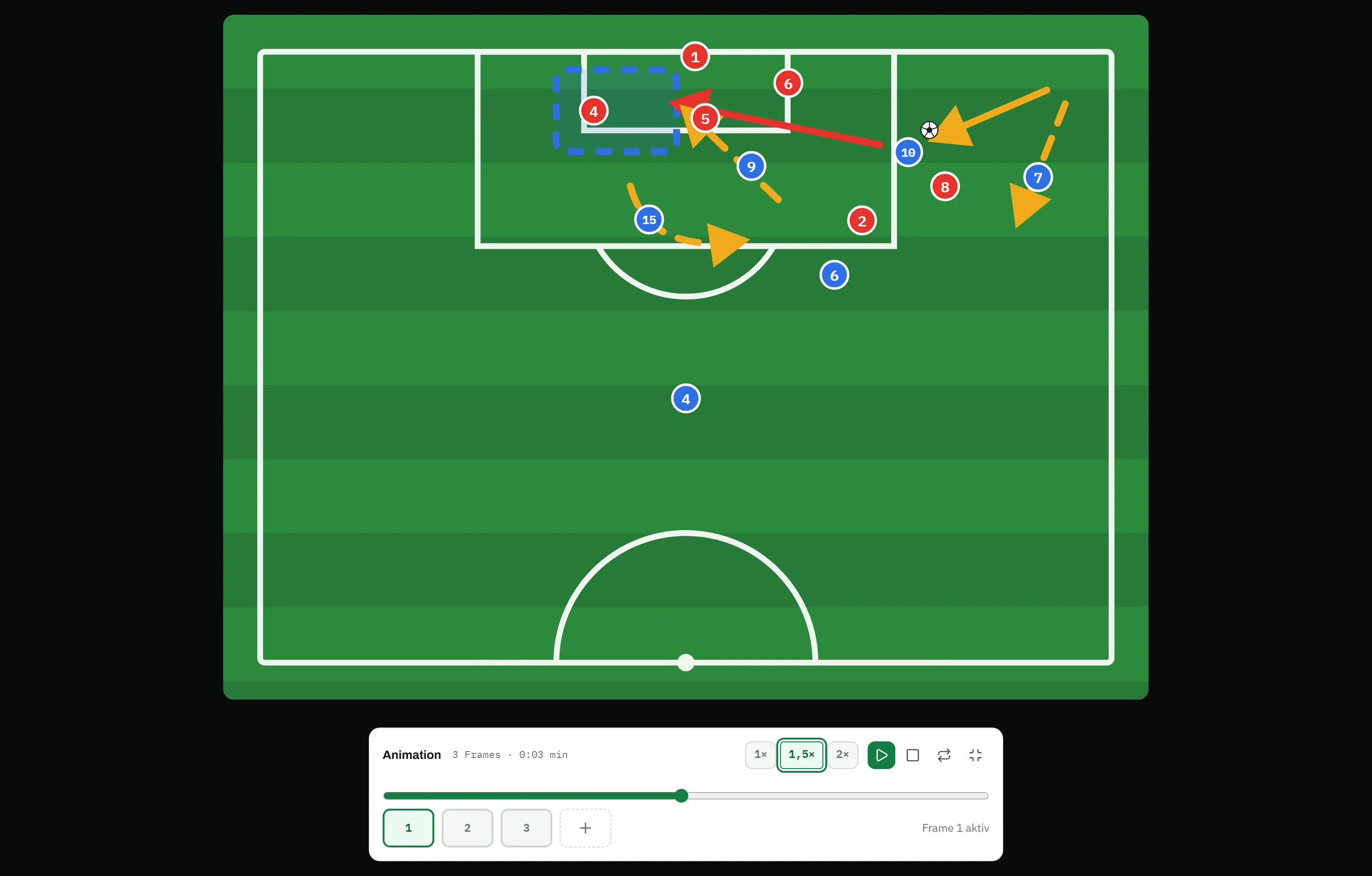
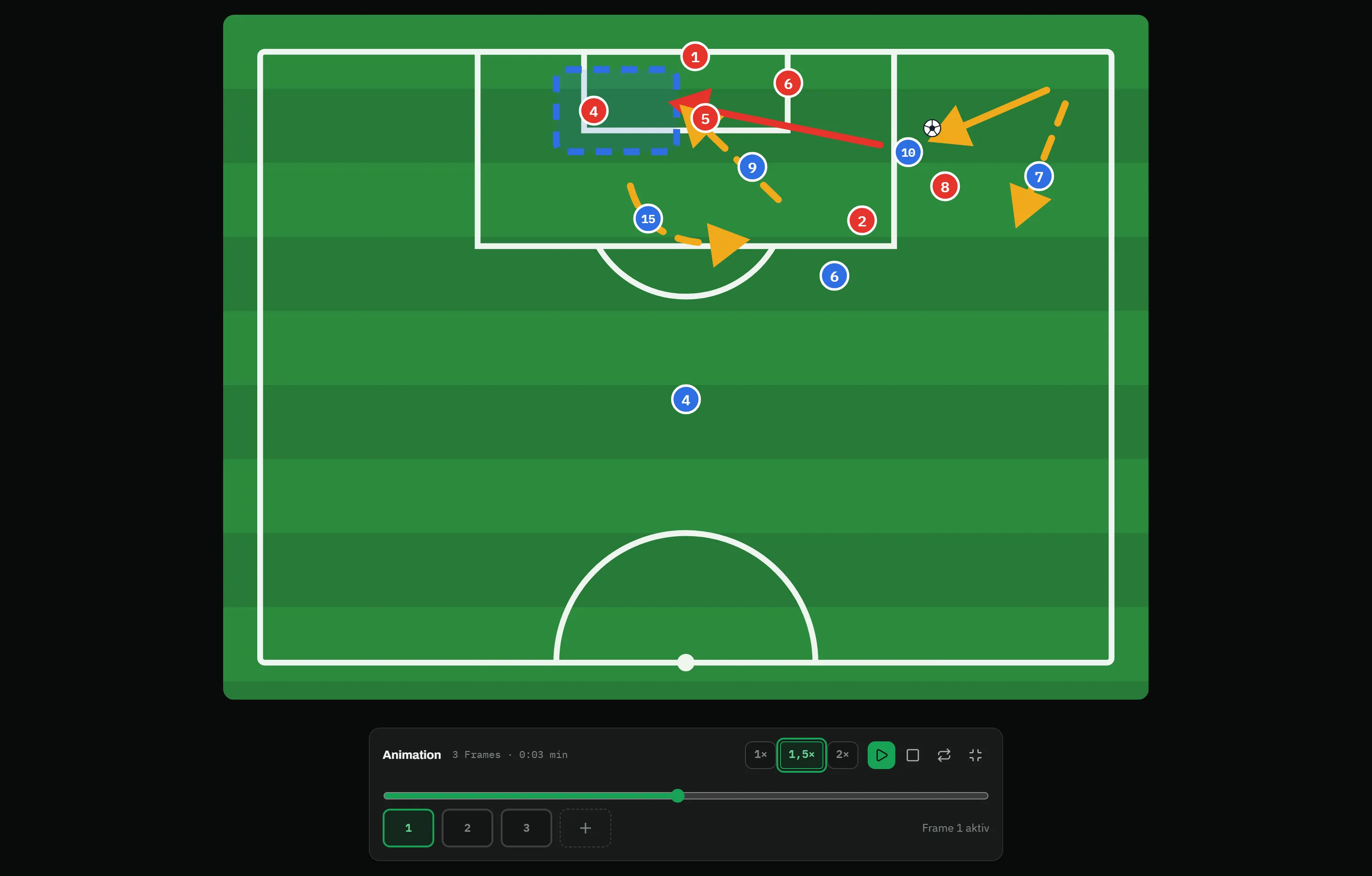
  • Play scenes back one after another – with pause and adjustable speed
  • Full-screen player with timeline, loop and keyboard shortcuts
  • Export every scene as a PNG image and share it with the team
matchplanner.de/app/labor/taktiken
Full-screen player: the half pitch large on a dark background, the magnets of the corner in mid-movement, below the controls with speed 1×, 1.5× and 2×, play, loop, the timeline at about a third and frames 1 to 3Full-screen player: the half pitch large on a dark background, the magnets of the corner in mid-movement, below the controls with speed 1×, 1.5× and 2×, play, loop, the timeline at about a third and frames 1 to 3
Overview

Your lab for match ideas

Proper football notation

Runs dashed, passes solid, dribbles as a wave – plus zones, lines and curved runs, just like on the board.

Scene animation

Capture several scenes and play them back as an animation – with pause, resume and adjustable speed.

Full-screen player

Present the play in full screen – with a timeline, loop and keyboard shortcuts, ideal for the dressing-room talk.

Precision tools

Colours for arrows and zones, line-width steps, a 15-degree grid, alignment guides and multi-select – order instead of scribbles.

Export as an image

Export any scene as a PNG image – to share in the team group or to print for the dressing room.

For the whole coaching staff

All tactics live in your team’s tactics room: assistant coaches see and edit them too, and the author stays visible.

Match idea

A finished play in three steps

  1. Step 01

    Set up the scene

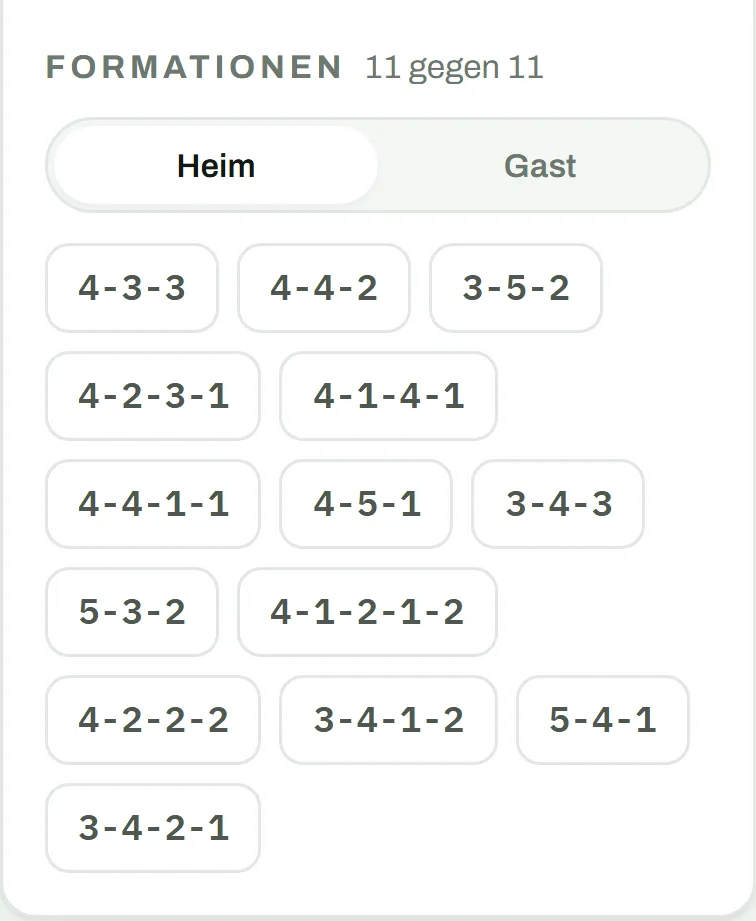
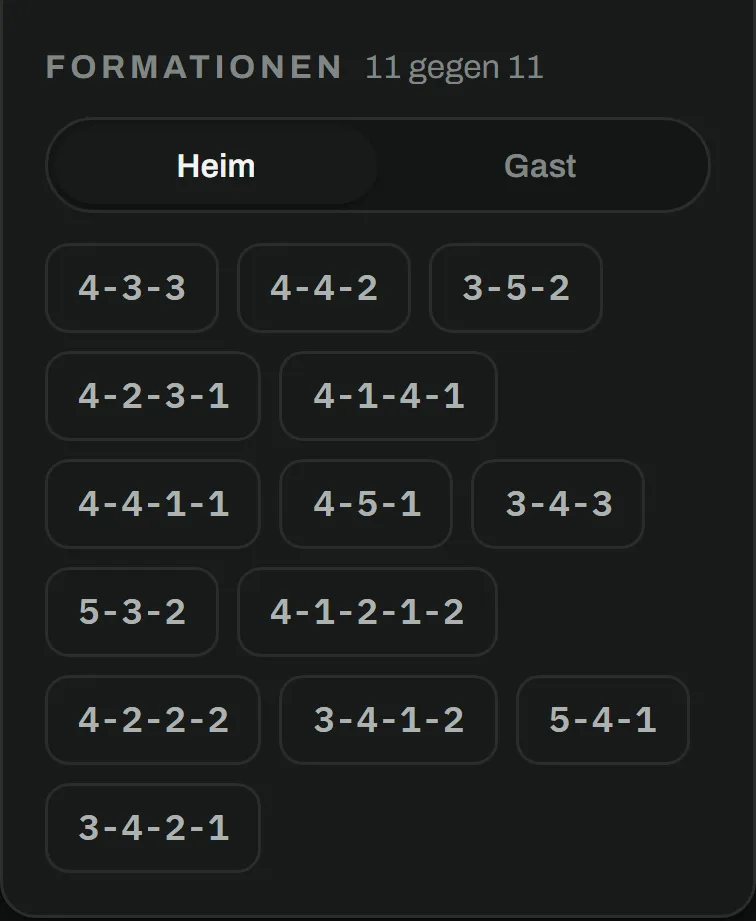
    Drag your magnets onto the pitch and set the starting situation – formation, set piece or match situation.

  2. Step 02

    Draw the play

    Draw runs, passes and zones in proper notation – with colours, a clean grid and alignment guides.

  3. Step 03

    Play & share

    Play the scenes back as an animation, show them in the full-screen player – or export them as an image for your team.

FAQ

Frequently asked questions about the tactics board

What can I draw on the tactics board?

Player and opponent magnets, the ball, passes (solid), runs (dashed), dribbles, curved runs, lines and zones – in different colours and line widths. The notation matches the symbols you know from coaching courses.

How does the animation work?

You capture your play in several scenes and play them back right in the editor. Playback can be paused and resumed at the same spot, you set the speed per scene – and the full-screen player adds a timeline, loop and keyboard shortcuts.

Can I share my tactics with the team?

Every scene can be exported as a PNG image – perfect for the team group or the dressing-room wall. Inside MatchPlanner, your assistant coaches see and edit all of the team’s tactics.

Does the tactics board work on a tablet?

Yes. The tactics board runs in the browser on desktop, tablet and phone – with nothing to install. On touch devices you drag magnets and draw plays directly with your finger.

Kick-off

Put your match idea on the board

Create your first play in a few minutes – free, in the browser and with nothing to install.

100% free · Nothing to install · Servers in Germany