MatchPlanner
Who it’s for · Clubs & officials

Clear roles for everyone at the club

Coaching staff, officials, players and parents work in the same team – and every role sees exactly what it is meant to see. MatchPlanner enforces permissions server-side instead of hoping everyone sticks to the agreement.

100% free · Nothing to install · Servers in Germany

matchplanner.de/app/team/verein
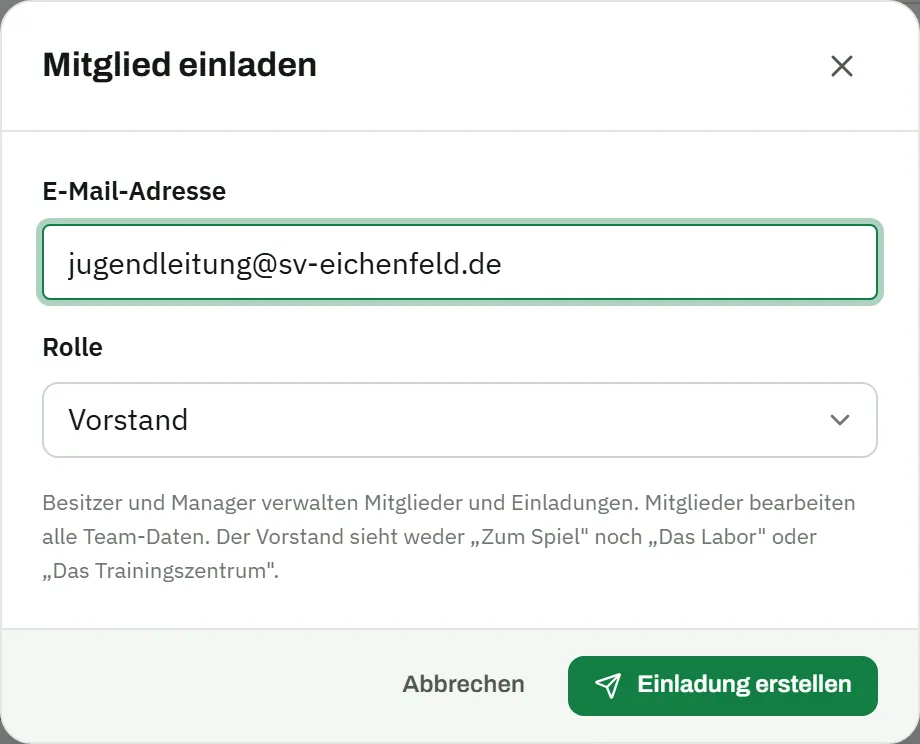
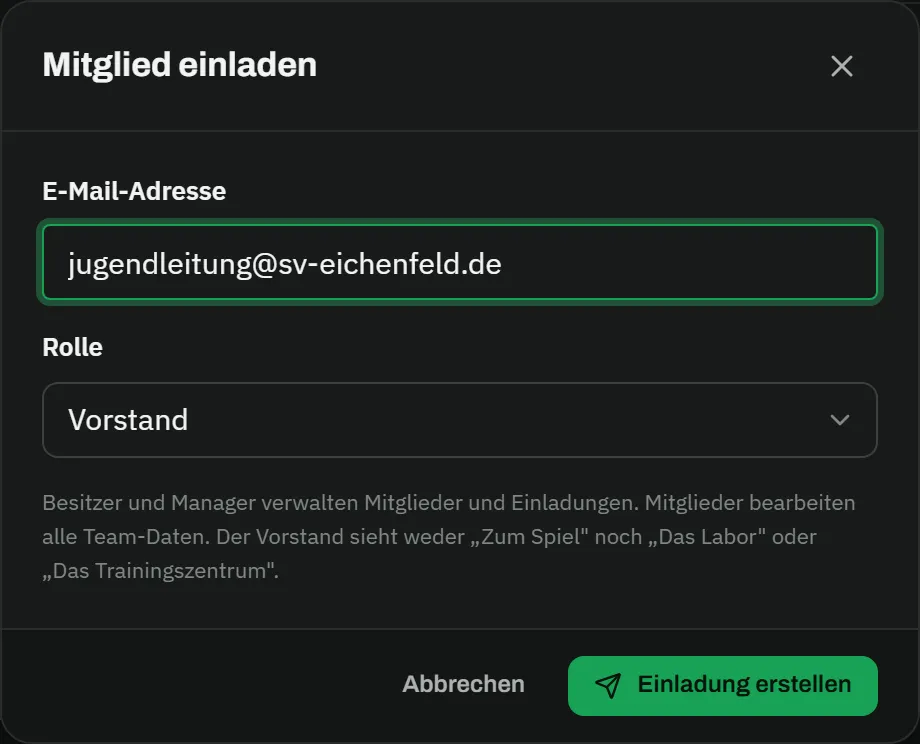
The club page of the demo team: master data with team name, club and formation on the left, and on the right the member list with the roles owner, manager, member and club official plus an open invitation to the head of youthThe club page of the demo team: master data with team name, club and formation on the left, and on the right the member list with the roles owner, manager, member and club official plus an open invitation to the head of youth
The USP · Officials

Officials see the overview – not the tactics

The board wants to know how the season is going – not who sits on the bench on Saturday. The officials’ role shows squad, fixtures, results and schedule, and leaves line-up, tactics and training with the coaching staff.

  • Overview of fixtures, results, statistics and schedule
  • No access to line-up, squad planning, tactics board and training
  • Enforced server-side – not merely hidden in the interface
matchplanner.de/app
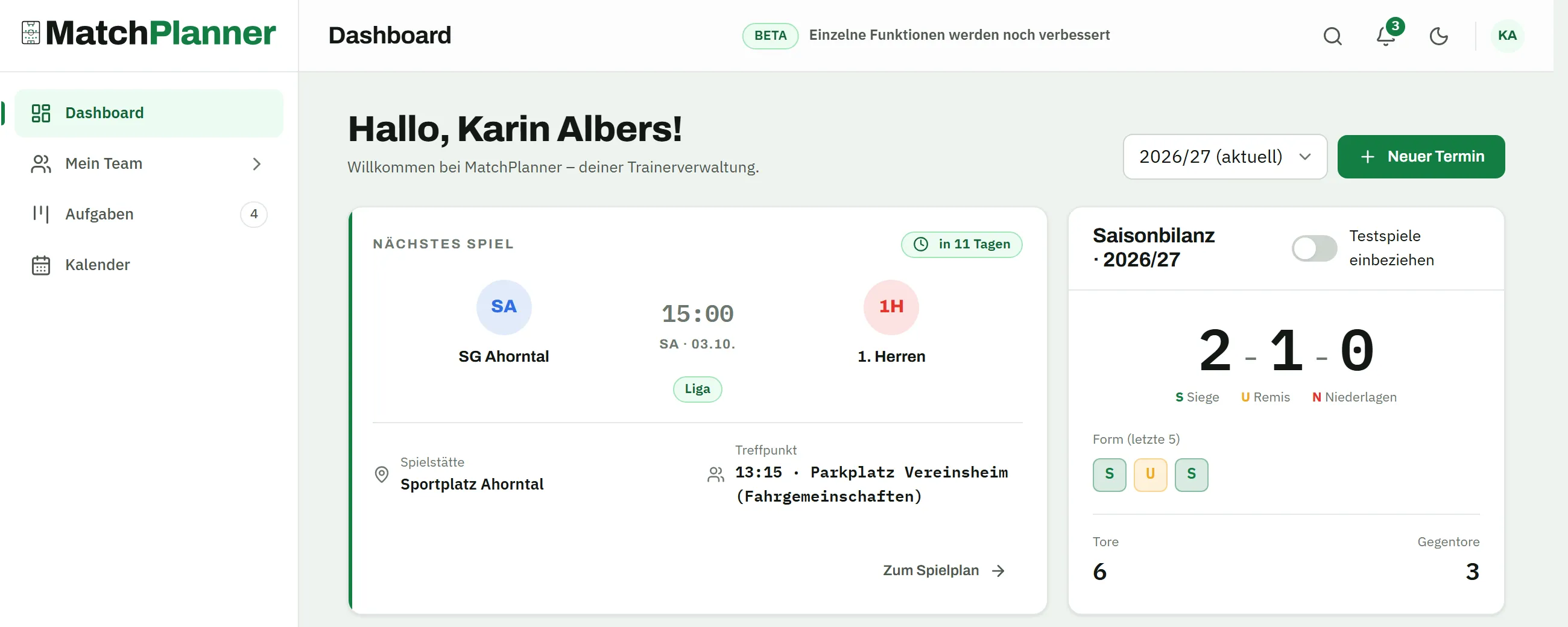
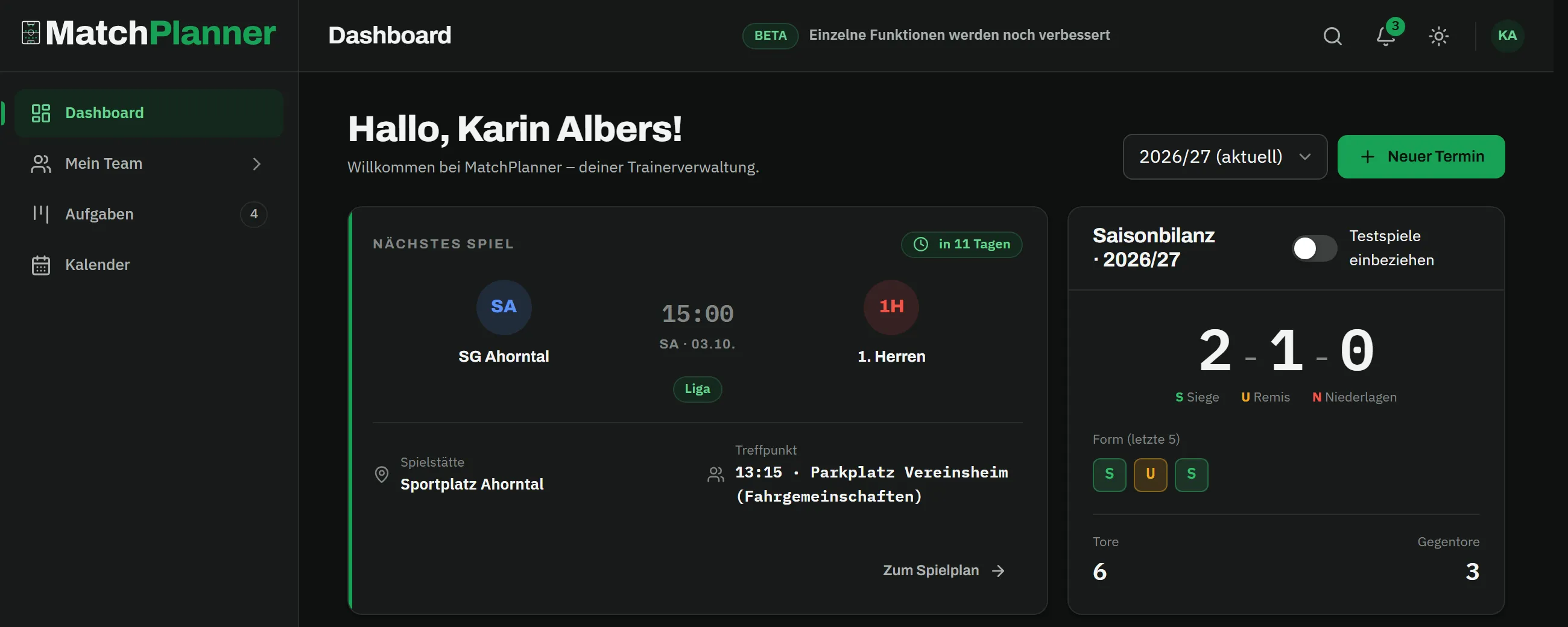
Dashboard as seen by a club official: a reduced navigation with only dashboard, my team, tasks and calendar, plus the next match against TuS Falkenberg, the season record with two wins and the squad statusDashboard as seen by a club official: a reduced navigation with only dashboard, my team, tasks and calendar, plus the next match against TuS Falkenberg, the season record with two wins and the squad status
Continuity

The coach leaves – the data stays with the team

The classic in grassroots football: the coach steps down, and with them go the player list, the plans and all the accumulated knowledge. With MatchPlanner the data belongs to the team – the handover to the successor is one click.

  • Transfer ownership of the team to the successor with one click
  • Squad, fixtures, statistics, tactics and exercise library stay intact
  • The outgoing coach can stay on as a member – or hand over cleanly and leave
matchplanner.de/app/team/verein
The “transfer ownership?” confirmation dialog above the member list: transfer ownership to Daniel Fuchs? You will become a member afterwards and can no longer manage members and invitations.The “transfer ownership?” confirmation dialog above the member list: transfer ownership to Daniel Fuchs? You will become a member afterwards and can no longer manage members and invitations.
Overview

What MatchPlanner does for your club

One coaching staff, one page

Head coach, assistants and team managers work in the same team – from the fixture list to the exercise library, everyone sees the same, always current data.

Roles & permissions

Owner, manager, member, club official and player – every role gets exactly the right view. Who may do what is decided by MatchPlanner, not by a hallway agreement.

The officials’ view

Club officials see the squad, fixtures, results and schedule – but no line-up, no tactics and no training content. That boundary is enforced by the server, not just the interface.

Coaching change without data loss

The owner hands the team over to the successor with one click – squad, fixtures, statistics and drills stay fully intact. No starting from scratch next season.

Several teams, one account

One person can be a member of any number of teams – as the coach of two youth sides, or as a head of youth with an officials’ view across all of the club’s teams.

Data in Germany

All team data is stored on servers in Germany and visible only to members of the team. Passwords are stored exclusively in encrypted (hashed) form.

How it works

A club setup in three steps

  1. Step 01

    Create a team

    A coach signs up for free, creates the team and maintains squad and fixtures – one team per side.

  2. Step 02

    Invite the club

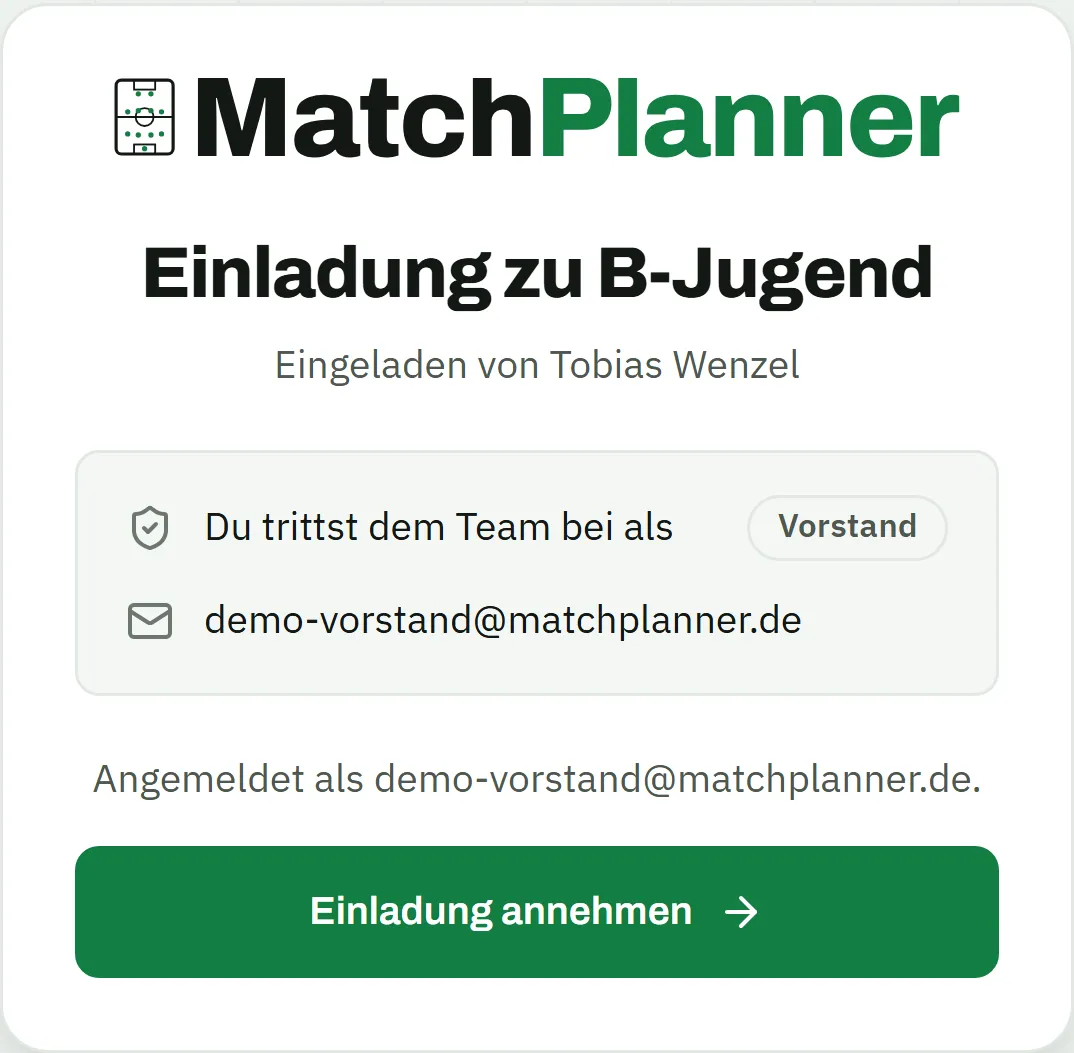
    Assistant coaches, team managers and officials join via invite link – the right role is assigned as part of the invitation.

  3. Step 03

    Let the roles work

    From now on every role automatically sees the right things: the coaching staff everything, the officials the overview, the players their schedule.

FAQ

Frequently asked questions from clubs

What does MatchPlanner cost for clubs?

Nothing. MatchPlanner is completely free – no licences, no tiered pricing, no limit on teams or members. Every side at the club can get started right away.

What do club officials see – and what not?

The officials’ role gets the overview: squad, fixtures, results, statistics and schedule. Deliberately locked away are matchday planning (squad selection, line-up, match plan), the tactics board and the training content – this boundary is enforced server-side and cannot be worked around.

How does a coaching change work?

The current owner transfers ownership of the team to another member – the new coach, for example. All data stays with the team: squad, fixtures, season statistics, tactics and the exercise library. The outgoing coach can stay on as a member or leave the team.

Can several sides of one club use MatchPlanner?

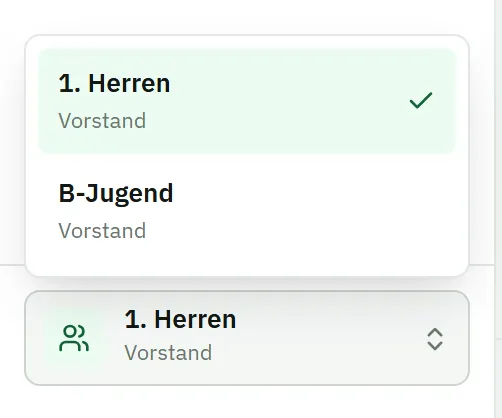
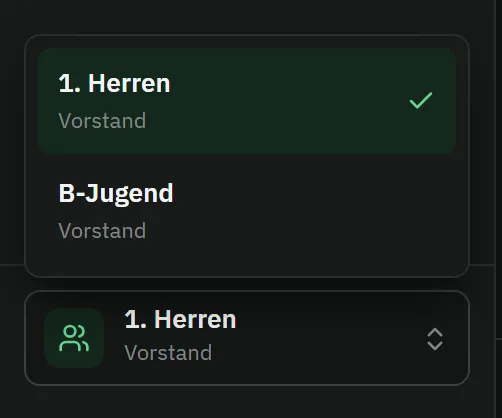
Yes. Each side runs its own team with its own squad and plans. One person can be a member of several teams and switches with one click – that way the head of youth, say, keeps every side in view.

Discover more

MatchPlanner for everyone at the club

Kick-off

Get your club onto the same page

One team at a time: start with one side, invite the coaching staff and the officials – free and with no strings attached.

100% free · Nothing to install · Servers in Germany