MatchPlanner

For coaches

You coach. The rest keeps up.

Sunday league or youth, alone or with an assistant: MatchPlanner takes the admin off your hands – on the laptop at night, on the phone at the pitch.

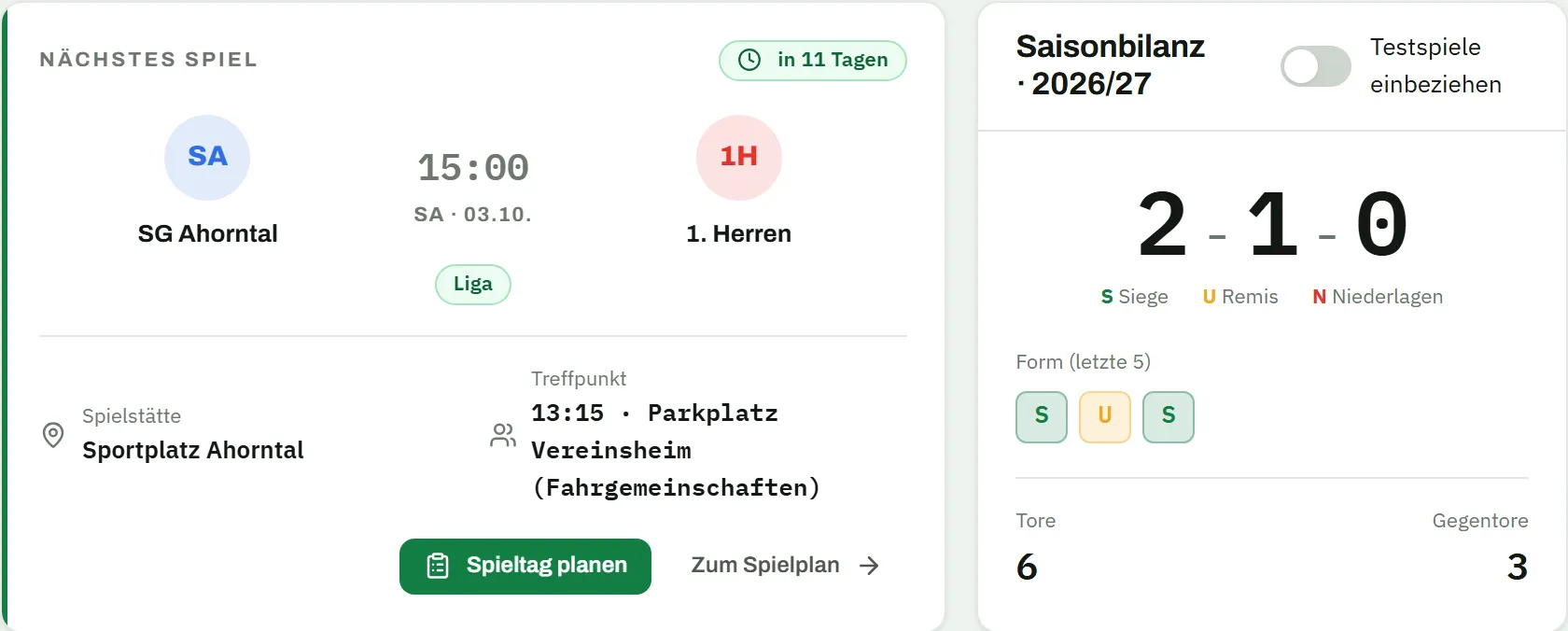
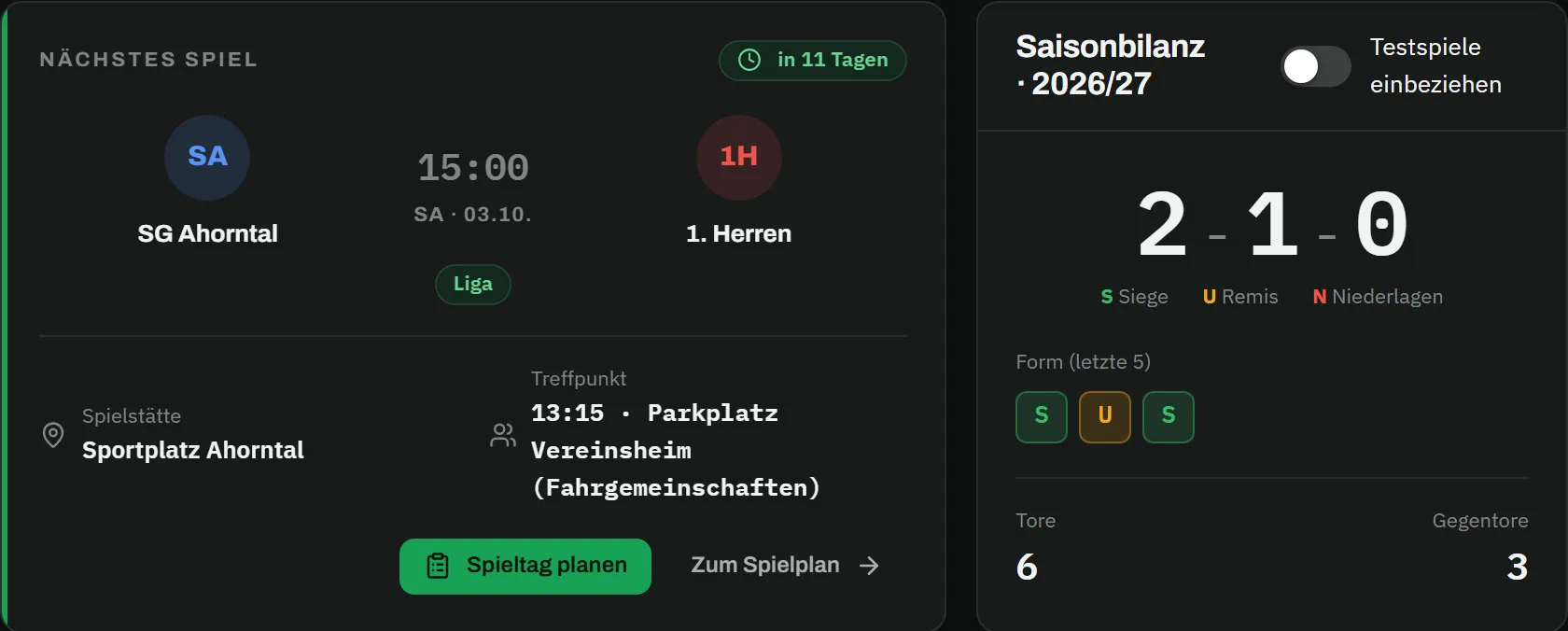
  1. Dashboard with the "next match" card: SG Ahorntal v 1. Herren on Saturday 3 October, 15:00, league, in 11 days, venue Sportplatz Ahorntal, meeting at 13:15 at the clubhouse car park, with the buttons "plan matchday" and "to fixtures"; next to it the 2026/27 season record with 2 wins, 1 draw, 0 losses, form W D W, 6 goals scored and 3 conceded Dashboard with the "next match" card: SG Ahorntal v 1. Herren on Saturday 3 October, 15:00, league, in 11 days, venue Sportplatz Ahorntal, meeting at 13:15 at the clubhouse car park, with the buttons "plan matchday" and "to fixtures"; next to it the 2026/27 season record with 2 wins, 1 draw, 0 losses, form W D W, 6 goals scored and 3 conceded

    Dashboard

    One look and you’re up to date.

    Next match with meeting point, season record and form – and who’s injured right below.

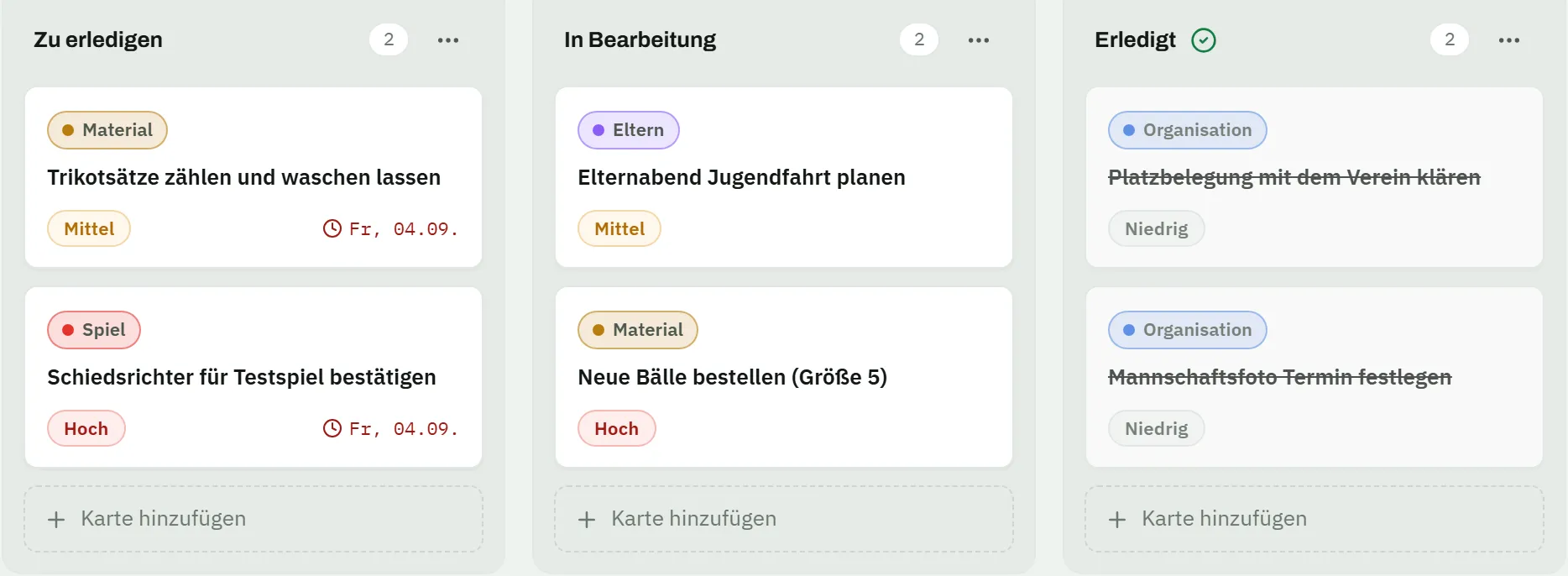
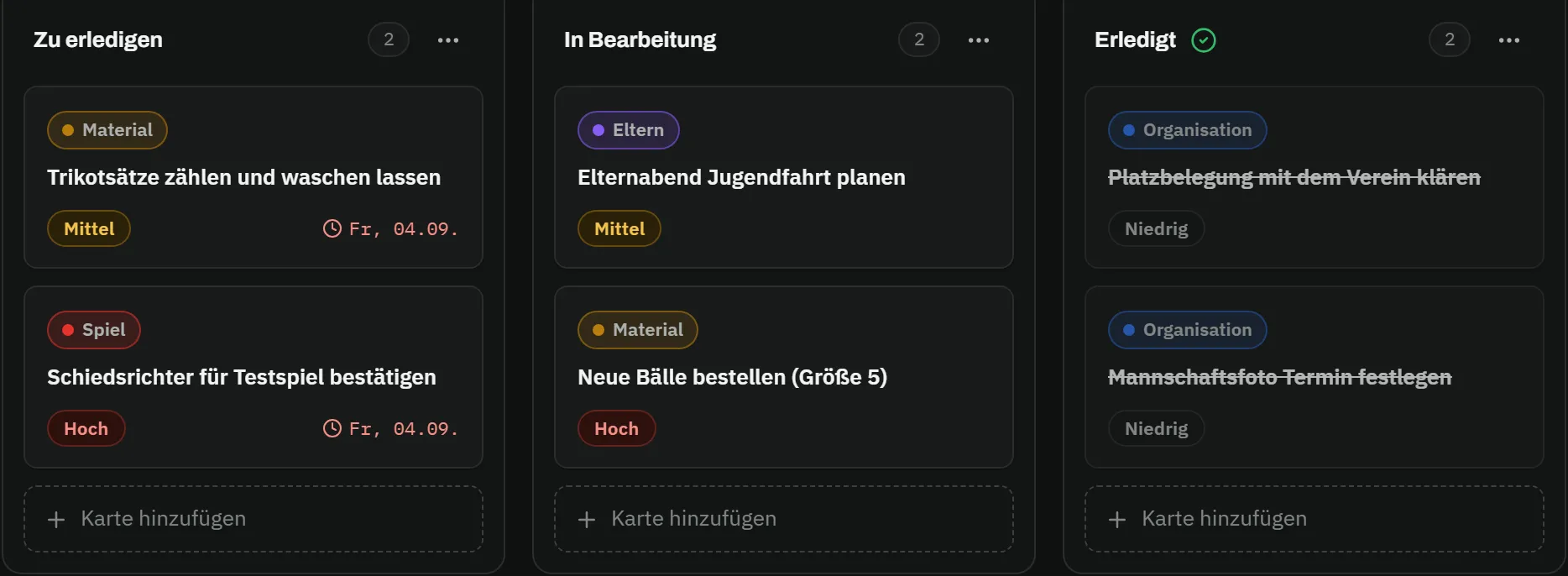
  2. Task board "Saisonstart 2026/27" with three columns: to do with "count kits and have them washed" and "confirm referee for friendly", both due Friday 4 September; in progress with "plan parents’ evening for the youth trip" and "order new balls (size 5)"; done with "clear pitch booking with the club" and "set date for team photo" – each card with a label and a priority Task board "Saisonstart 2026/27" with three columns: to do with "count kits and have them washed" and "confirm referee for friendly", both due Friday 4 September; in progress with "plan parents’ evening for the youth trip" and "order new balls (size 5)"; done with "clear pitch booking with the club" and "set date for team photo" – each card with a label and a priority

    Tasks

    Kits, balls, referee – who does what.

    A board for the coaching staff: cards with priority and due date, comments with @-mentions, done is done.

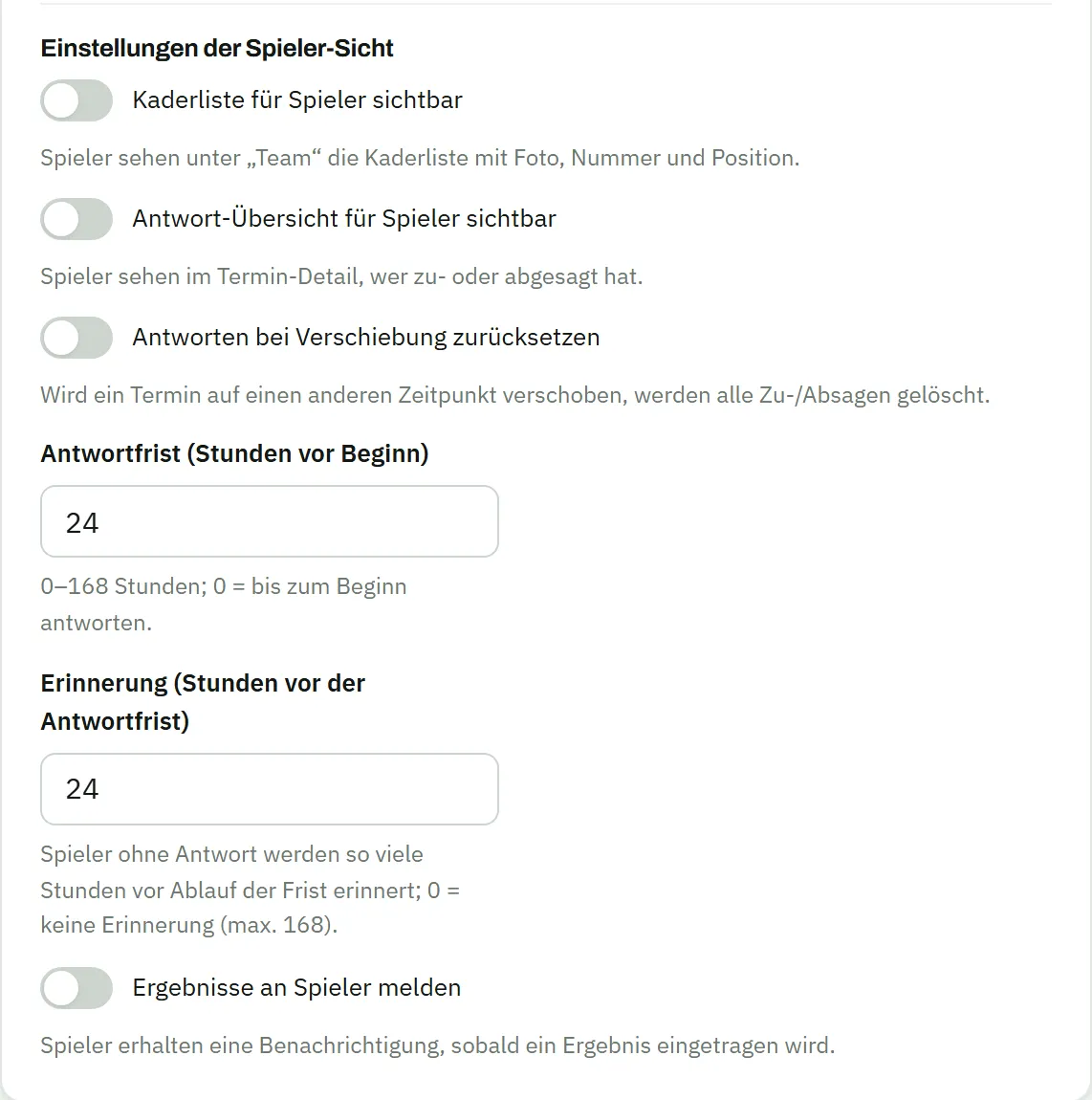
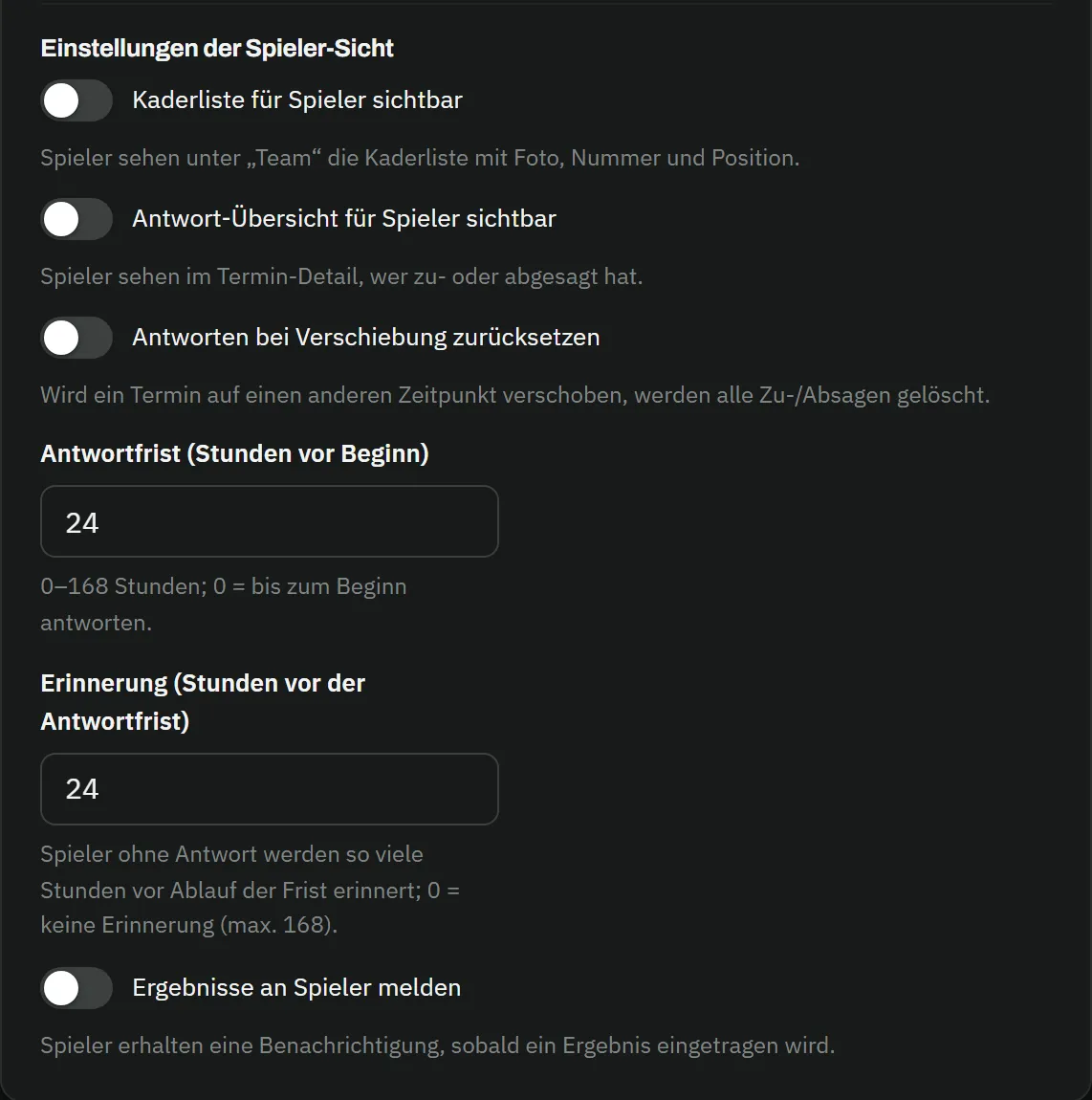
  3. Settings for the player view: toggles for "squad list visible to players", "reply overview visible to players" and "reset replies when rescheduled", the fields reply deadline 24 hours before kick-off and reminder 24 hours before the deadline, and the toggle "report results to players" Settings for the player view: toggles for "squad list visible to players", "reply overview visible to players" and "reset replies when rescheduled", the fields reply deadline 24 hours before kick-off and reminder 24 hours before the deadline, and the toggle "report results to players"

    Rules

    You set the deadline.

    Reply deadline, reminder, whether players see the squad list and each other’s replies – all your call.

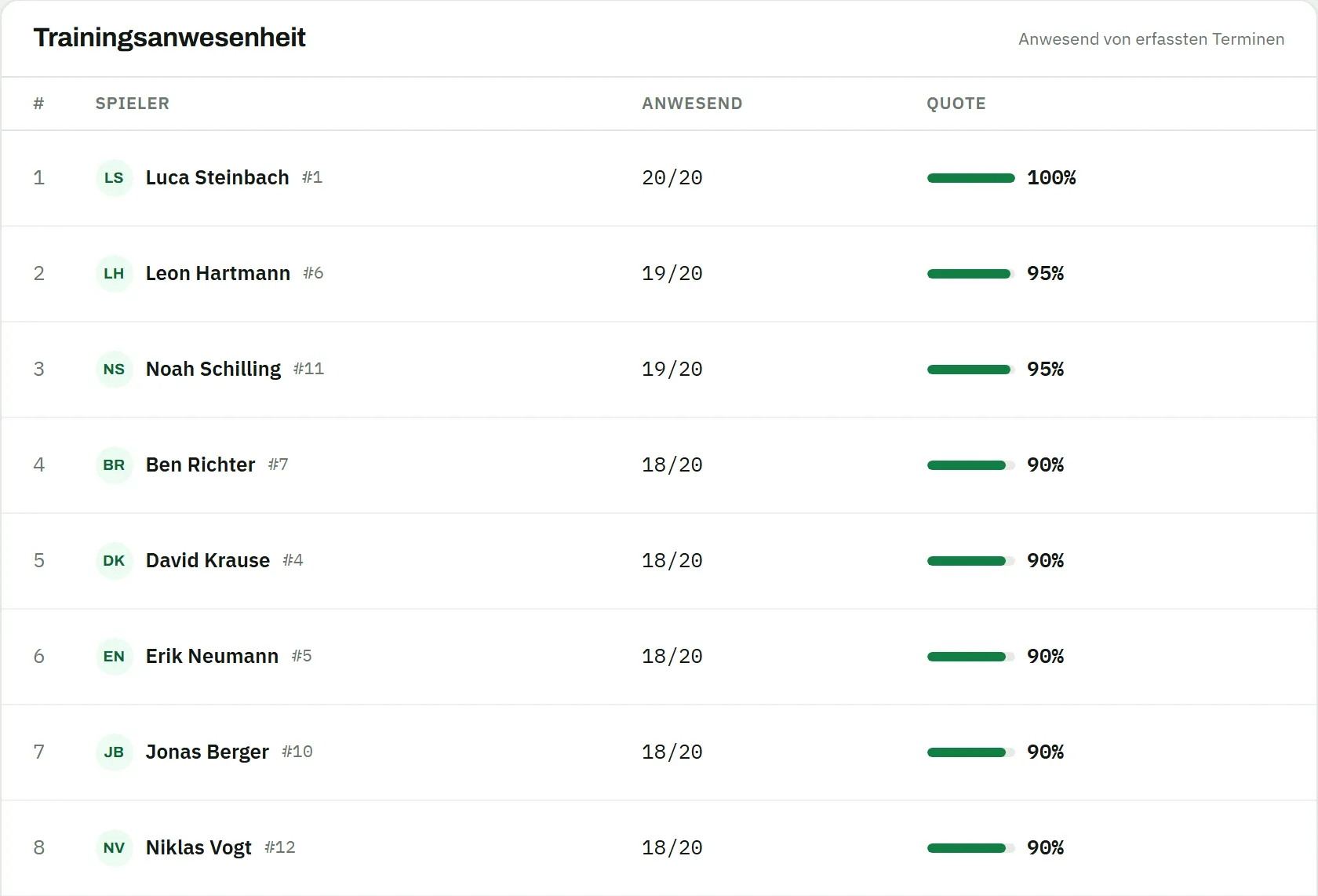
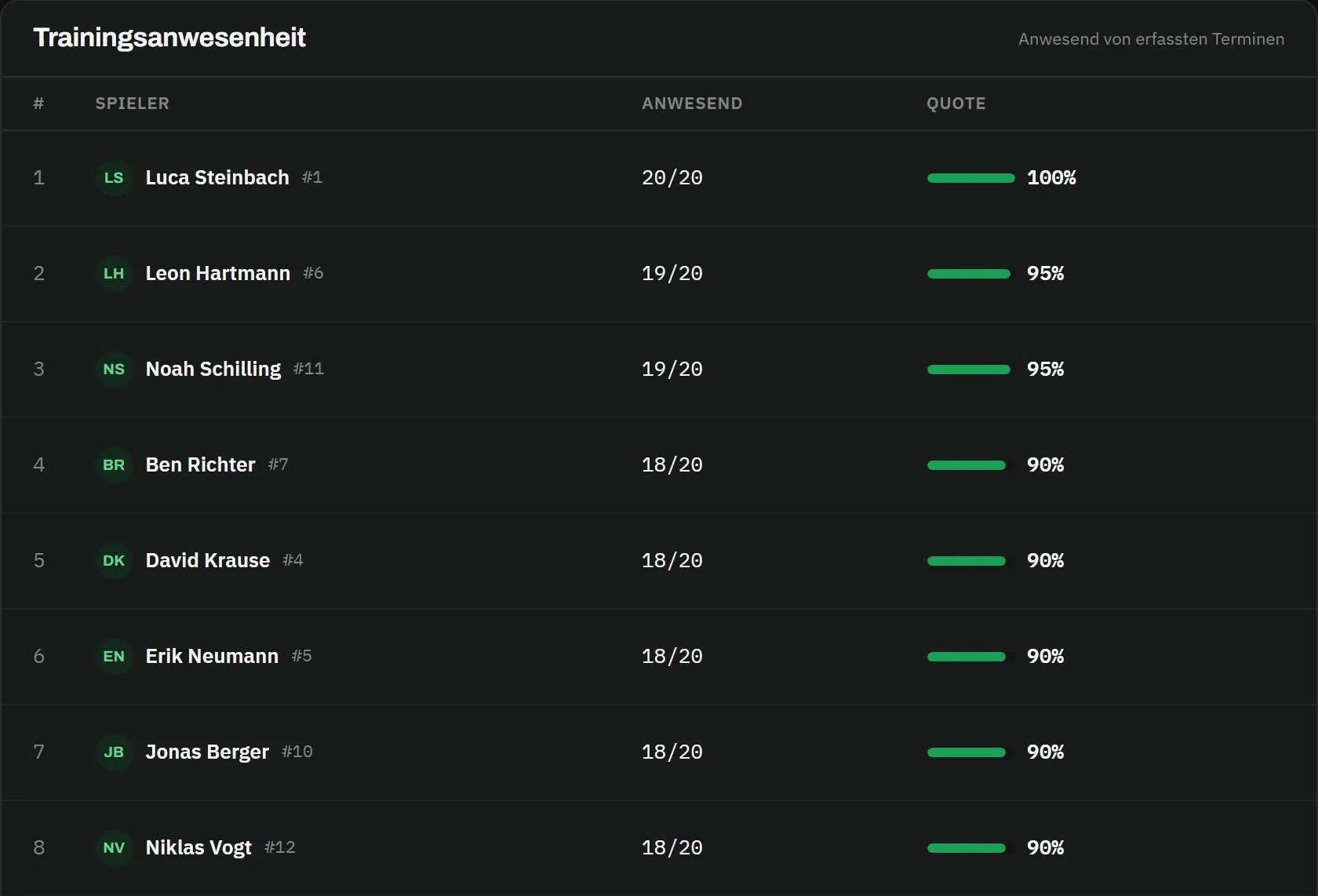
  4. Training attendance table with eight players: Luca Steinbach 20 of 20 sessions, 100 percent; Leon Hartmann and Noah Schilling 19 of 20, 95 percent; Ben Richter, David Krause, Erik Neumann, Jonas Berger and Niklas Vogt 18 of 20, 90 percent – each with a bar Training attendance table with eight players: Luca Steinbach 20 of 20 sessions, 100 percent; Leon Hartmann and Noah Schilling 19 of 20, 95 percent; Ben Richter, David Krause, Erik Neumann, Jonas Berger and Niklas Vogt 18 of 20, 90 percent – each with a bar

    Training attendance

    Who shows up, who doesn’t – over the season.

    Tick attendance after training, the rate per player adds itself up.

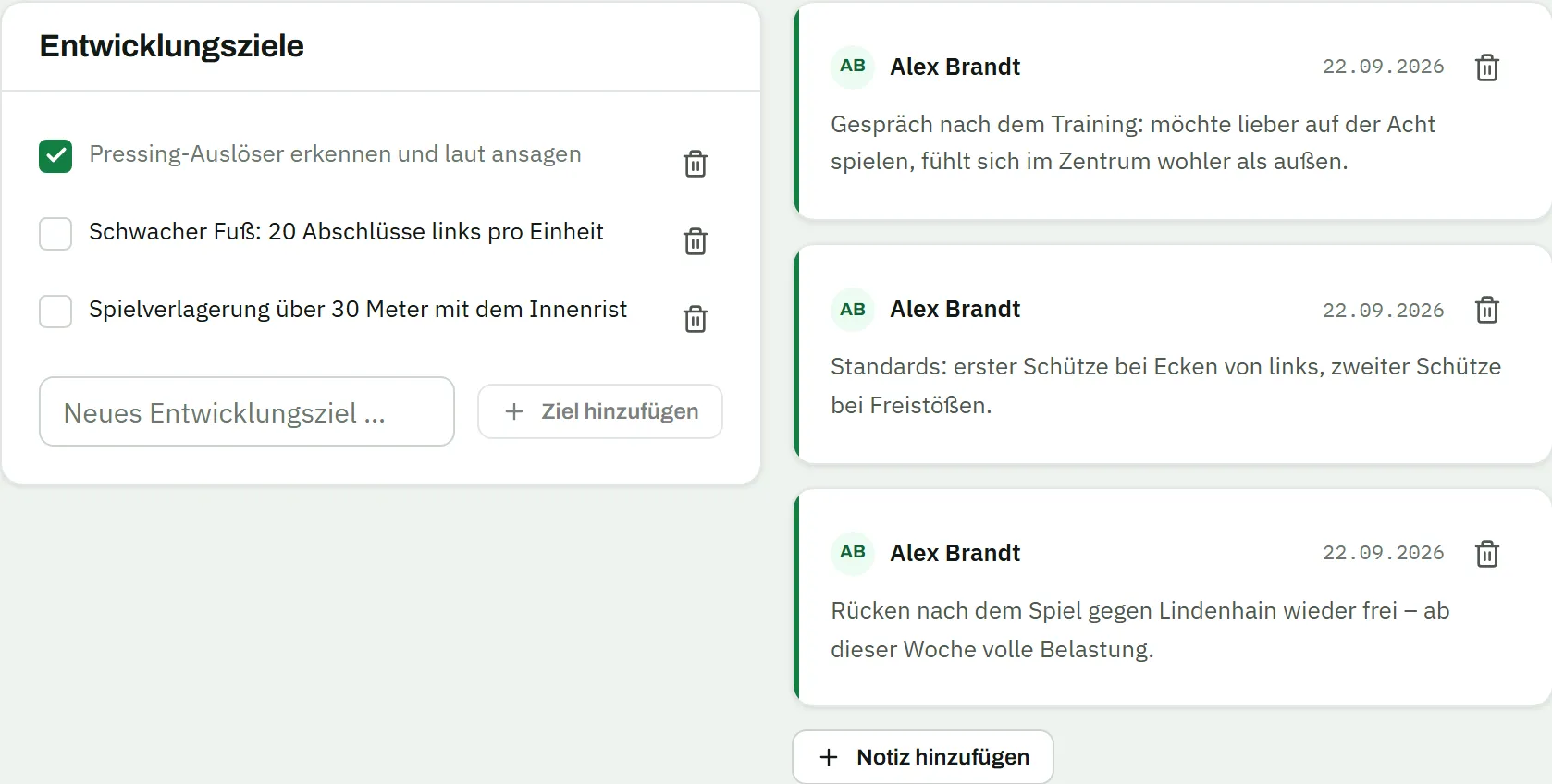
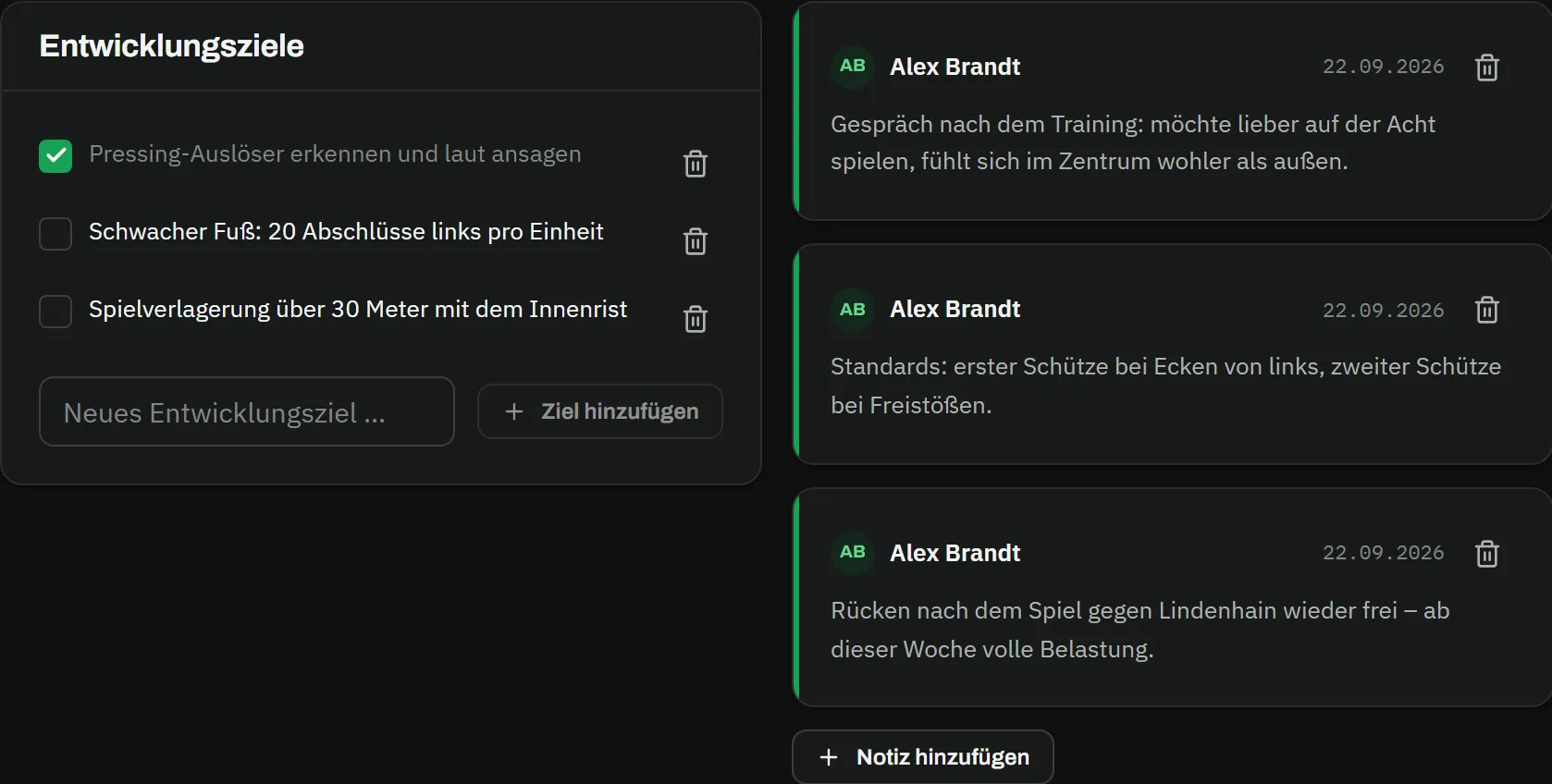
  5. Player profile of Jonas Berger, notes tab: on the left the development goals card with the ticked goal "recognise pressing triggers and call them out" and the open goals "weak foot: 20 finishes with the left per session" and "switch of play over 30 metres with the inside of the foot"; on the right three notes by Alex Brandt from 22 September 2026 about a preferred position, set pieces and his back Player profile of Jonas Berger, notes tab: on the left the development goals card with the ticked goal "recognise pressing triggers and call them out" and the open goals "weak foot: 20 finishes with the left per session" and "switch of play over 30 metres with the inside of the foot"; on the right three notes by Alex Brandt from 22 September 2026 about a preferred position, set pieces and his back

    Notes & goals

    What you want to remember about a player.

    Conversations, set pieces, development goals to tick off – for you and your staff only, never for the player.

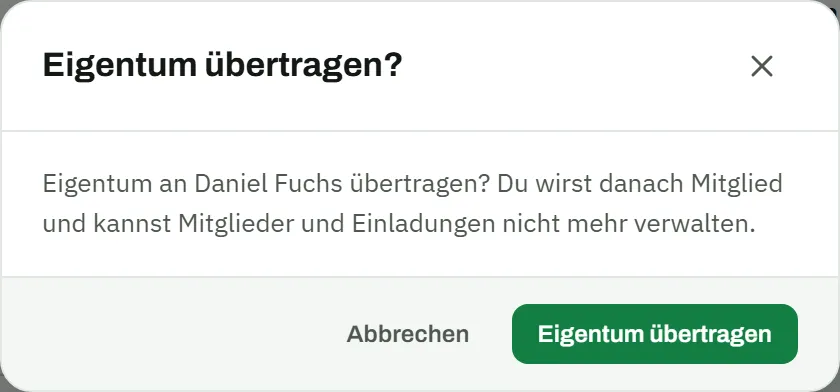
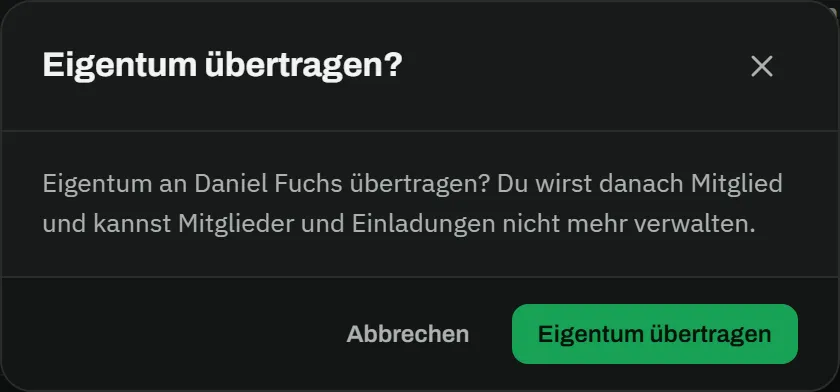
  6. Dialog "transfer ownership?" with the text "transfer ownership to Daniel Fuchs? You will then be a member and can no longer manage members and invitations." and the buttons cancel and transfer ownership Dialog "transfer ownership?" with the text "transfer ownership to Daniel Fuchs? You will then be a member and can no longer manage members and invitations." and the buttons cancel and transfer ownership

    End of season

    New coach? Hand over the team.

    One click and your successor takes over squad, fixtures and drills – nothing has to be set up again.
The whistle is still on you.

Everything else – dates, replies, line-up, record – runs along in MatchPlanner.

Good to know.

How long does setup take?

One evening. Create the team, enter the squad with numbers and positions, add fixtures and training times – after that you only maintain what changes.

What if not all players use the app?

Then you enter their replies yourself – two clicks per player, the reason stays. Attendance, squad planning and statistics work without any player accounts at all.

Does it work on the phone at the pitch?

Yes. MatchPlanner runs in the browser and adapts to any screen – ticking attendance, changing the line-up or entering the result works right at the touchline. If you like, put it on your home screen like an app.

What happens when the season changes?

You start a new season; fixtures, record and statistics are counted separately from its start date, and the old season stays available as an archive. If you hand over the team, you transfer ownership to your successor and can delete your account afterwards.